SCA (Dependency Vulnerabilities)
Most applications today owe a large share of their code to third-party open source libraries. Dependency scanning (SCA) matches the names and versions of the components you pull in against known-vulnerability databases (CVE), so you learn which of your libraries already carry publicly disclosed flaws.
Your own code can be flawless, yet a single defect in an open source package that came along for the ride can put the whole application at risk. For the Source Code service, it reads the package manifest and analyzes not only your direct dependencies but also the transitive dependencies they pull in.
- Analysis : Known vulnerabilities (CVEs) in source dependencies
- What you need : A registered Source Code service, plus a package manifest / lock file
- Results : A list of direct and transitive dependency CVEs
SCA also works on container images, servers (hosts), uploaded SBOMs, and binary files. This document takes the source dependency perspective. For other targets, see Image SCA, Host OS vulnerabilities, SBOM upload, and Binary file.
What it finds
- Package manifests and lock files (for example,
package.json/package-lock.json,go.mod/go.sum,requirements.txt,pom.xml) - It tracks not only direct dependencies but also transitive dependencies (dependencies of dependencies).
Supported scope
Dependency scanning supports the following package ecosystems.
- npm / yarn / pnpm (Node.js)
- PyPI (pip / poetry / pipenv)
- RubyGems (Bundler)
- Maven / Gradle (Java)
- Go modules
- Cargo (Rust)
- Composer (PHP)
- NuGet (.NET)
- pub (Dart)
- Conan (C / C++)
- mix (Elixir)
- Swift PM / CocoaPods
Viewing results
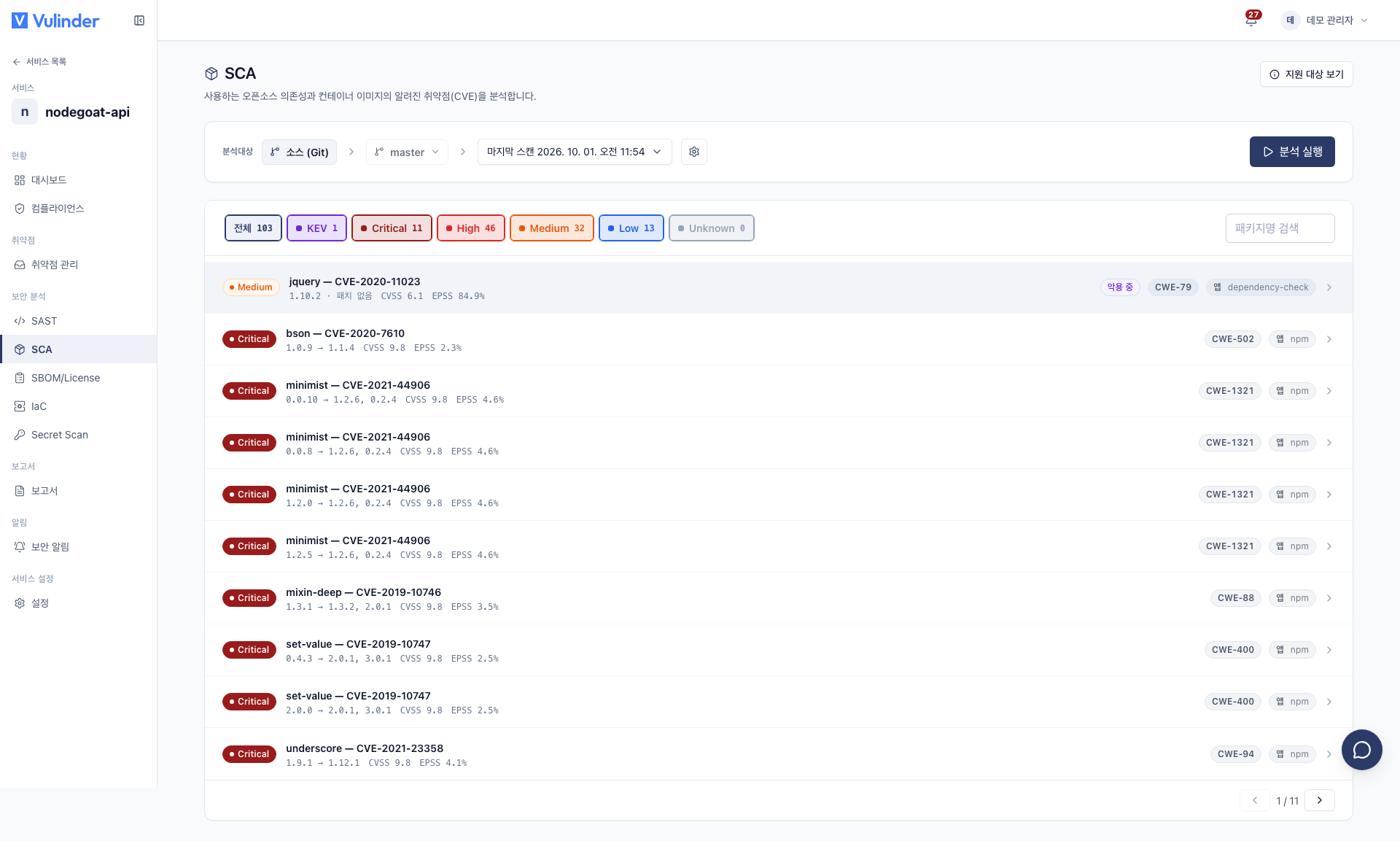
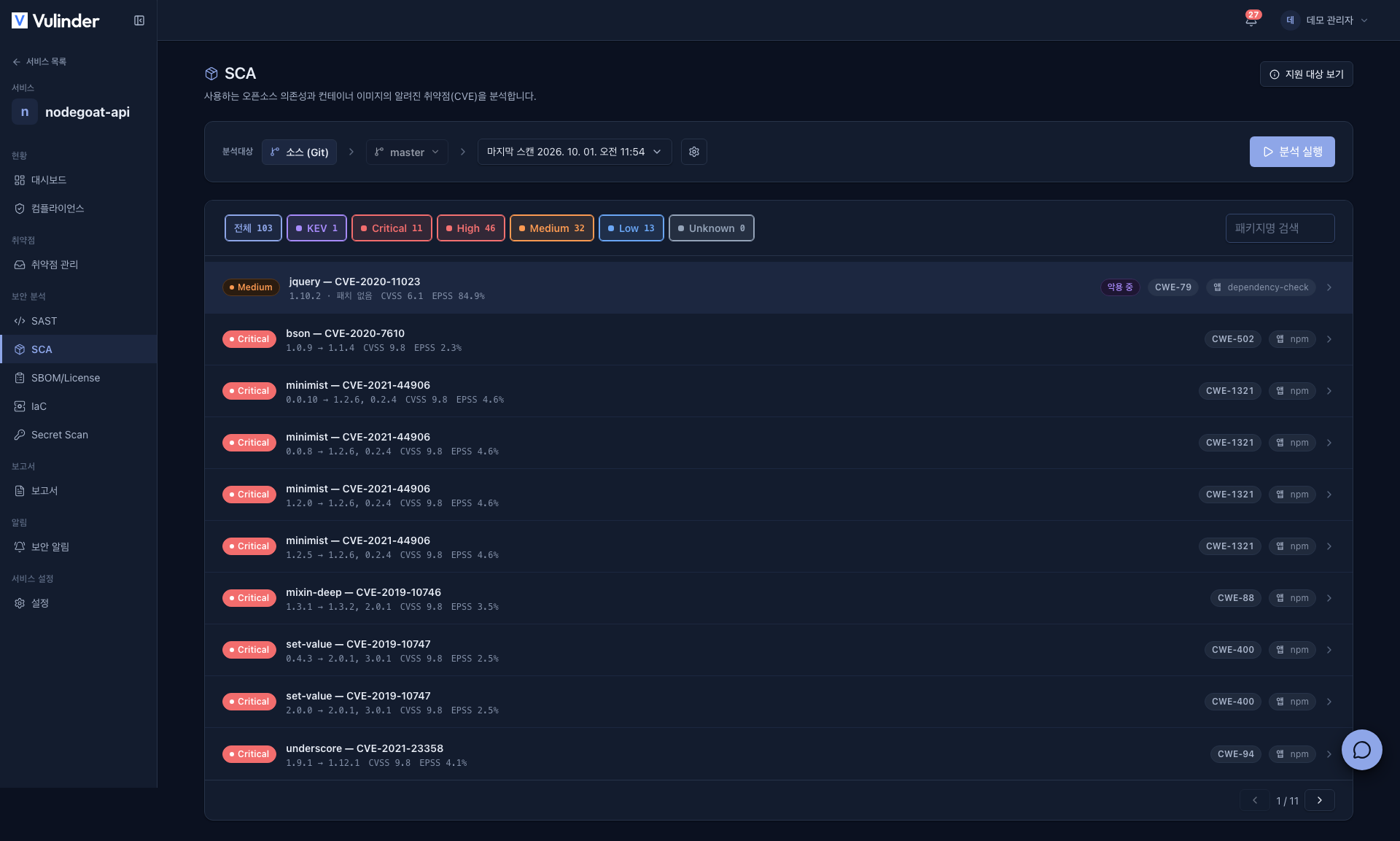
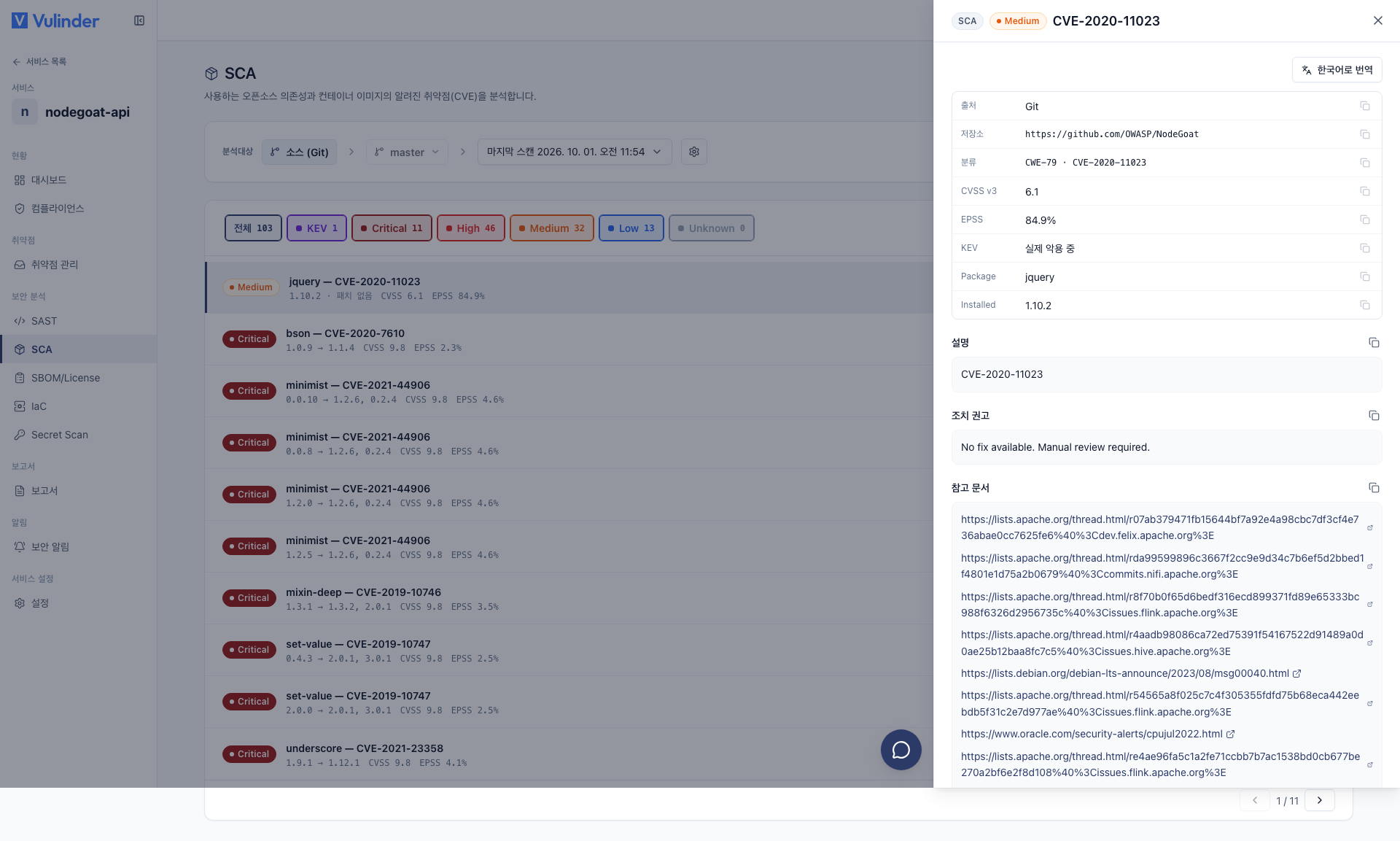
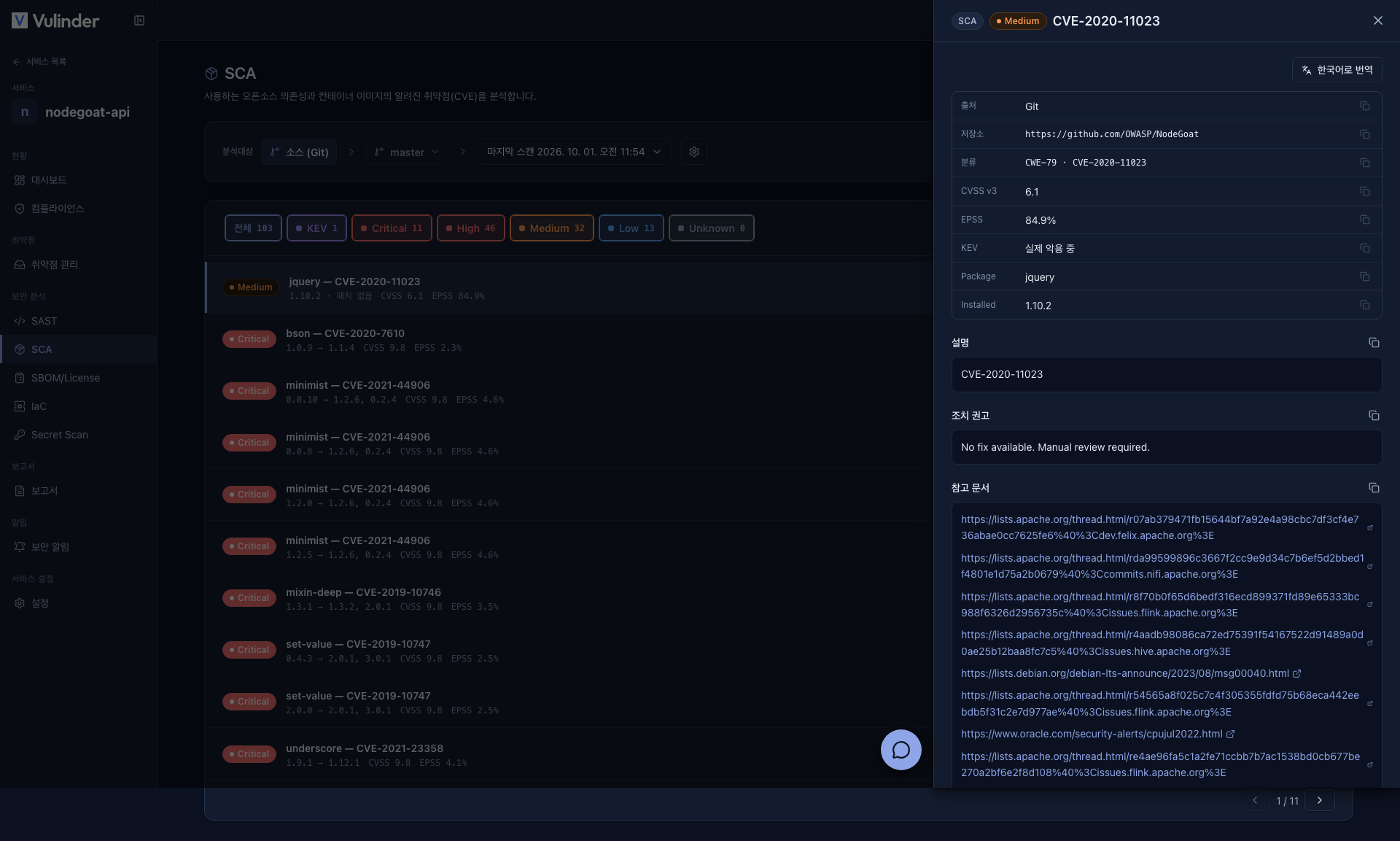
Handling results
- False positive : The CVE does not actually affect you (for example, the vulnerable function is not used). You can export that judgment as a VEX (not_affected) to communicate the rationale to customers and auditors.
- Accepted risk : It does have impact but you decide not to remediate. It is exported to VEX as affected.
Related documents
- SBOM · License : Component inventory and license risk
- Reports · VEX : Export a not-affected rationale
- Security News : New CVEs that affect your assets