Image SCA (Image Vulnerabilities)
Image SCA is the analysis that finds known vulnerabilities (CVEs) in the OS packages and application dependencies actually baked into a container image. Your source code may be clean, but the image also has to carry a base image (alpine/debian/ubuntu, etc.), system libraries, and a runtime to run that code. What ships is not the source but this completed image, so the real exposure surface is what is installed in the image layers.
Here is how it works. Each layer of the registered image is unpacked to extract the list of installed OS packages and bundled app dependencies, and these are matched against known-vulnerability databases.
That is why it reveals OS package vulnerabilities from the base image that never appear in the source manifest, along with system library vulnerabilities pulled in during the build. This analysis catches the common situation where clean source ships a vulnerable base image. Used by the Container image service.
- Analysis : CVEs in OS packages and app dependencies in image layers
- What you need : A registered container image service (registry or upload)
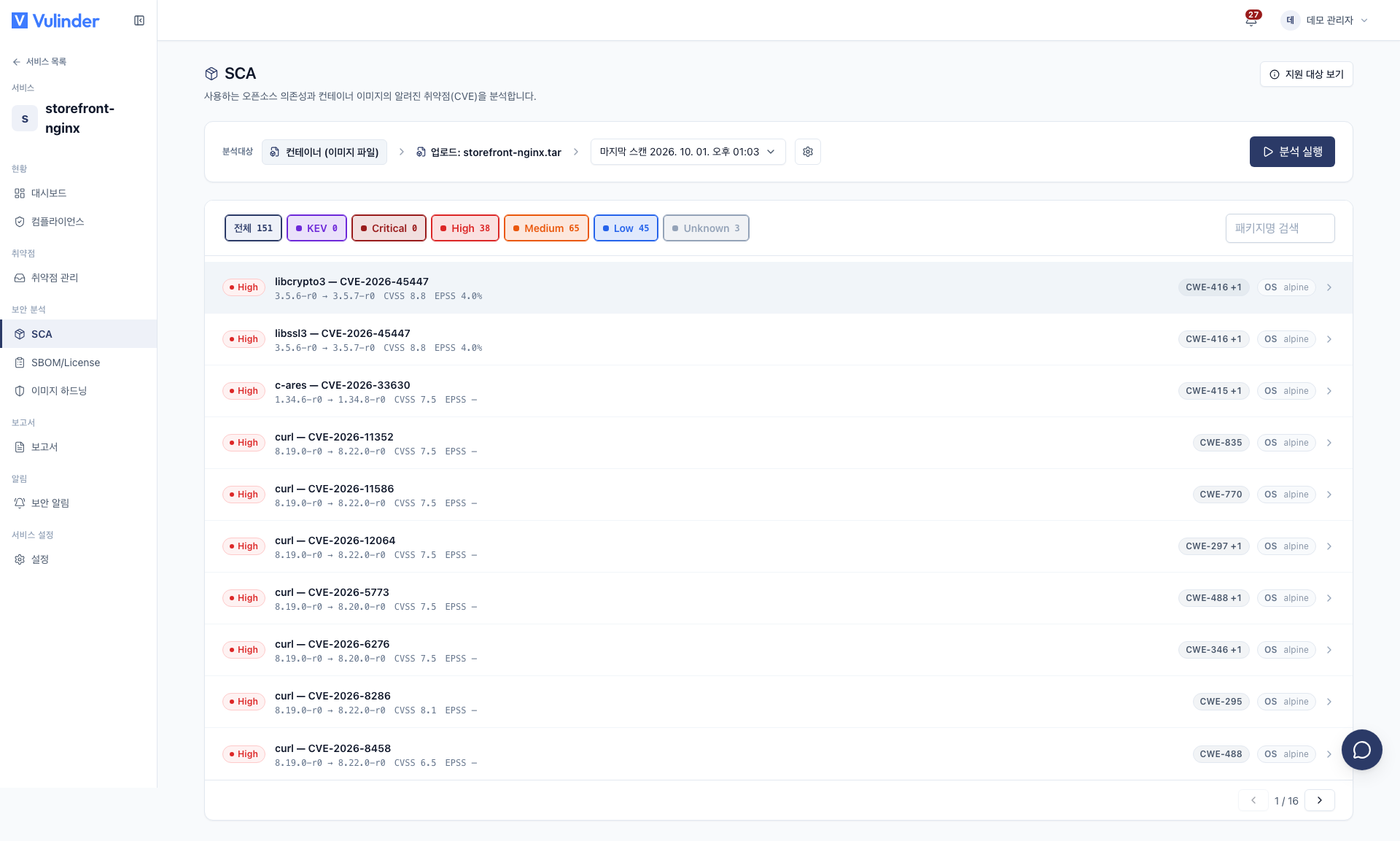
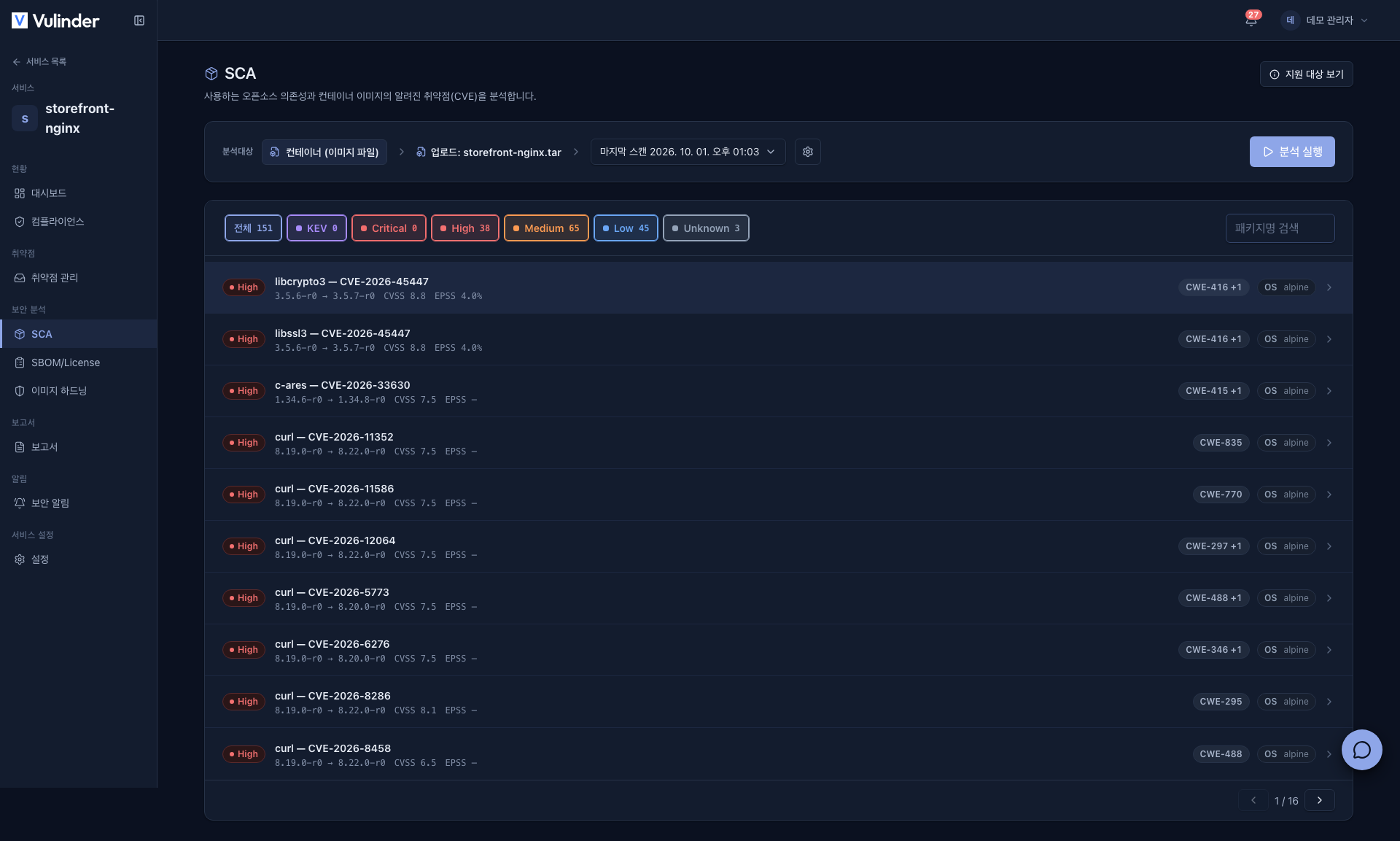
- Results : A list of CVEs by severity
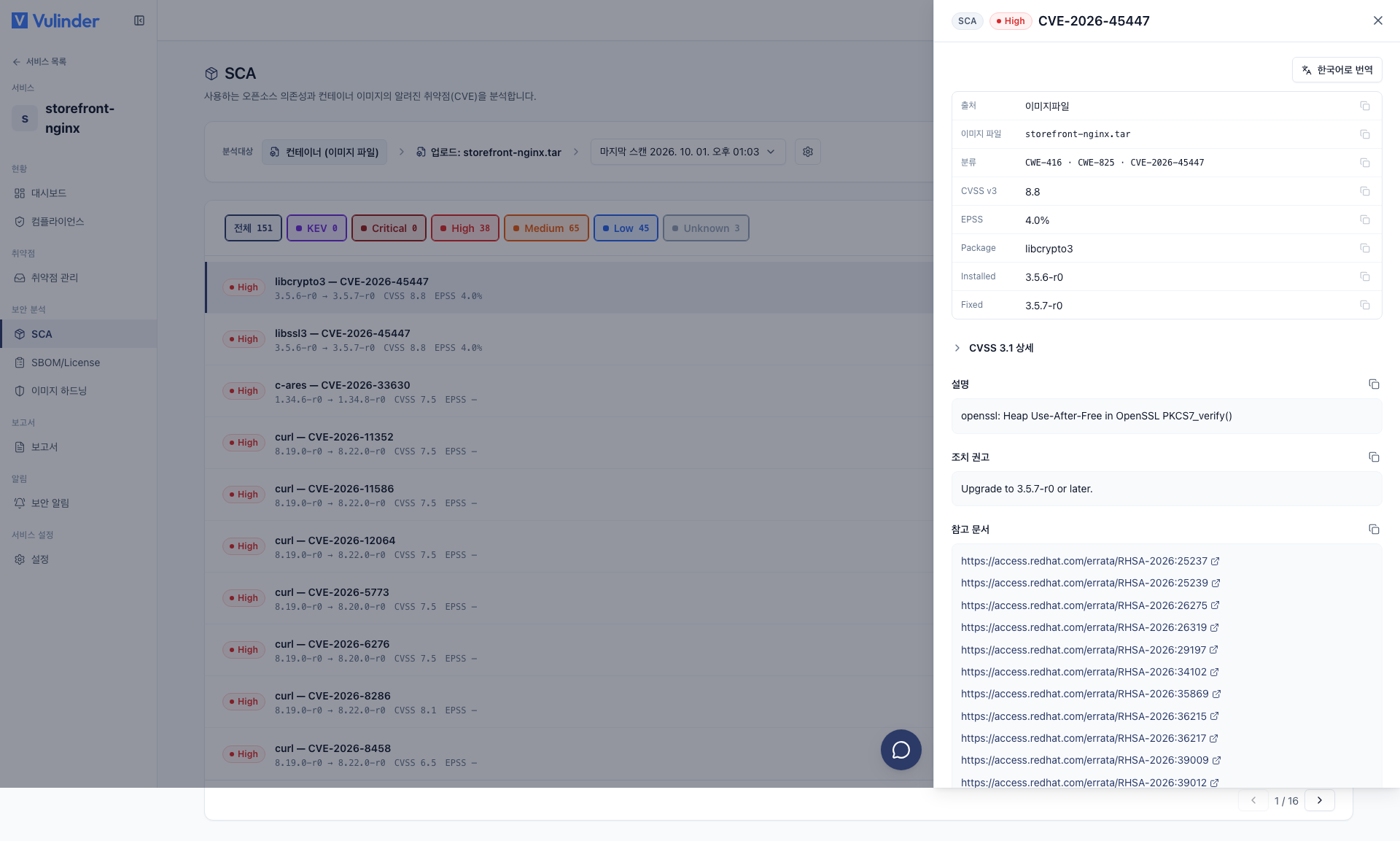
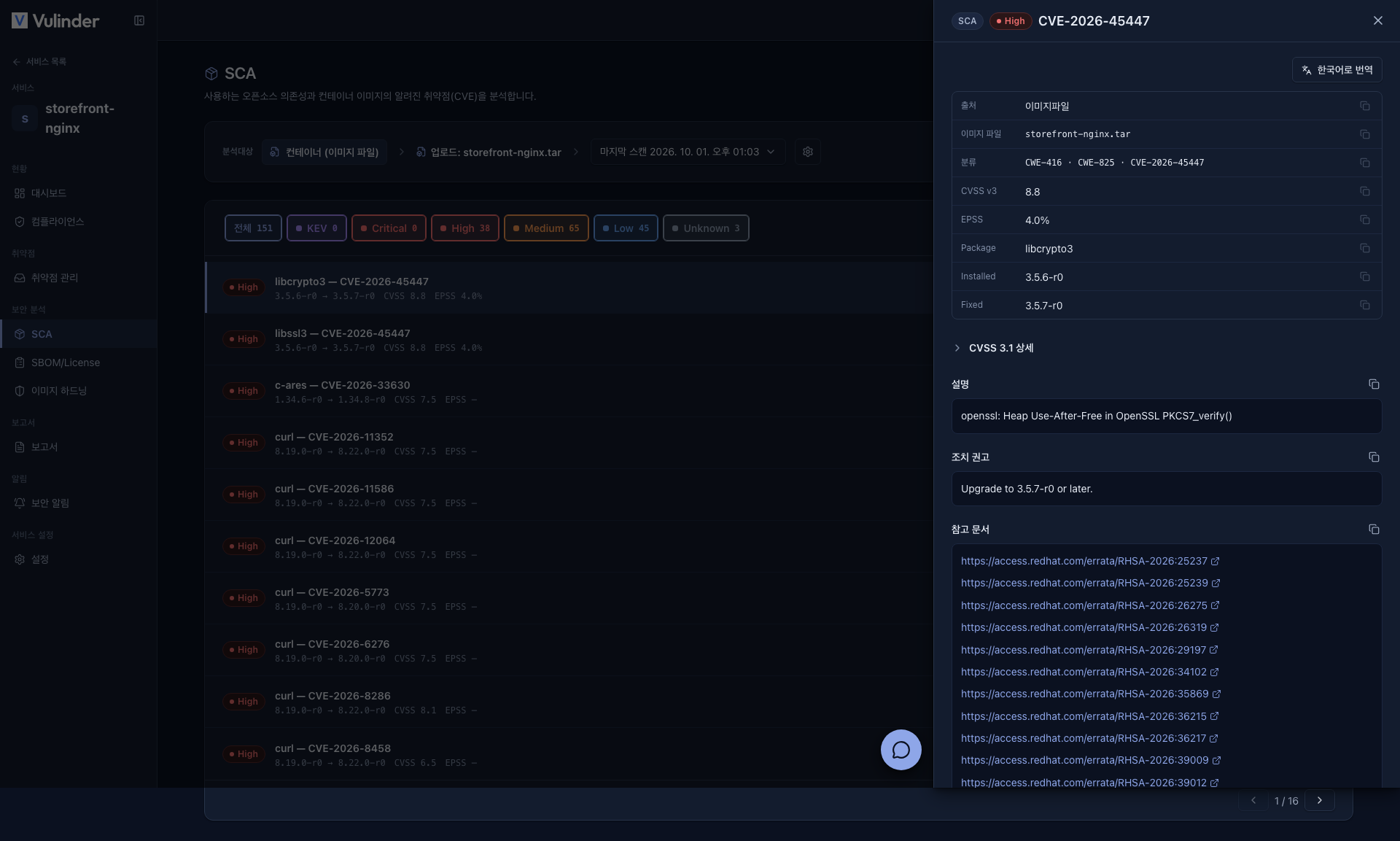
- Prioritization : Use KEV · EPSS · CWE to decide the remediation order
Source SCA reads the package manifest in the code, while image SCA looks at what is actually installed in the completed image layers. That is why it also reveals OS package vulnerabilities pulled in by the base image. (Source SCA)
What it finds
- OS packages : CVEs in system packages installed in the base image (alpine/debian/ubuntu, etc.).
- App dependencies : CVEs in application libraries bundled inside the image.
- Supported ecosystems
- OS packages : Alpine / Debian / Ubuntu / RHEL / Amazon Linux, etc.
- Apps : npm · PyPI · RubyGems · Maven / Gradle · Go · Cargo · Composer · NuGet, etc.
Viewing results
Handling results
- Remediate : Remove the vulnerable package or update the base image.
- False positive : If there is no real impact, mark it as false positive and export the rationale (not_affected) as VEX.
- Accepted risk : If it does have impact but you decide not to remediate, mark it as accepted risk. It is exported to VEX as affected.
Related documents
- Vulnerability management : Review findings, mark false positive/accepted risk
- Reports · VEX : Export a not-affected rationale
- Security News : Continuous monitoring alerts for new CVEs
- SBOM : Component list and license risk
- Image hardening : Image configuration violations
- Container images : Registration and rescan methods