Source Code
When you connect a Git repository or upload source code, you analyze everything from code to dependencies, secrets, infrastructure code, and components together in a single service.
- Analyses : SAST · SCA · Secret · IaC · SBOM / License
- What you need : Repository URL and access token (PAT), or a source code ZIP upload
- Baseline : The branch selected at registration. Rescans automatically compare against previous results
- Automation : Trigger scans on push/merge via CI webhook
What you need
Choose Git repository connection, ZIP upload, or both. Multiple selections are allowed.
- Connect a Git repository : the repository URL (for example,
https://gitlab.example.com/team/app.git) and a read-only personal access token (PAT) for the repository.- Registration requires passing the authentication test, so enter a token even for public repositories.
- Upload source code : if connecting a repository is difficult, upload your source code as a ZIP file. Handy for air-gapped networks or one-off checks.
Read-only (read repository) permission is enough. Do not use tokens with broader permissions than needed. Stored tokens are kept encrypted and are shown masked on screen.
Registration steps
On the [Services] page, click Register service and select Source code to start the wizard.
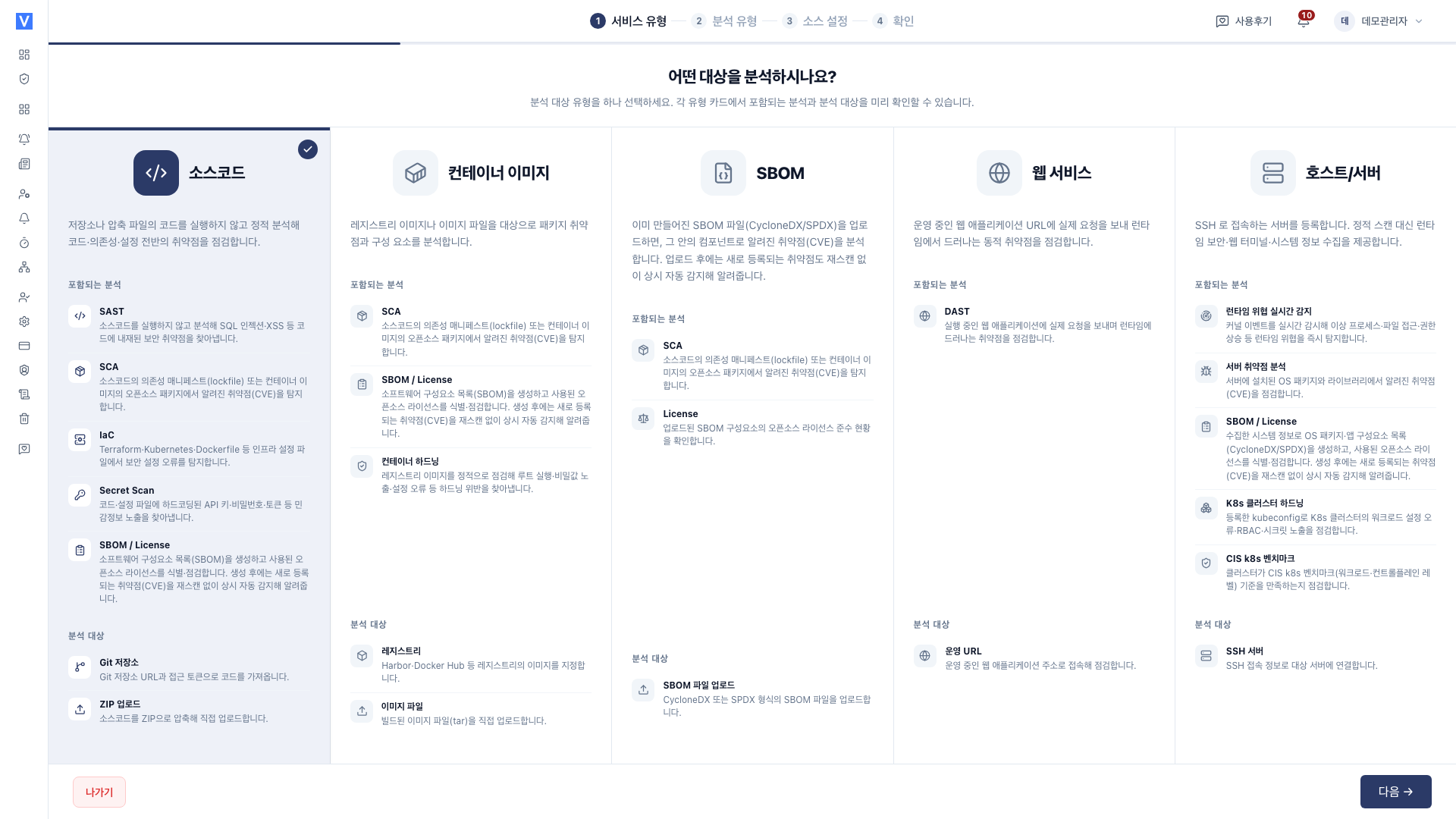
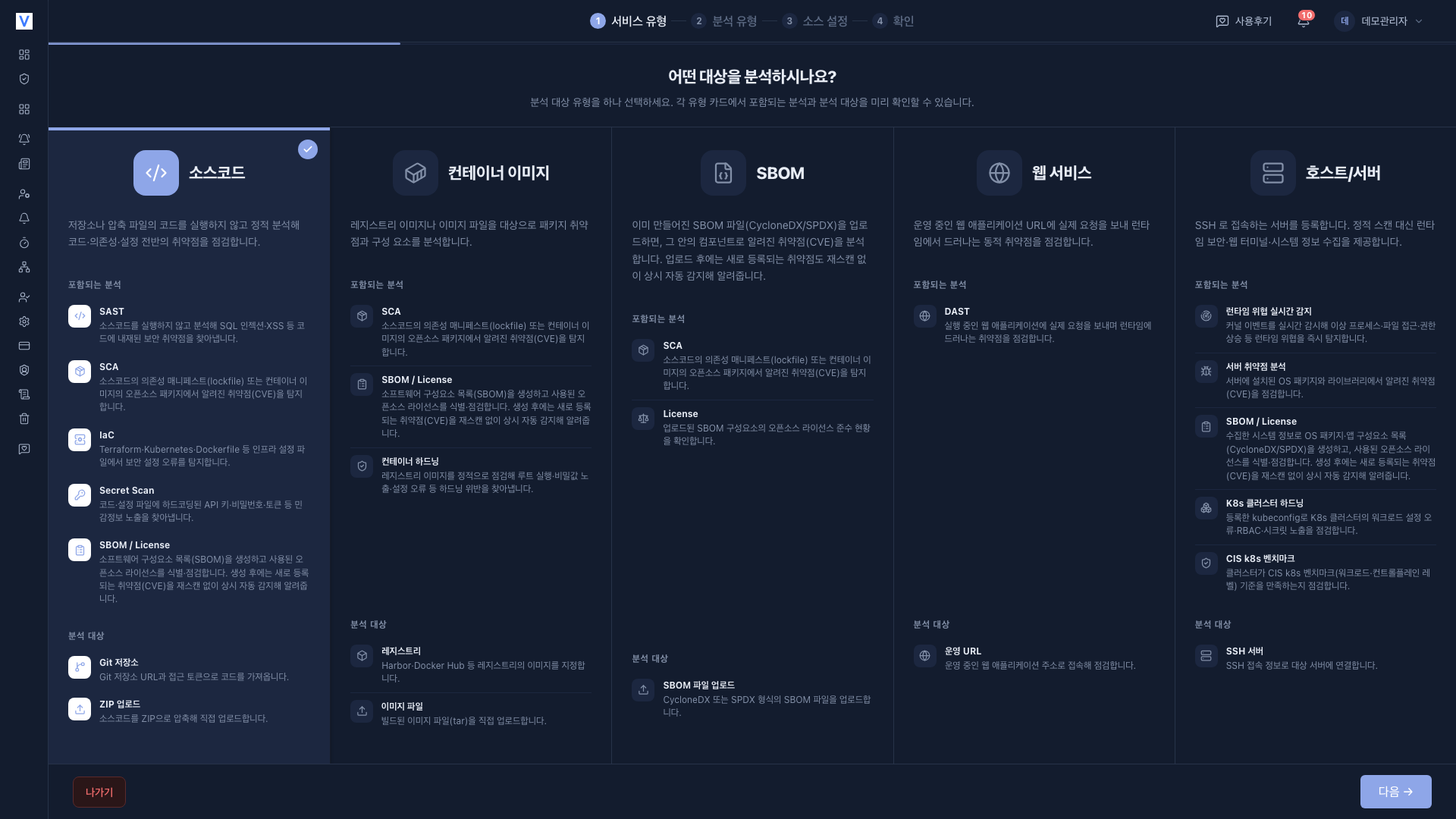
- SAST : code-level vulnerabilities (static analysis)
- SCA : known CVEs in open source dependencies
- Secret : hardcoded keys · tokens · passwords
- IaC : misconfigurations in infrastructure code within the repository (Terraform · K8s · Dockerfile)
- SBOM · License : component inventory and license risk
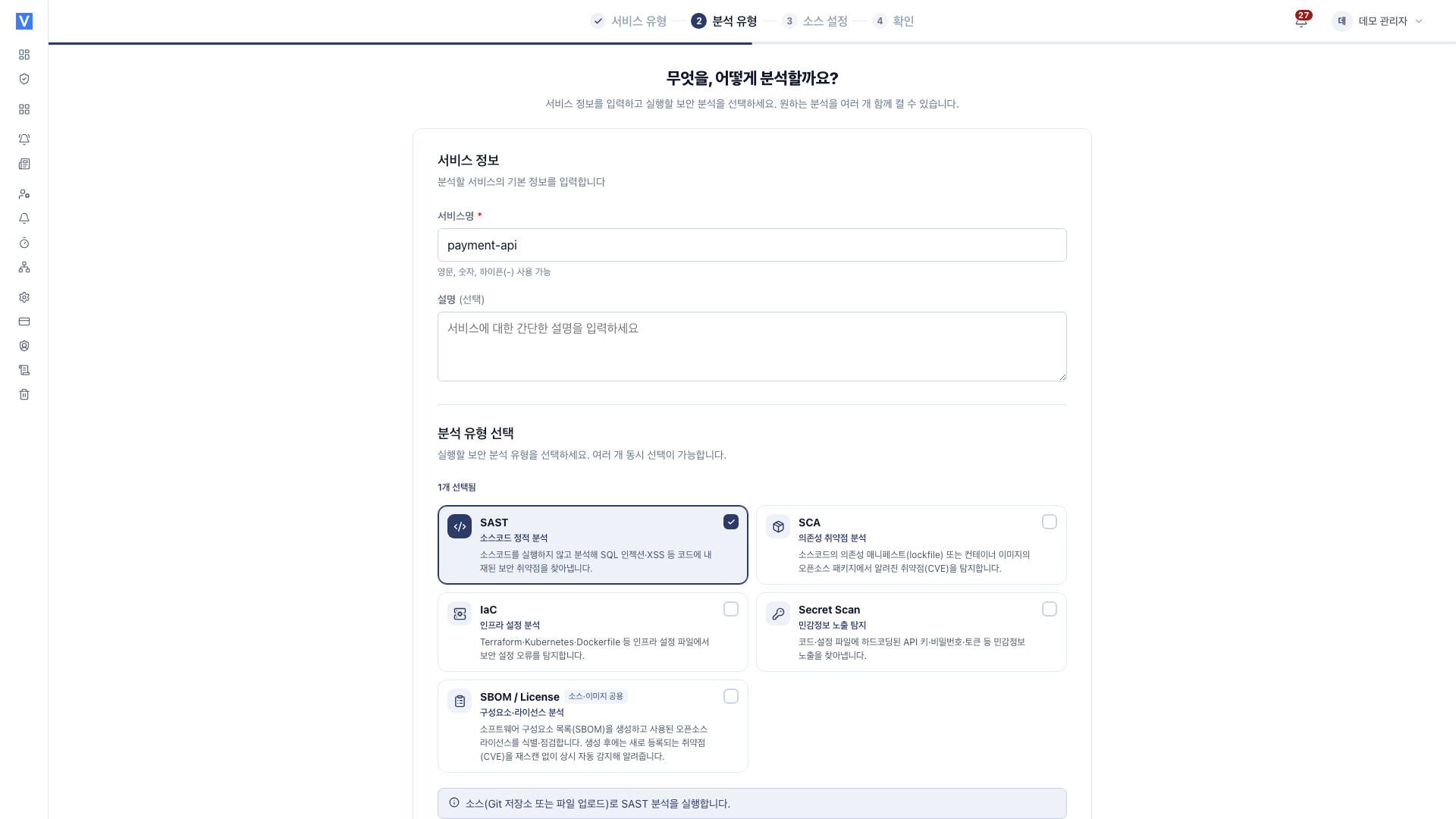
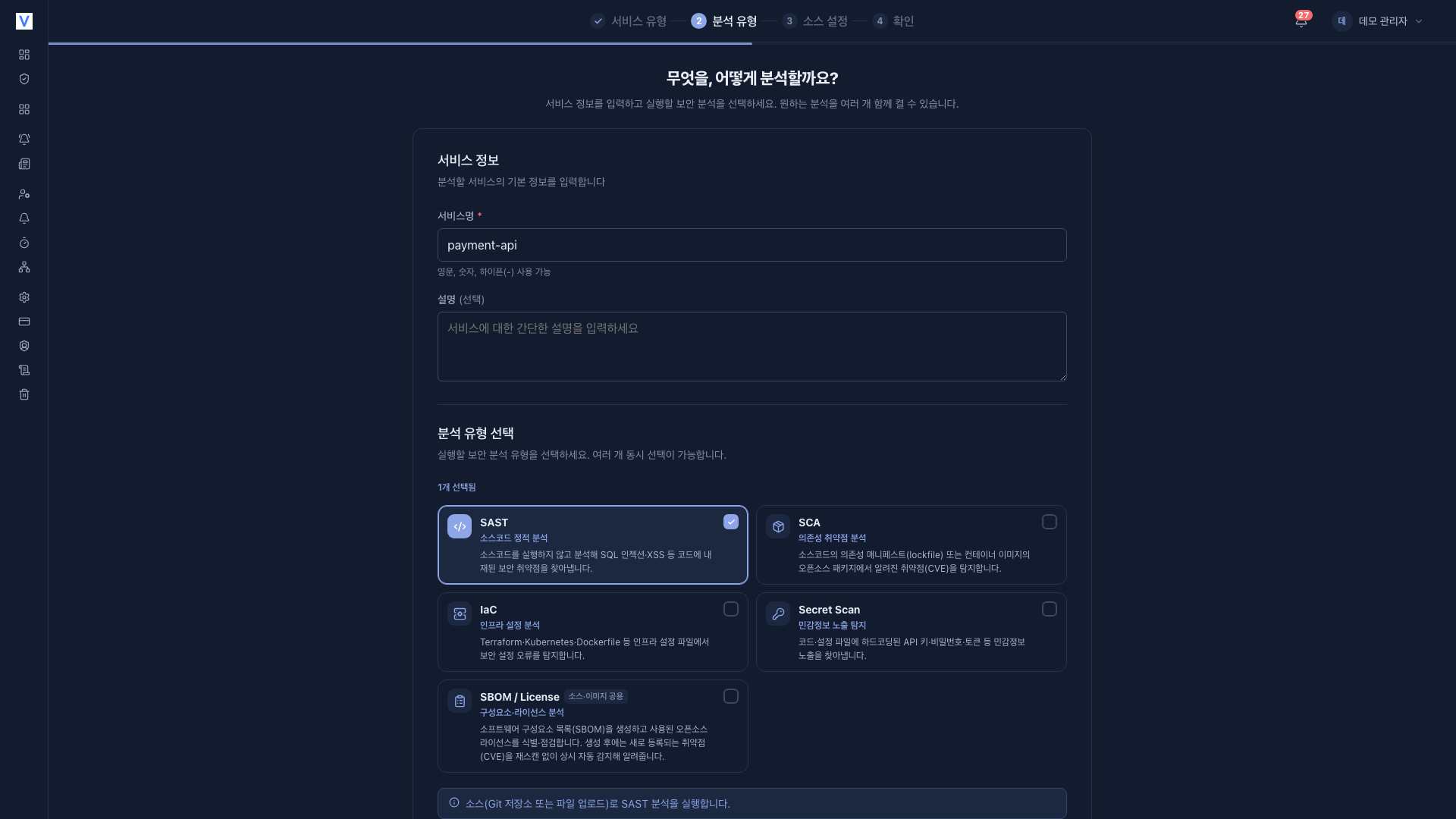
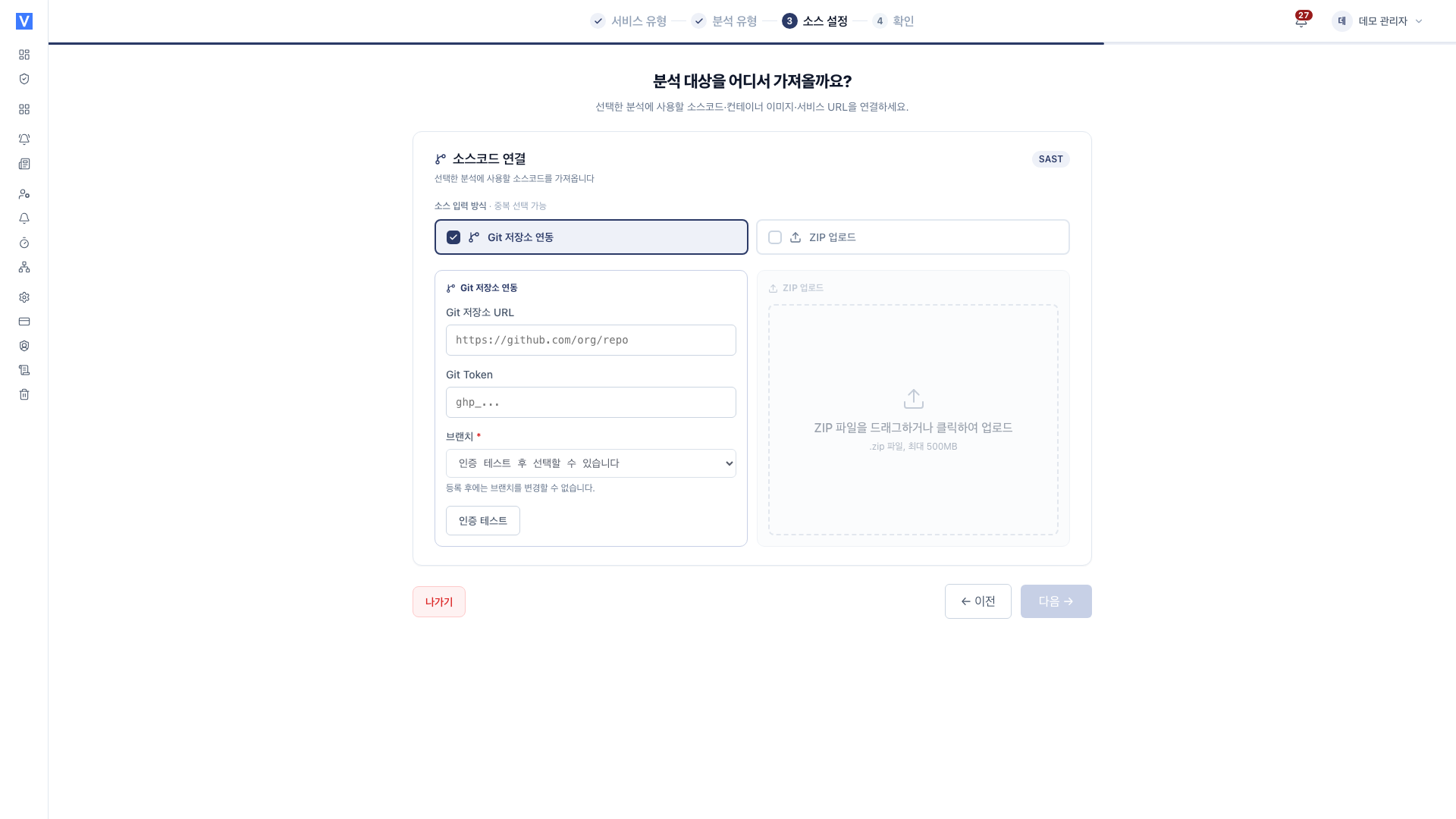
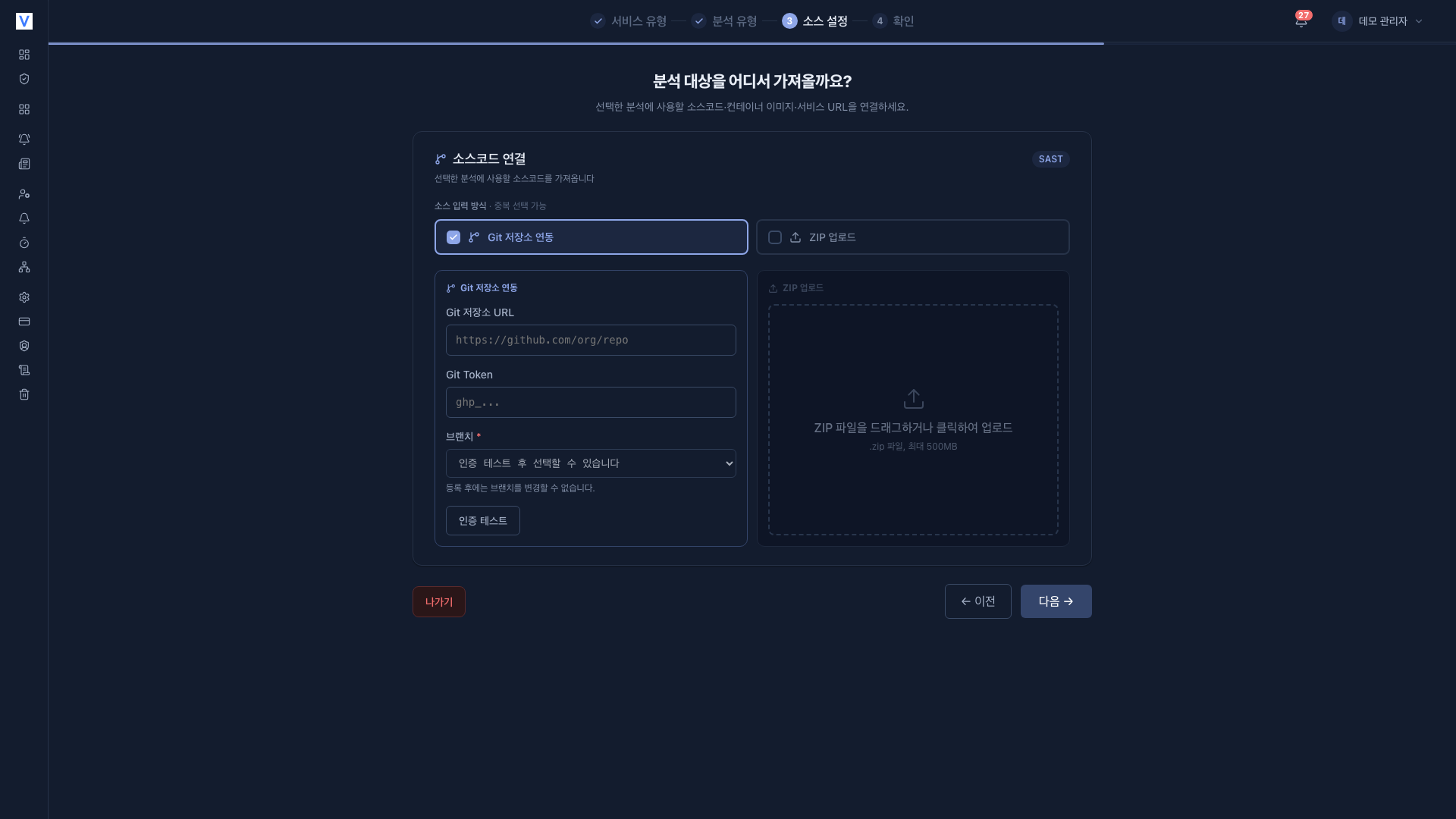
When you finish, you land on the [Services] list. Open the service and press Run analysis in each analysis tab to start the first scan.
Branches and rescans
- Analysis is based on the branch selected at registration.
- When code changes, it is scanned again and compared against previous results. If an item you marked as resolved is found again, it automatically returns to open and is marked as Recurred.
- To run automatically on a regular basis, you can configure a scan schedule (cron).
CI integration
To run SAST, SCA, Secret, IaC, and SBOM automatically on push or pull request, set it up as follows.
- Issue a token in the service's [Settings] > Automation > CI triggers tab.
- Add a scan trigger step to your pipeline.
Inject the token only as a CI secret variable and never put it in commits in plaintext. The setup steps and GitLab / GitHub / Jenkins snippets are covered in CI Integration.
Settings (changing after registration)
After registration, you can change settings under [Settings] in the service sidebar (analyses, replacing the Git repository URL and token, replacing the ZIP). Step-by-step instructions are in Source code settings.
Related documents
- SAST : Static analysis for code-level vulnerabilities
- SCA : Known CVEs in dependencies
- Secret : Detect hardcoded secrets
- IaC : Infrastructure code misconfigurations
- SBOM · License : Components and license risk
- Vulnerability Management : Review and handle findings
- Source code settings : Change settings after registration