SBOM Upload
Even without access to the source or image, knowing just the components lets you see the risk. Upload an SBOM (Software Bill of Materials) already built by another tool or pipeline, and it analyzes the known vulnerabilities (CVEs) and license risk of the listed packages. Useful when code is hard to access, such as in air-gapped networks or third-party artifacts.
- Analyses : Component SCA (CVE) · license risk
- What you need : A CycloneDX or SPDX SBOM file
- Results : CVEs by severity + license risk list
- Continuous monitoring : When a new CVE is published for a component, you get an alert without re-uploading
What you need
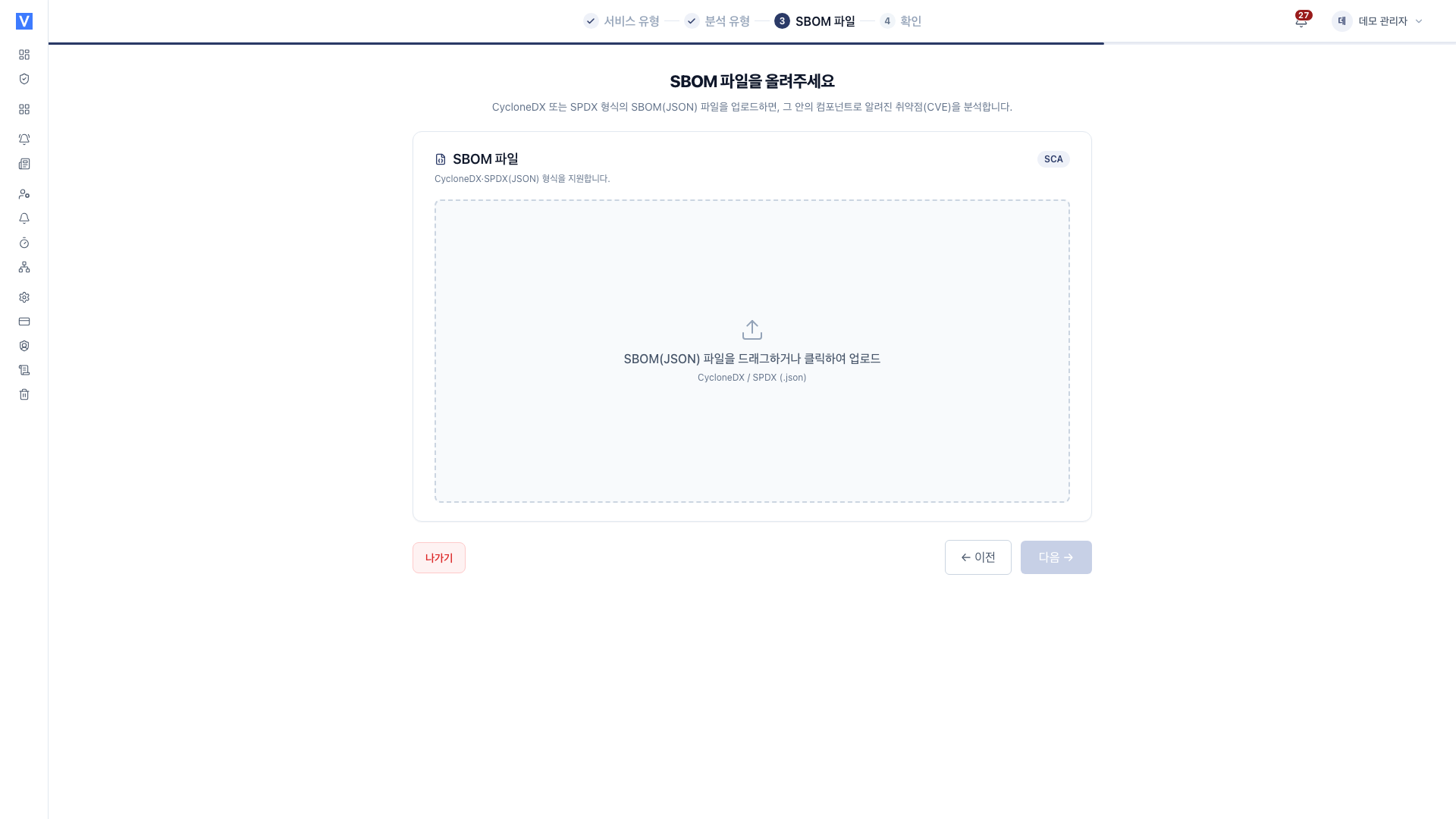
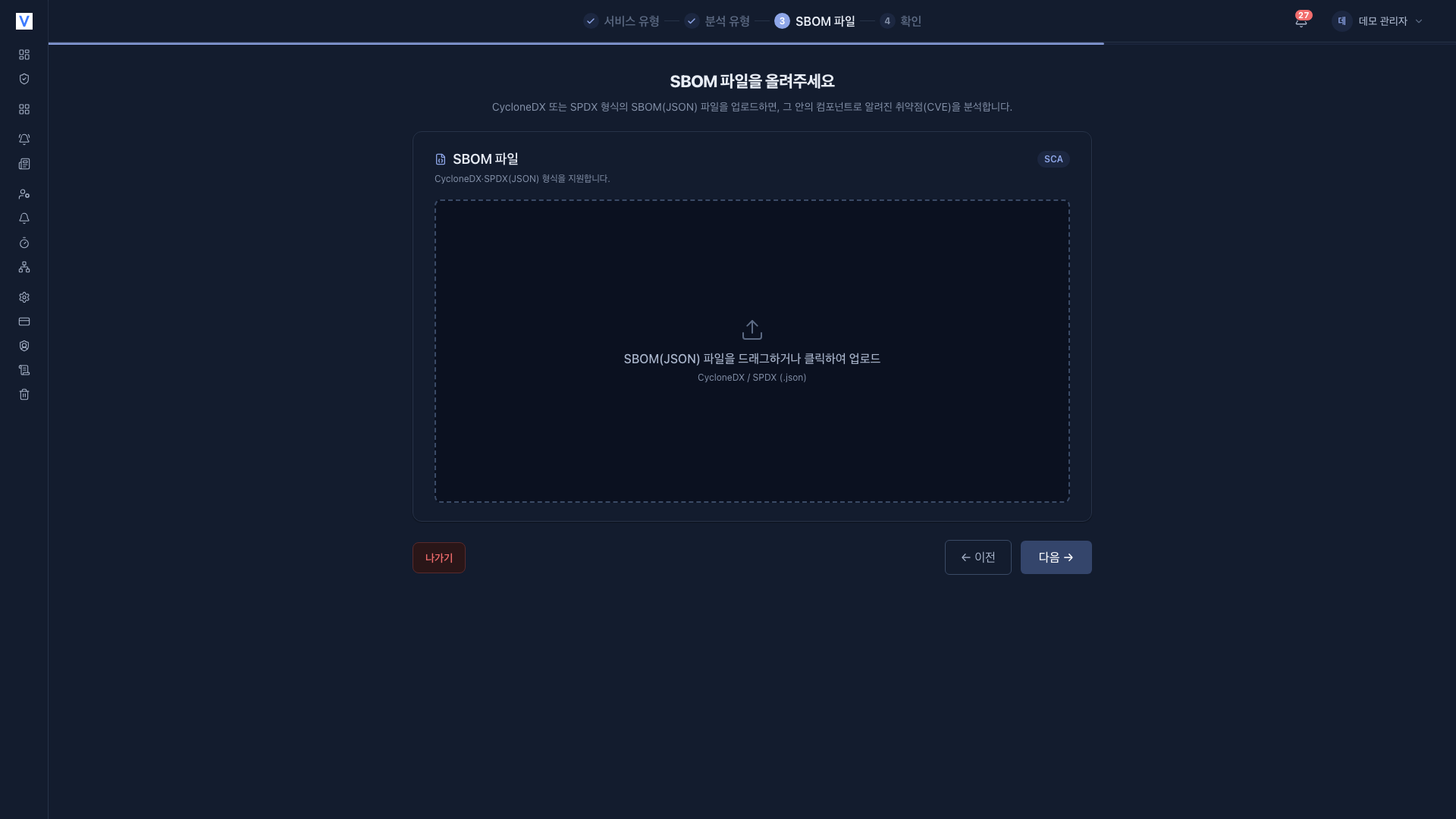
You need a single SBOM file produced by another tool or pipeline. Upload supports JSON format only. XML and tag-value formats are not accepted. The upload screen's hint also reads CycloneDX / SPDX (.json).
- CycloneDX (JSON)
- SPDX (JSON)
Registration steps
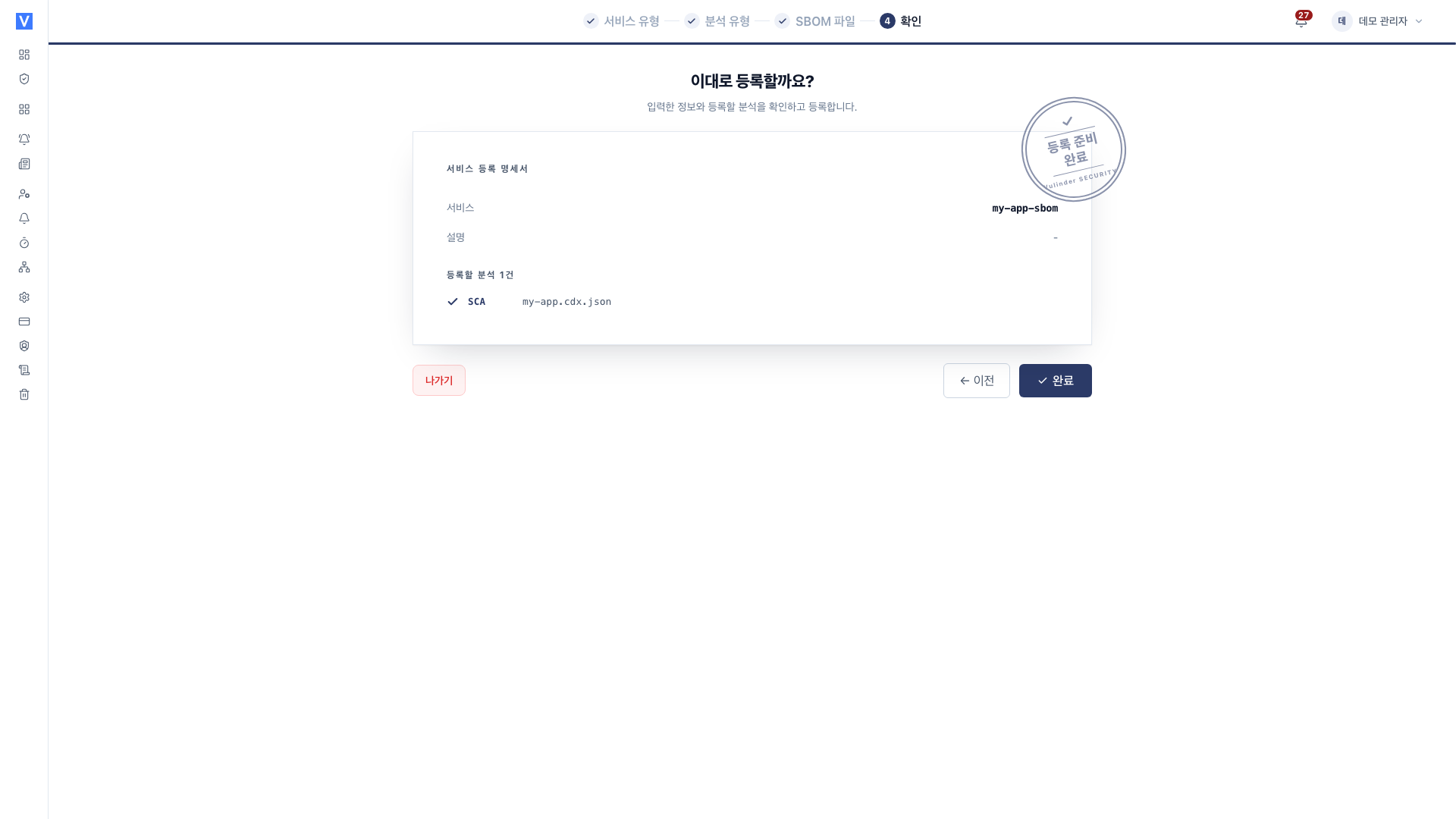
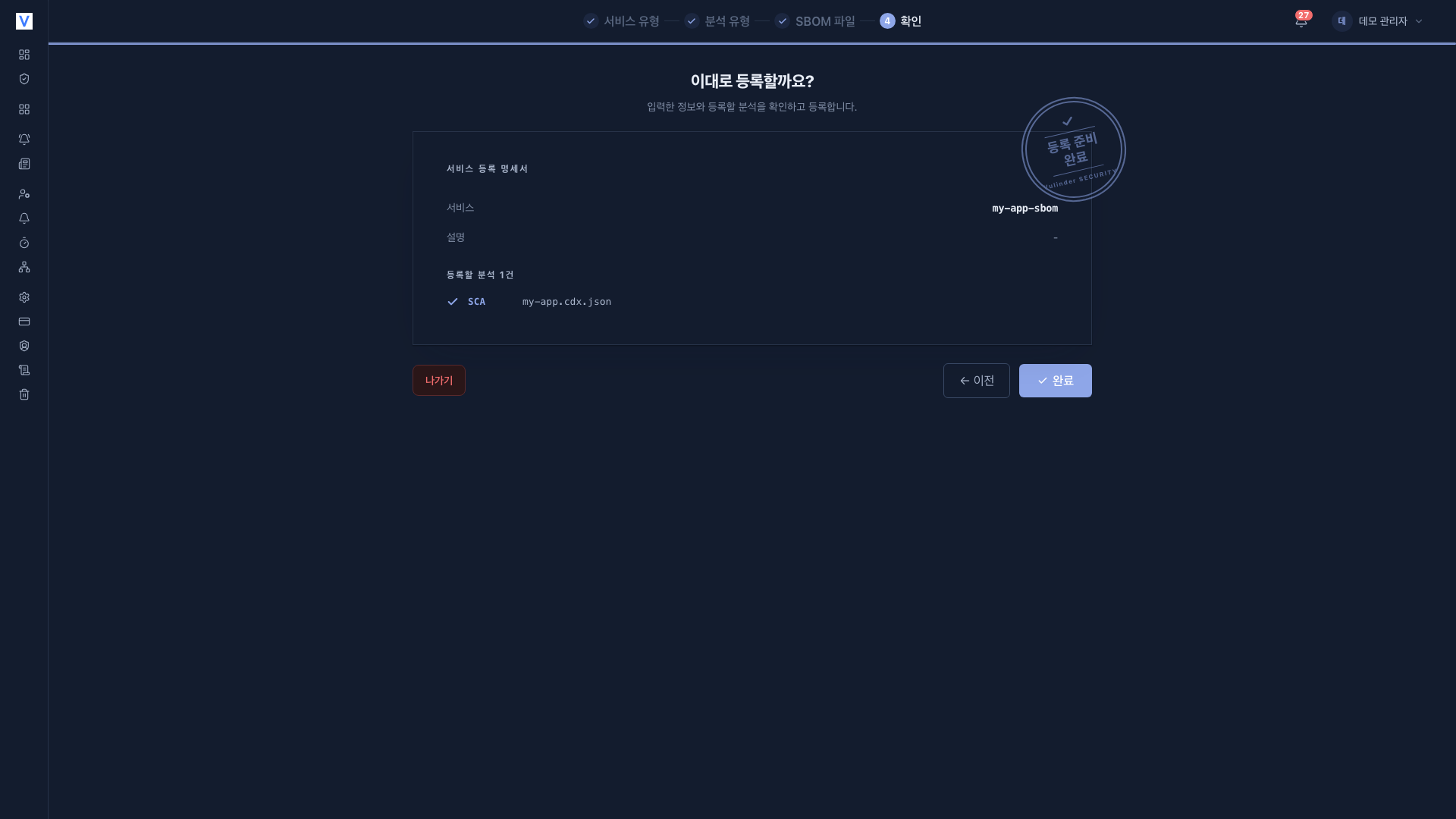
On the [Services] page, click Register service and select SBOM to start the four-step wizard.
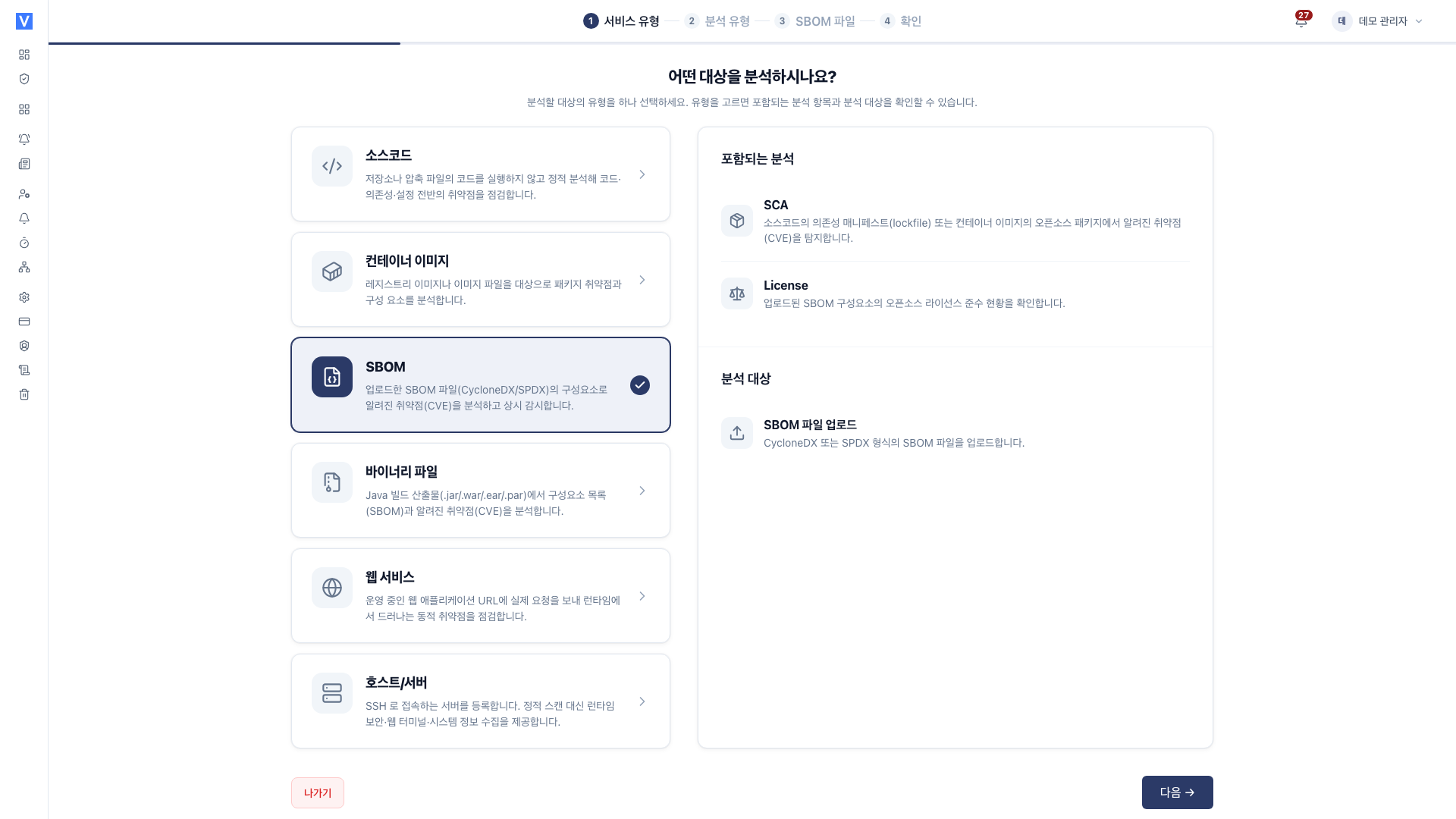
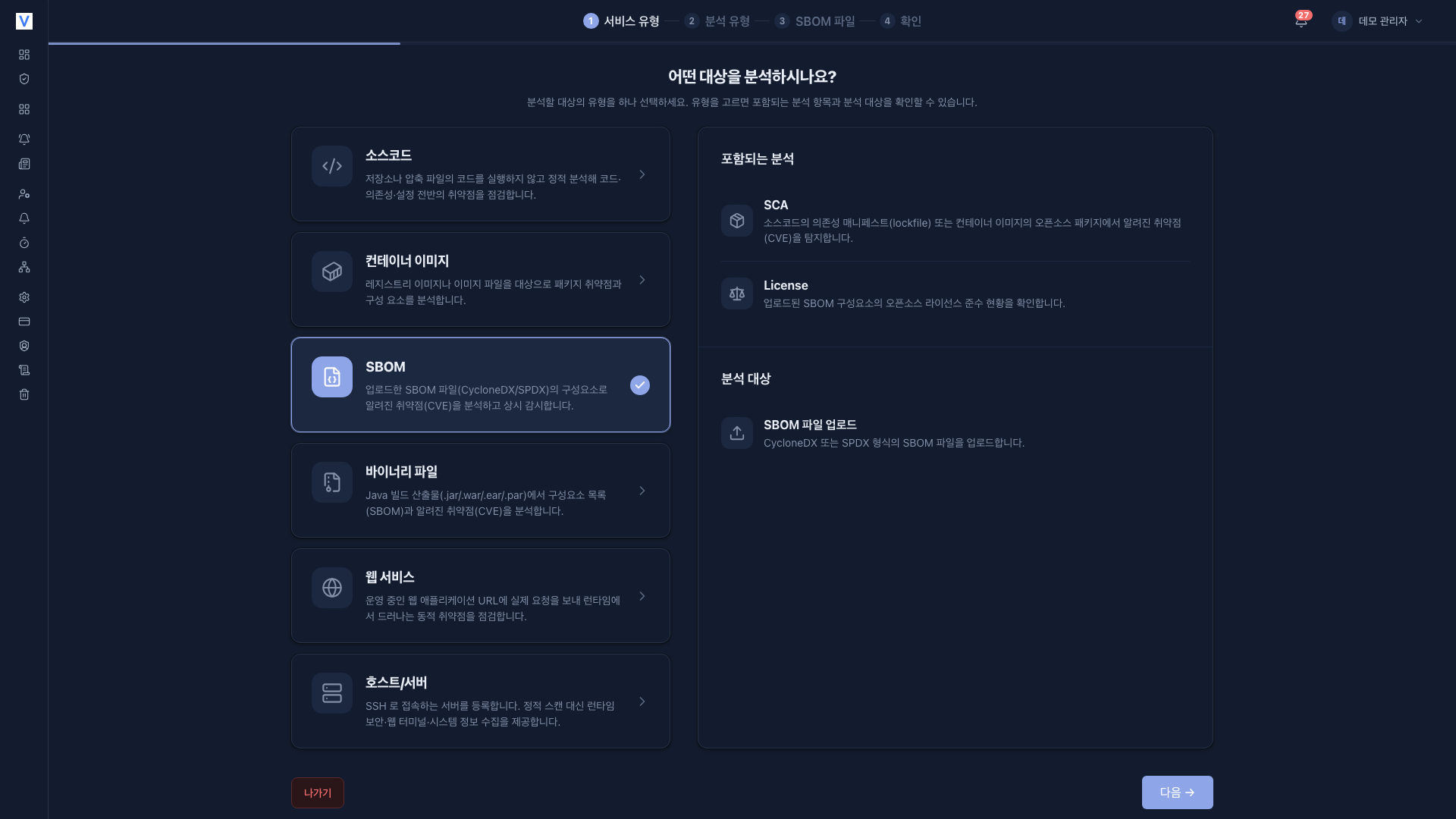
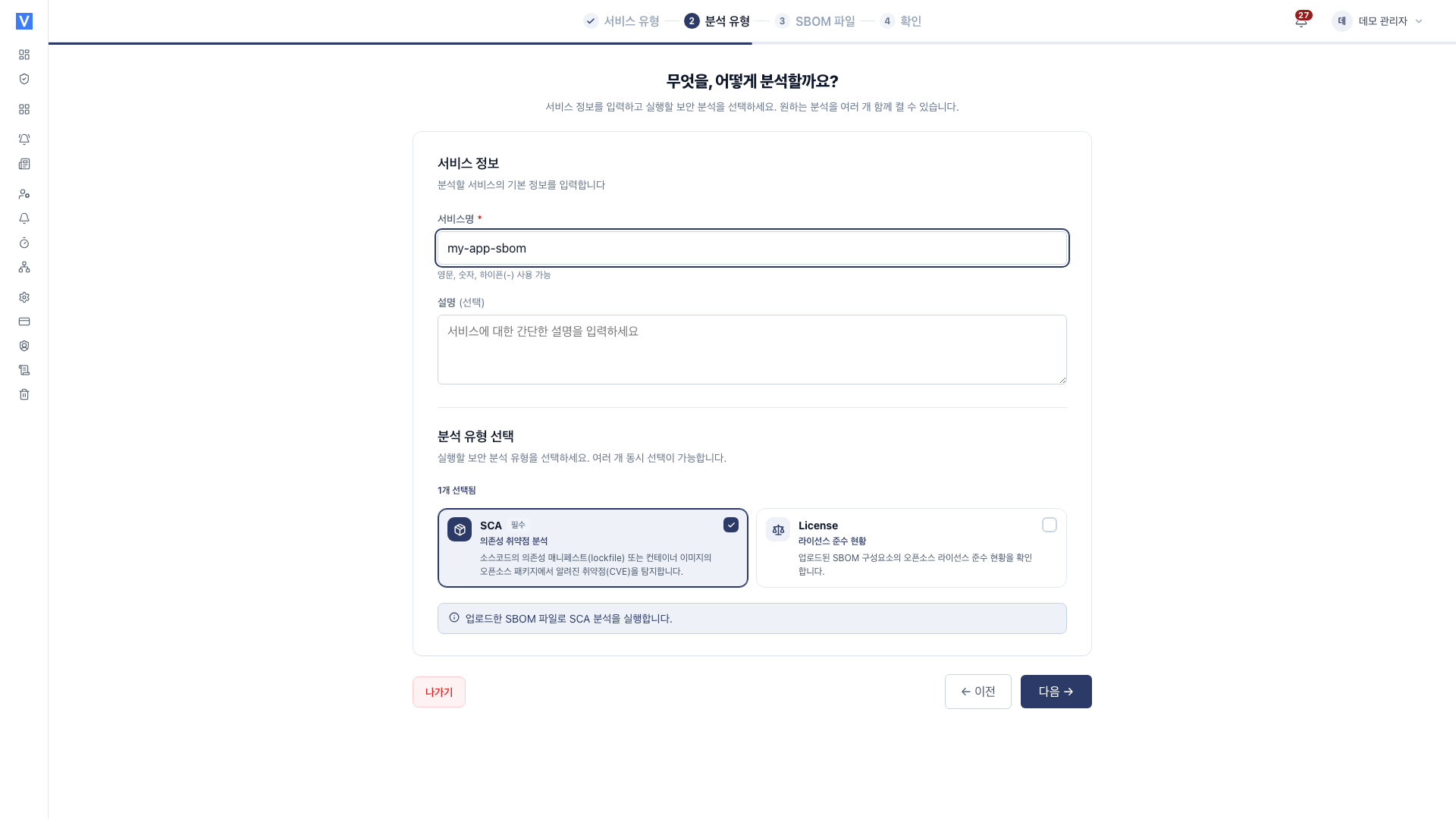
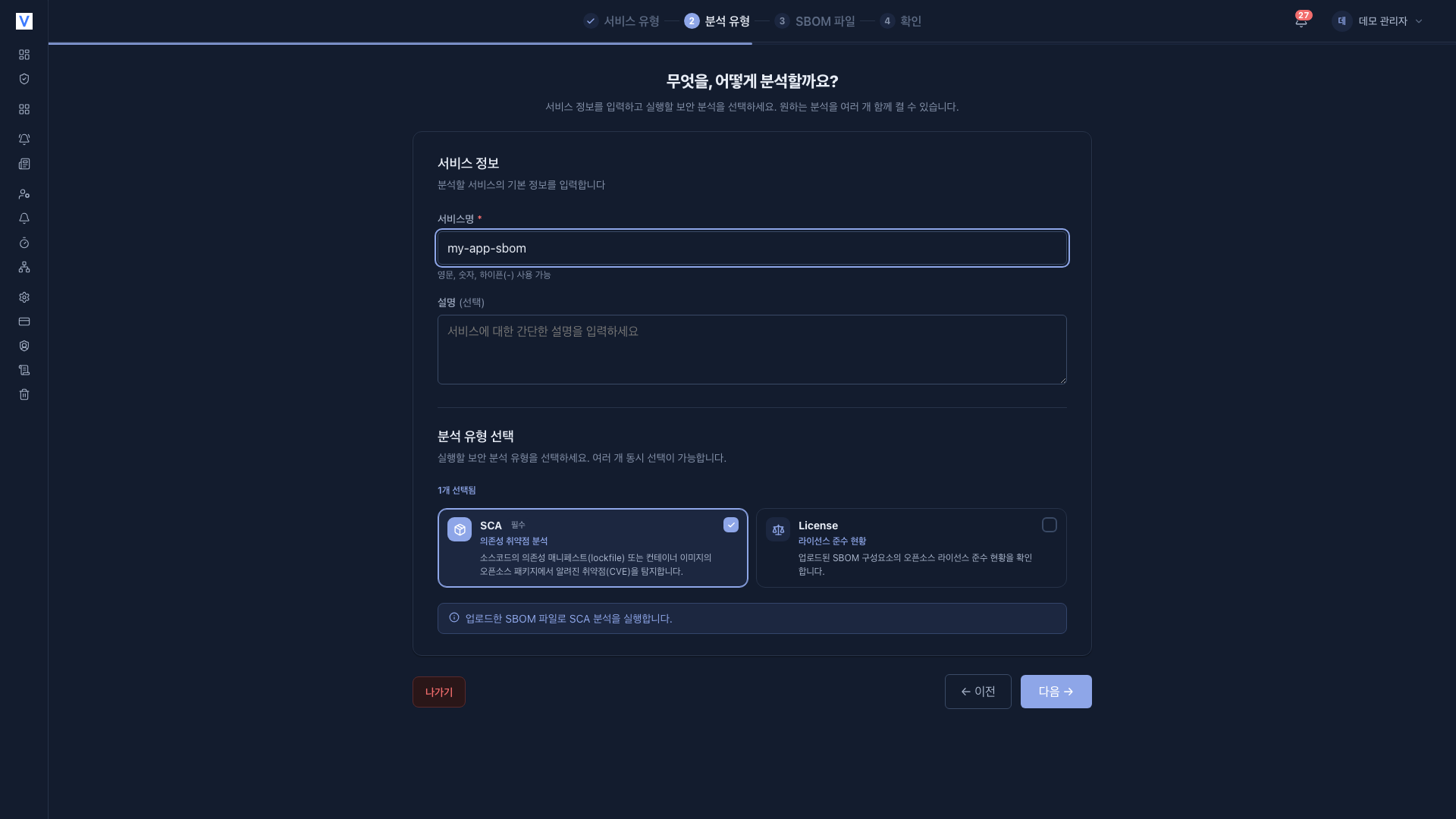
What it finds
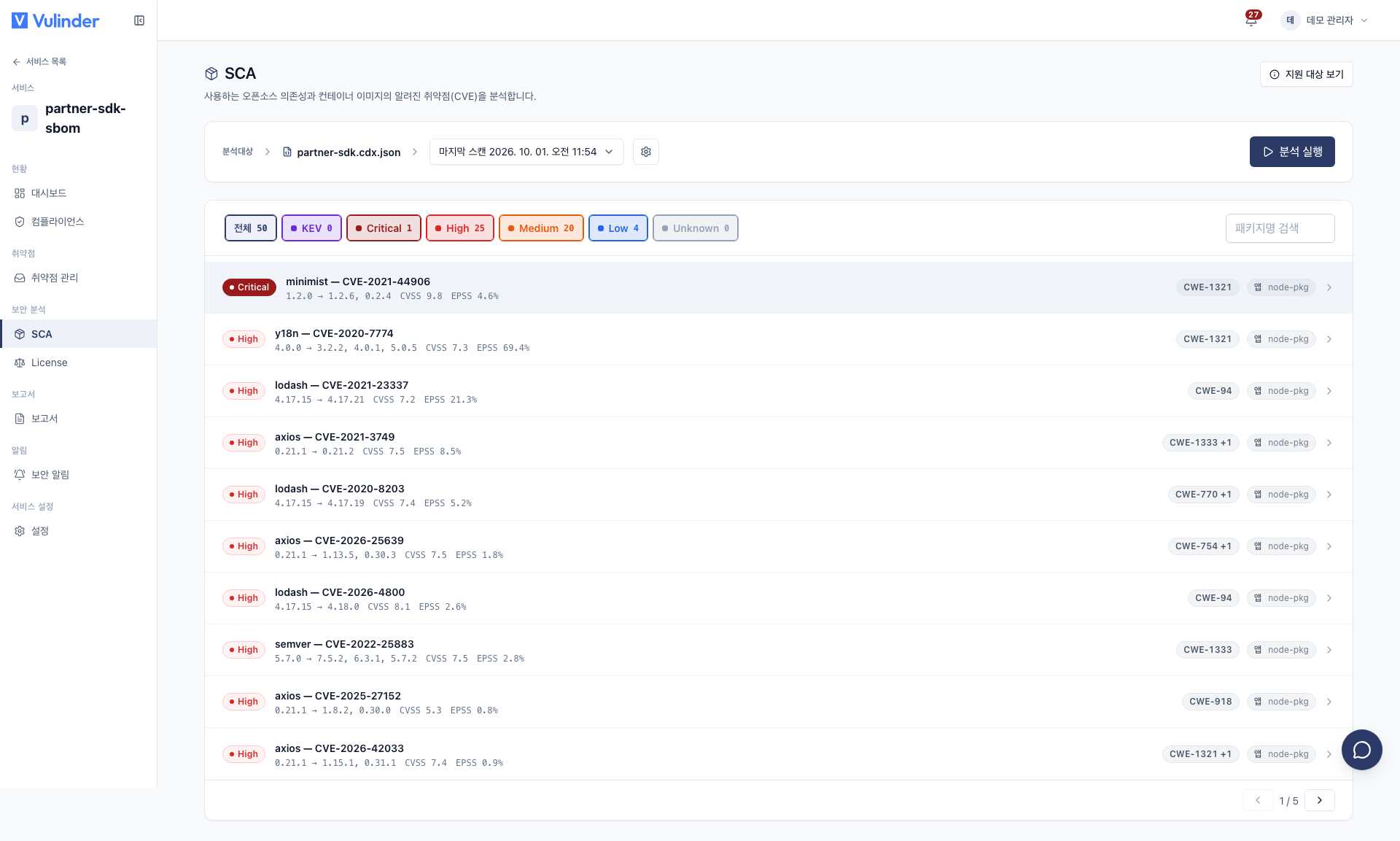
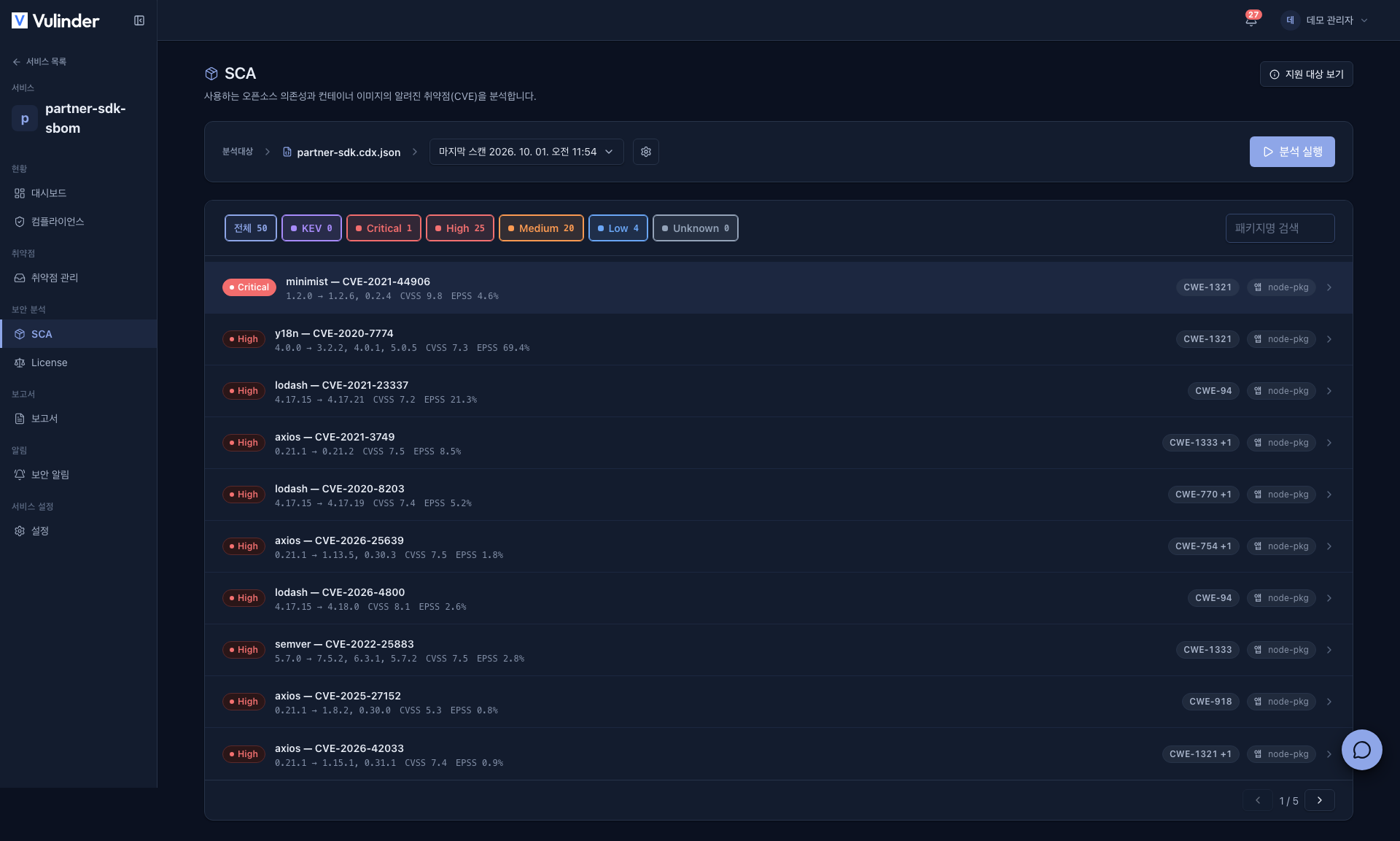
- Component vulnerabilities : Known CVEs in the packages listed in the SBOM.
- KEV : Items with confirmed active exploitation are marked KEV.
- EPSS (exploitation probability) · CWE (type classification) : Provided with each item to help decide the remediation order.
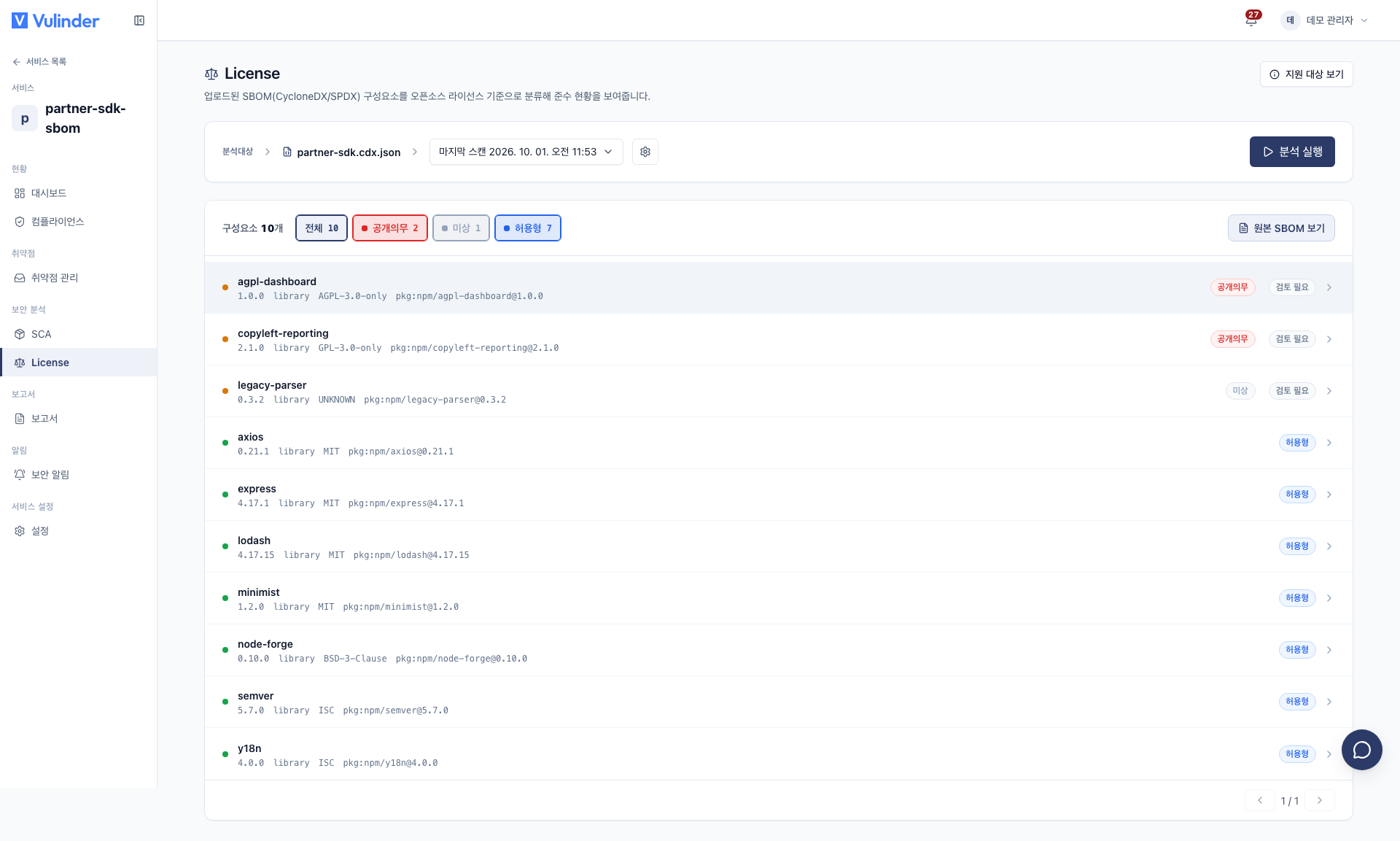
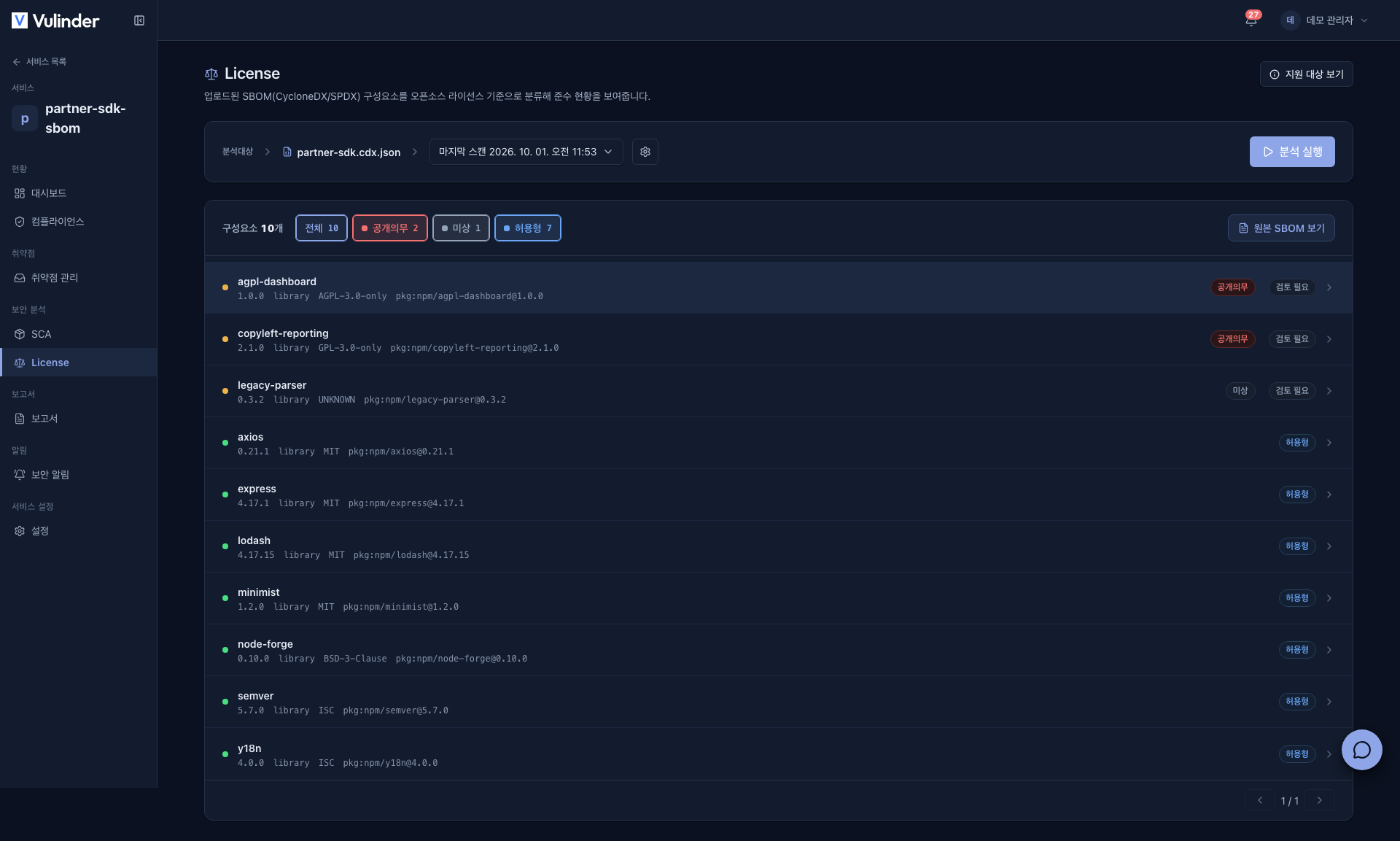
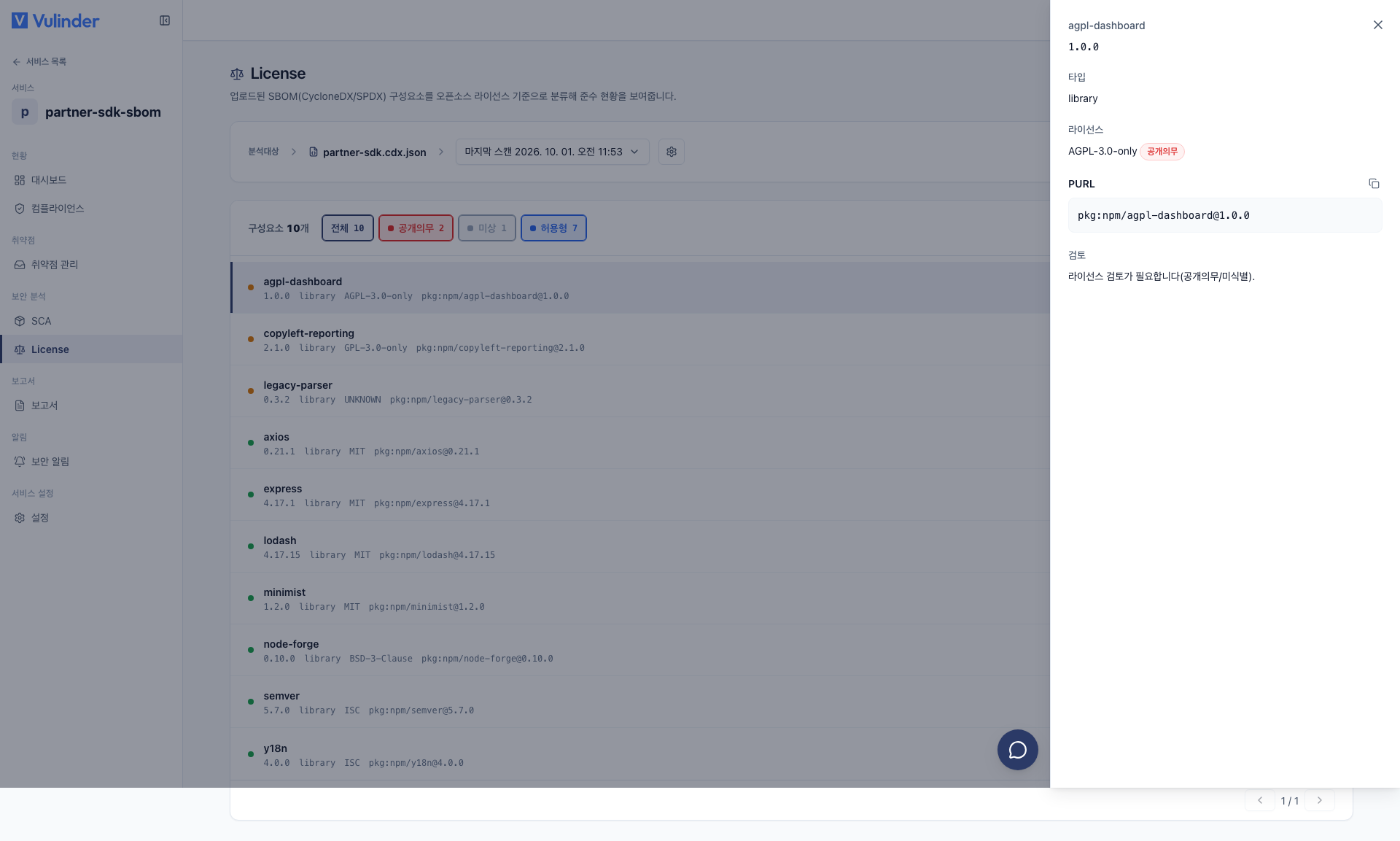
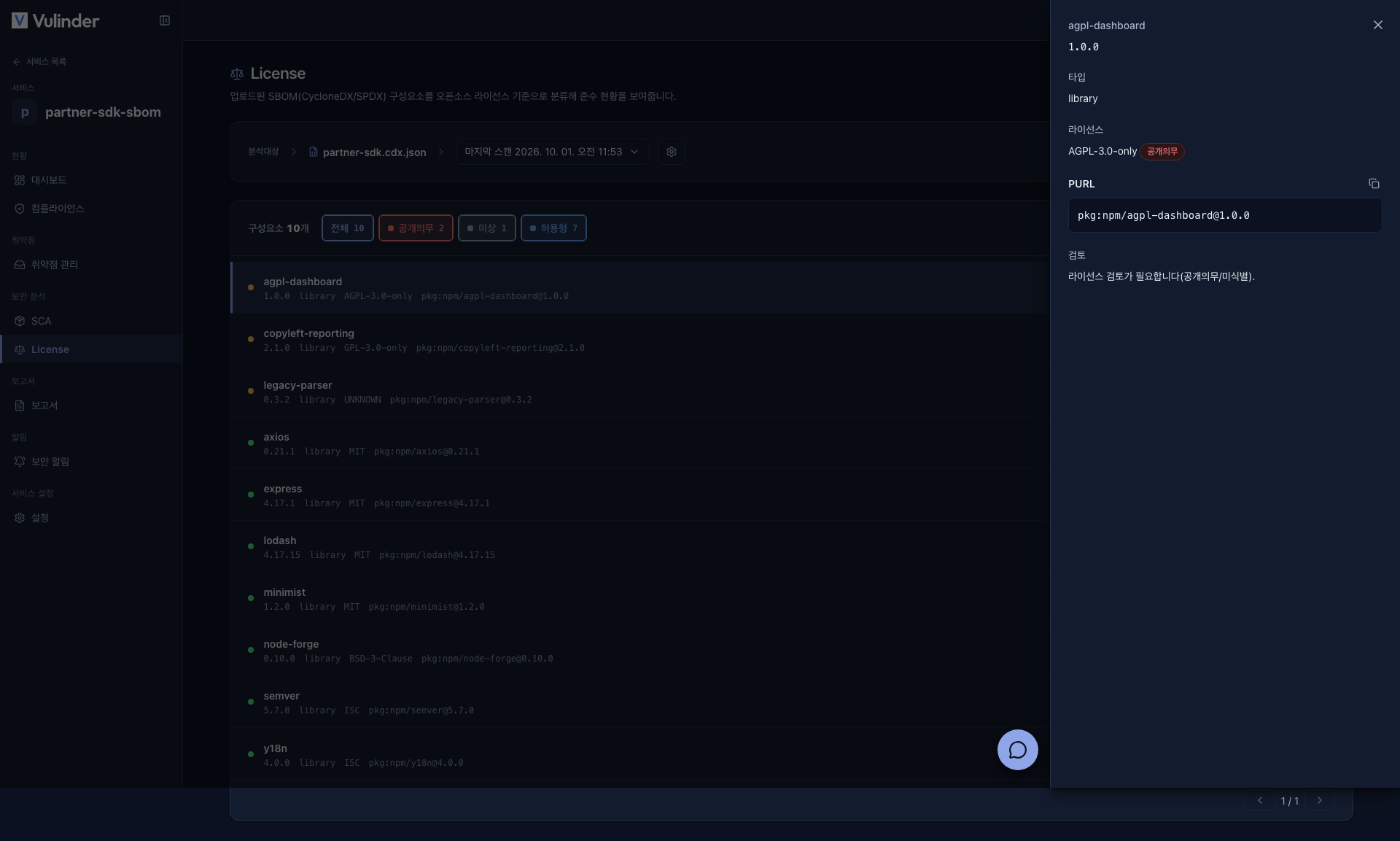
- License risk : Each component's license is classified into a risk category.
Viewing results
Each component of the uploaded SBOM is also checked against license risk categories and sorted from higher to lower risk.
- Copyleft
- Unknown
- Permissive
This lets you review the components with demanding usage terms or unclear classification first. The criteria for each category and how to respond are explained in detail at SBOM · License.
If you selected License at registration, the following are also provided.
- [License] tab : Review each component's license and risk category (Copyleft, Permissive, and so on) in one place.
- License report : Download it from the Vulnerability Disclosure Report (VDR) card on the Reports screen.
Handling results
Findings are reviewed and acted on in Vulnerability management.
- Component vulnerabilities (SCA) : Handled as resolved, false positive or accepted risk.
- License risk : For review only, with no handling status.
Continuous monitoring
The components of the uploaded SBOM become subject to continuous monitoring. Later, when a new CVE is published, it is incorporated into the inventory and an alert is raised even without rescanning. (Security News)
If you register a source code/image service, Vulinder generates the SBOM automatically. You can also upload a CycloneDX/SPDX file created by an external SBOM generation tool here.
Settings (changing after registration)
After registration, you can change settings under [Settings] in the service sidebar (turning license analysis on or off, replacing the SBOM file). Step-by-step instructions are in SBOM upload settings.
Related documents
- Vulnerability management : Review findings, mark false positive/accepted risk
- Security News : Continuous monitoring alerts for new CVEs
- License risk : Criteria for judging copyleft/unknown
- Container images : Automatic SBOM generation from images
- Source code : Automatic SBOM generation from repositories
- Binary file : Automatic SBOM generation from build artifacts
- SBOM upload settings : Change settings after registration