Server / Host
A running server carries risks that code or image scans alone cannot see: the packages actually installed, the deployed infrastructure settings, and the runtime events happening right now. When you connect a server (host) over SSH, you inspect the running server itself, covering everything from installed package vulnerabilities to infrastructure settings and runtime events within a single service.
- Analysis : Server vulnerability analysis (OS / packages), SBOM, K8s cluster hardening, CIS Kubernetes Benchmark, runtime threat detection
- Connection : SSH. Private networks use either multi-hop through a gateway or VPN.
- What you need : SSH access details, plus kubeconfig for K8s checks
- Storage : Credentials stored encrypted, masked on screen, reused without re-entry
What you need
- Server SSH access details : host, port, user, password or key
- For a server inside a private network, use either multi-hop SSH through a gateway or a VPN connection (one or the other).
- To inspect Kubernetes, you need a kubeconfig (or a service account token).
SSH/kubeconfig credentials are stored encrypted and shown masked on screen. Stored values are reused without re-entry.
Registration steps
On the [Services] page, click Register service and select the Host / Server type to start the wizard.
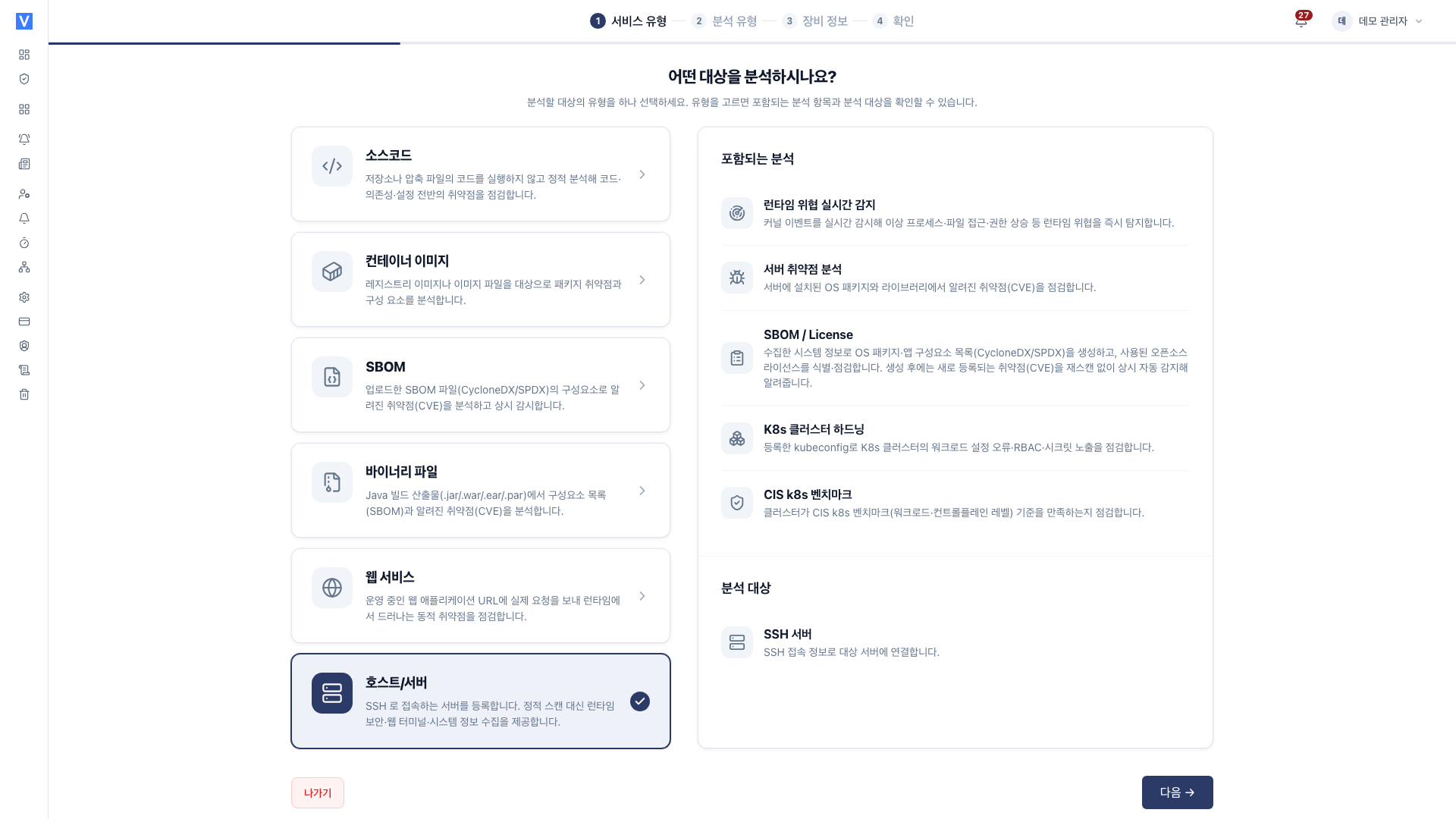
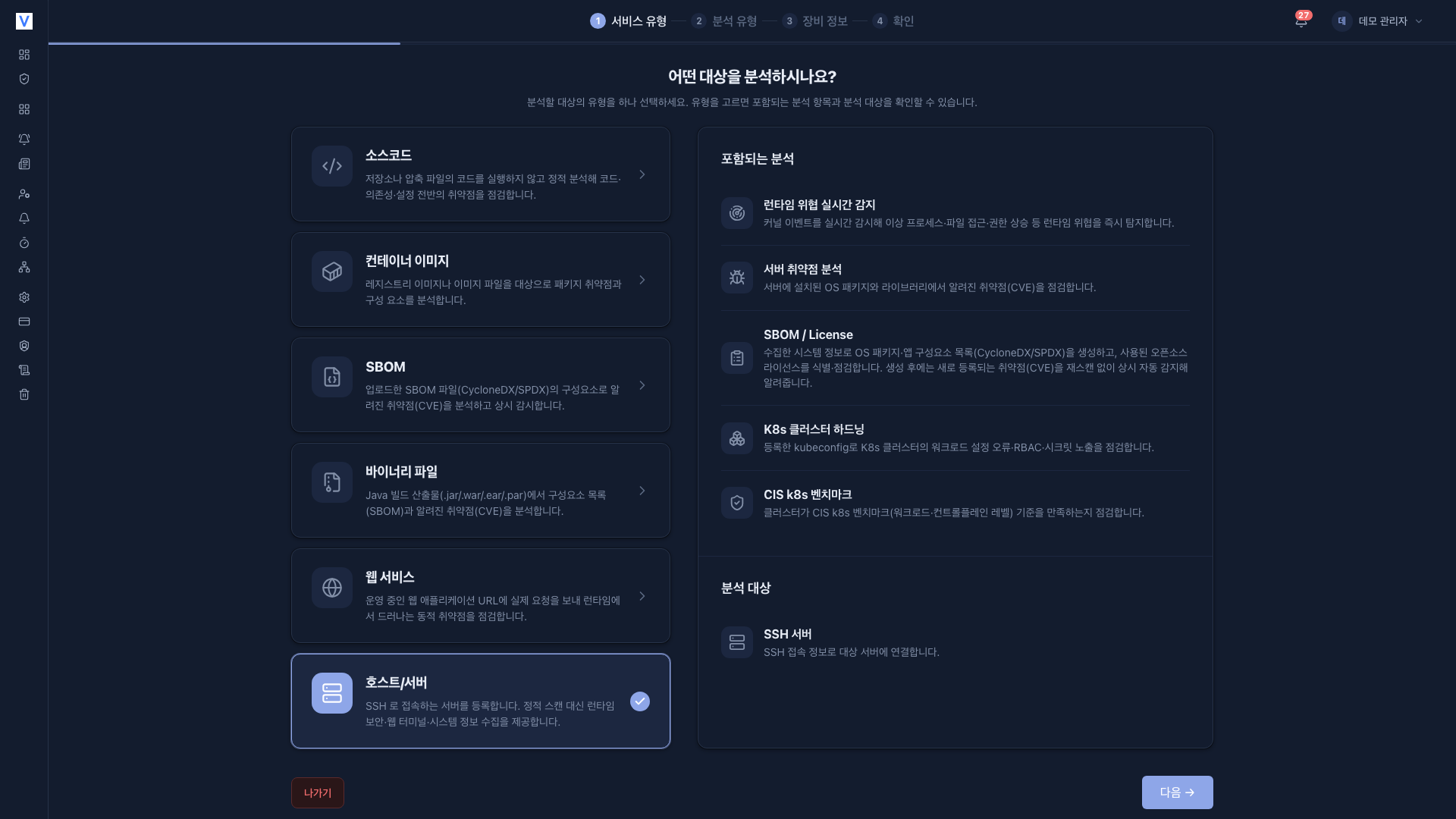
-
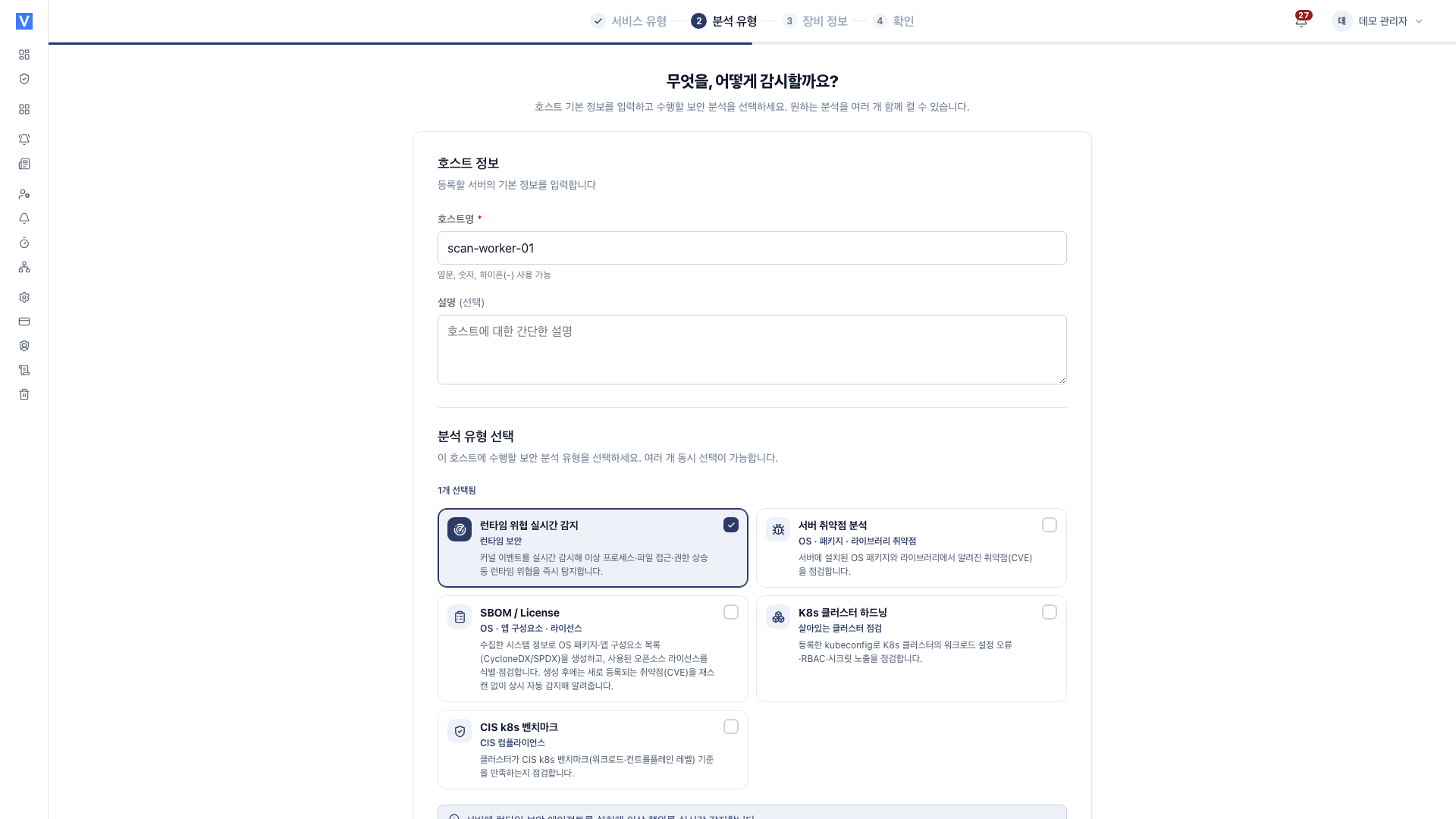
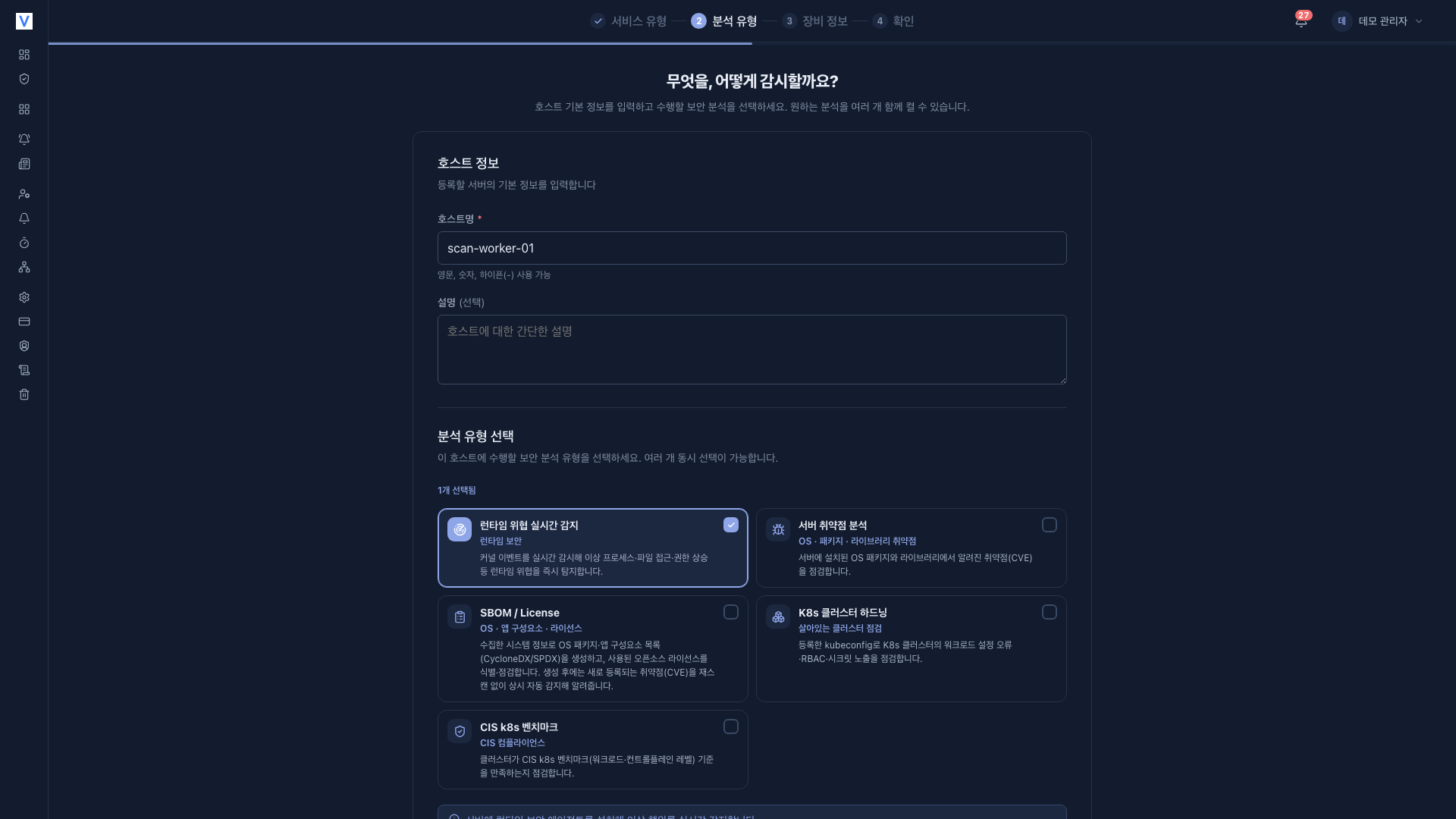
Runtime threat detection: runtime event collection via a runtime collector
-
Server vulnerability analysis: CVEs of installed OS packages
-
SBOM / License: build a component inventory
-
K8s cluster hardening: inspect cluster security settings
-
CIS Kubernetes Benchmark: CIS compliance checks for nodes and clusters
-
None are preselected; select at least one.
-
Runtime threat detection alone cannot be registered. Select at least one of Server vulnerability analysis, SBOM / License, K8s cluster hardening, or CIS Kubernetes Benchmark as well.
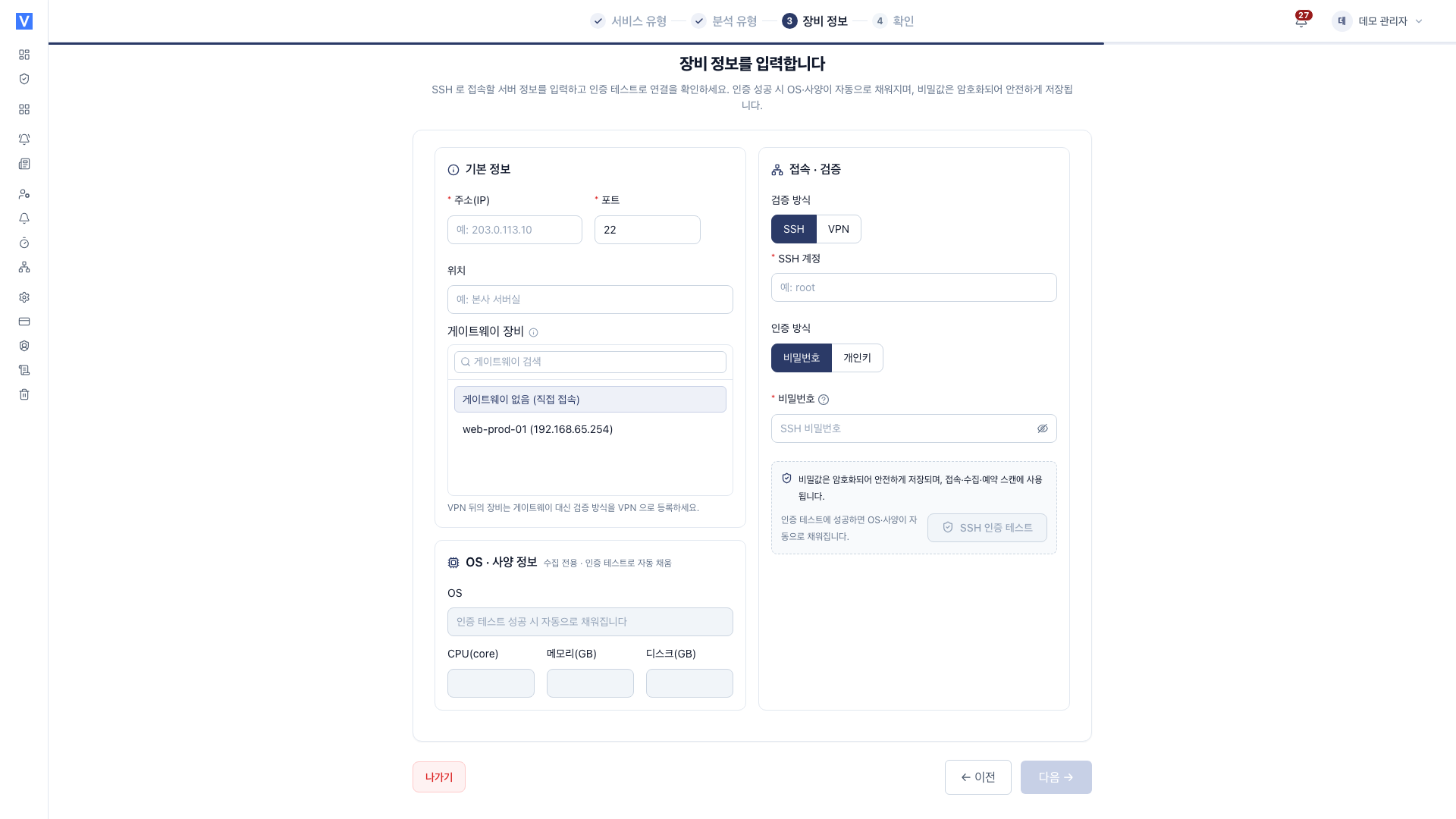
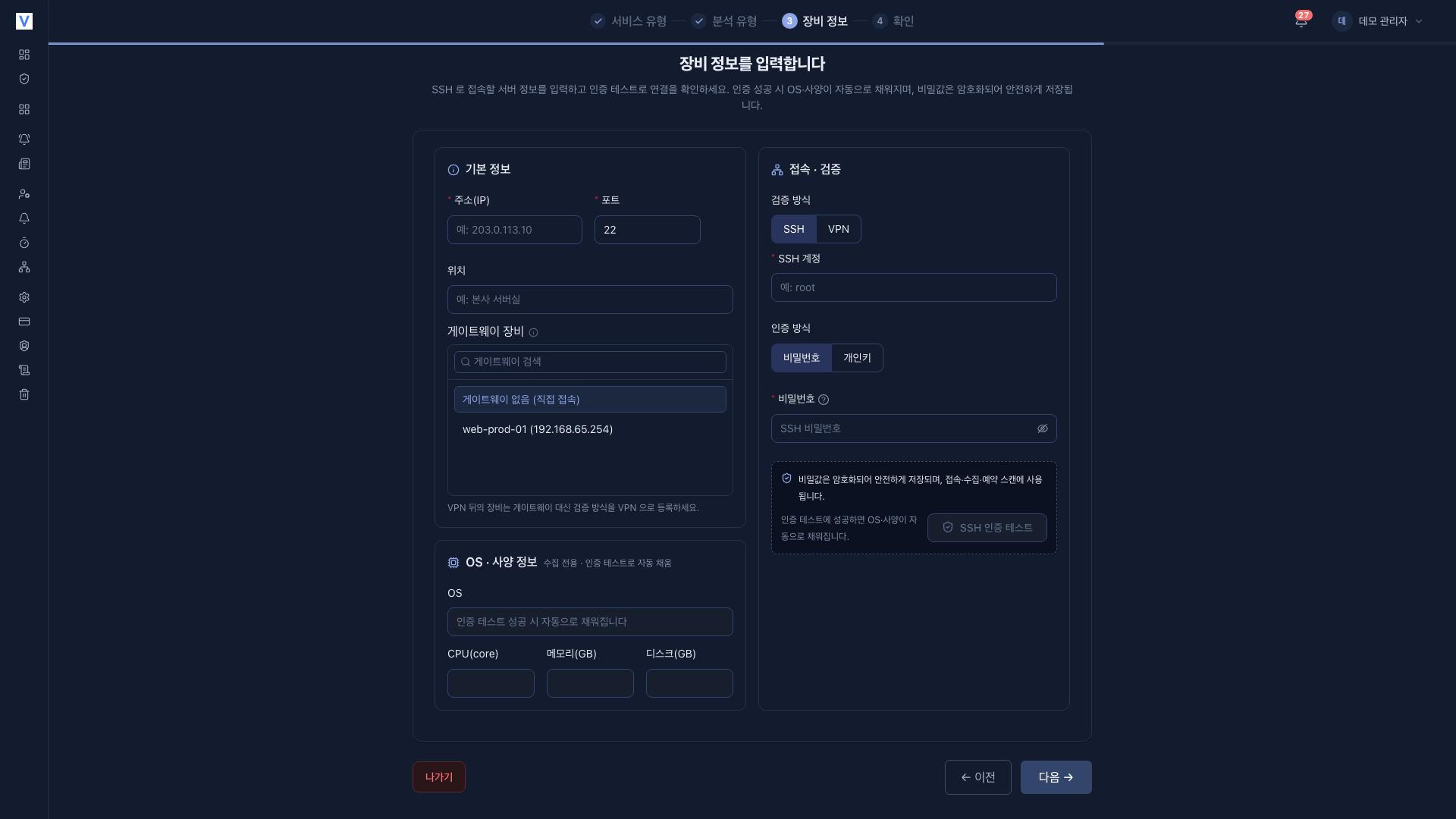
In step 3 Host details, enter the address (IP), port and location, then choose the Verification method.
- SSH : Optionally pick a Gateway device for multi-hop access.
- VPN : Select the VPN profile to use.
Only one can be used, and choosing VPN removes the gateway.
Either way, enter the SSH account and authentication (password or PEM private key) and pass SSH auth test to continue. On success the OS and specs are filled in automatically.
If you select K8s cluster hardening or CIS Kubernetes Benchmark in step 2, a K8s auth step is added after Host details, making five steps.
- Service type
- Analysis types
- Host details
- K8s auth
- Review
In the K8s auth step, you must paste a kubeconfig or provide a service account token to continue. If you did not choose a K8s analysis, this step does not appear.
On the final Review step, click Register host.
When you finish, you land on the [Services] list. Start the analyses as follows.
- OS / package vulnerability analysis, K8s / CIS checks : Start with Run analysis in each tab.
- Runtime monitoring : Begins receiving events after you install the collector.
Connecting to a private cluster
A private Kubernetes cluster behind a gateway is connected by opening a local TCP tunnel over the SSH chain. You can also connect via a VPN (WireGuard) profile.
Settings (changing after registration)
After registration, you can change the following under [Settings] in the service sidebar.
- General
- Server connection (SSH / VPN)
- K8s auth
- Analyses and runtime collector
- Scan paths
- Scan schedules
Step-by-step instructions are in Server / host settings.
Related documents
- OS / package vulnerabilities : CVE checks for installed packages
- K8s cluster : Security misconfigurations of cluster resources
- CIS benchmark : CIS compliance of nodes and clusters
- Runtime monitoring : Runtime security events
- Web terminal : SSH console access to the server from your browser
- VPN profiles : Connection path to private-network servers and clusters
- Vulnerability management : Review and handle findings
- Notification settings : Set up event and completion alerts
- Server / host settings : Change settings after registration