Notification settings
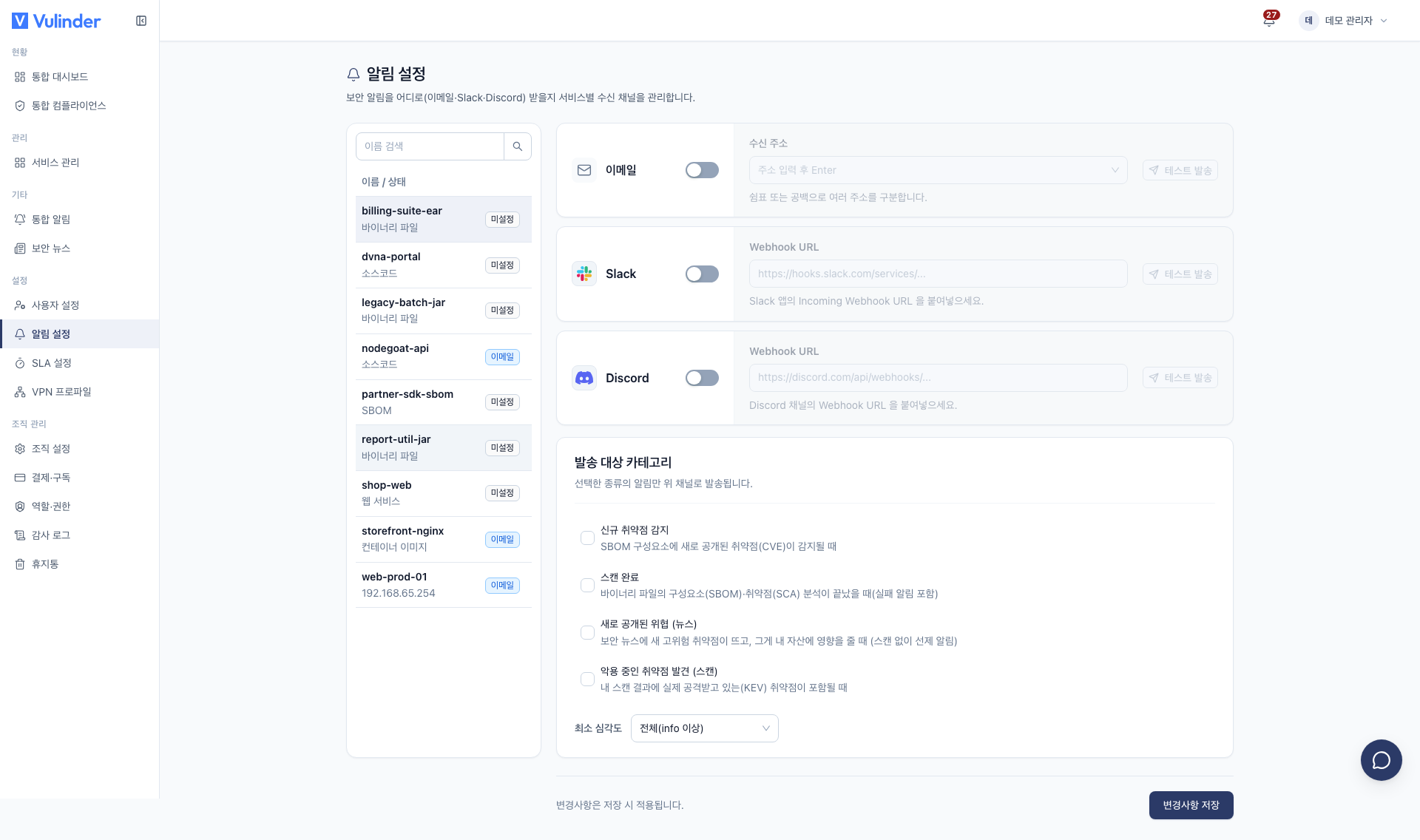
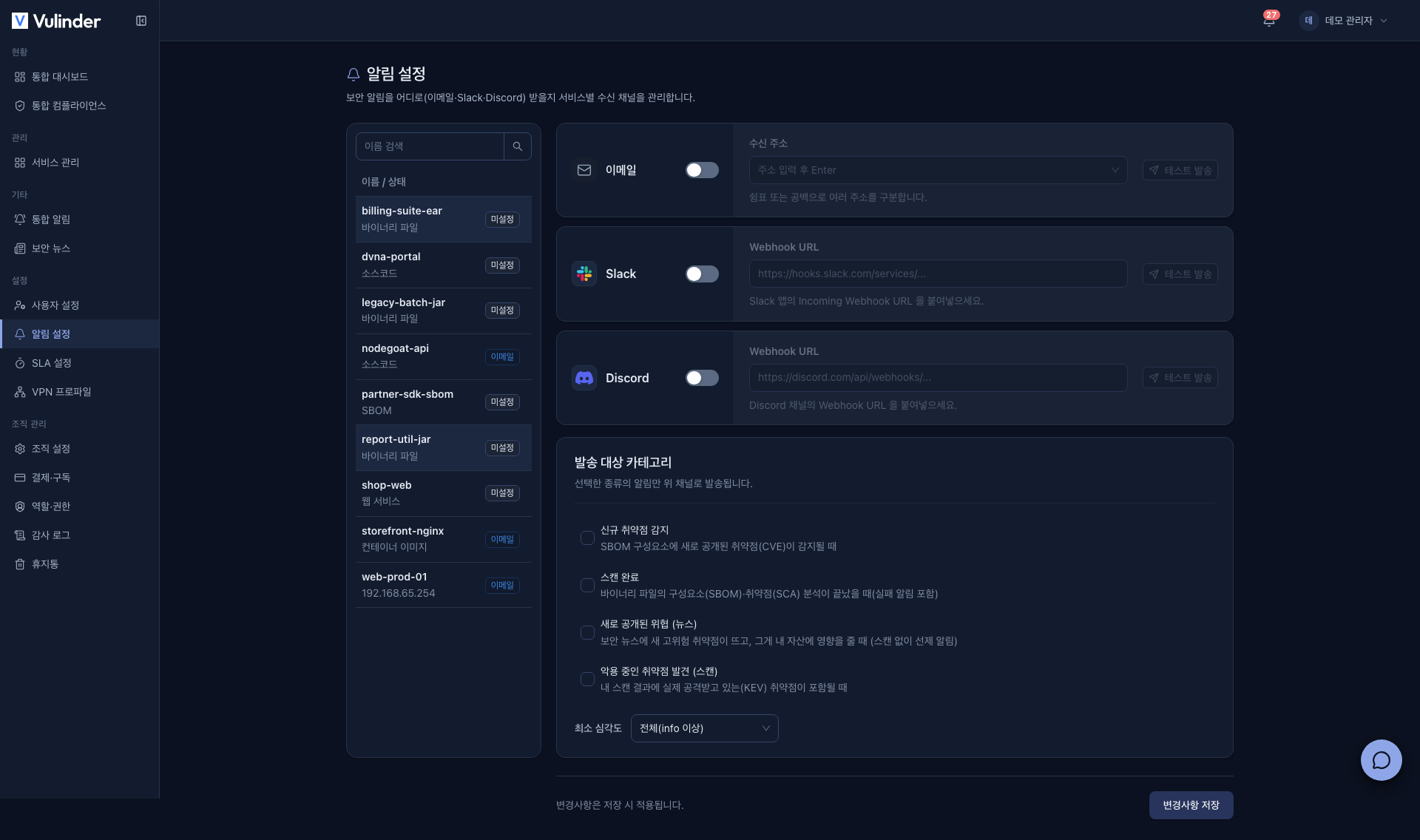
Important updates need to arrive where your team actually looks so you can respond faster. Receive scan completions, new threats, runtime events, and more through whichever channel you prefer (email, Slack, or Discord). Where security alerts go is set per service, so nothing slips by even when you are not watching the screen.
Permissions
Only administrators and managers can view and configure notification settings. The menu is not shown to regular members. (Members & Roles)
Supported channels
- Email : Emails with a result summary and deep links. You can enter multiple recipient addresses.
- Slack : Card-style alerts via an Incoming Webhook URL.
- Discord : Card-style alerts via a channel Webhook URL.
How to set it up
- Open [Settings] > [Notification settings] in the organization sidebar.
- Pick a service (including hosts / servers) in the list on the left.
- Turn on the channels you want and enter the recipient addresses or Webhook URL.
- Choose the Notification categories. Only the selected kinds of alerts are sent to the channels above.
- Choose the Minimum severity: All (info and above) or Critical only.
- Click Save changes.
- After saving, check delivery for each channel with Send test.
- The test uses the saved settings, so it can fail if you click it before saving.
Notification categories
- New vulnerability detected : A newly published vulnerability (CVE) is detected in SBOM components (not for web services)
- Scan completed : An analysis finishes (including failure alerts, with a result summary)
- Newly disclosed threat (news) : A new threat affecting your assets is published (Security news)
- Actively-exploited vulnerability found (scan) : Your scan results include a vulnerability under active attack (KEV)
- Runtime security : A runtime threat event is detected on a server (hosts / servers only, Runtime monitoring)
Jump straight there with the link
Clicking the link in an alert takes you directly to the relevant scan result or the vulnerability found.
Related documents
- Notifications : Checking alerts inside the app
- Security news : New threats affecting your assets
- Runtime monitoring : Security events while running
- SLA settings : Remediation deadlines by severity