Account settings
Manage your personal account name, screen settings, and password in [Account settings]. These are not organization-wide settings; they apply only to the logged-in user.
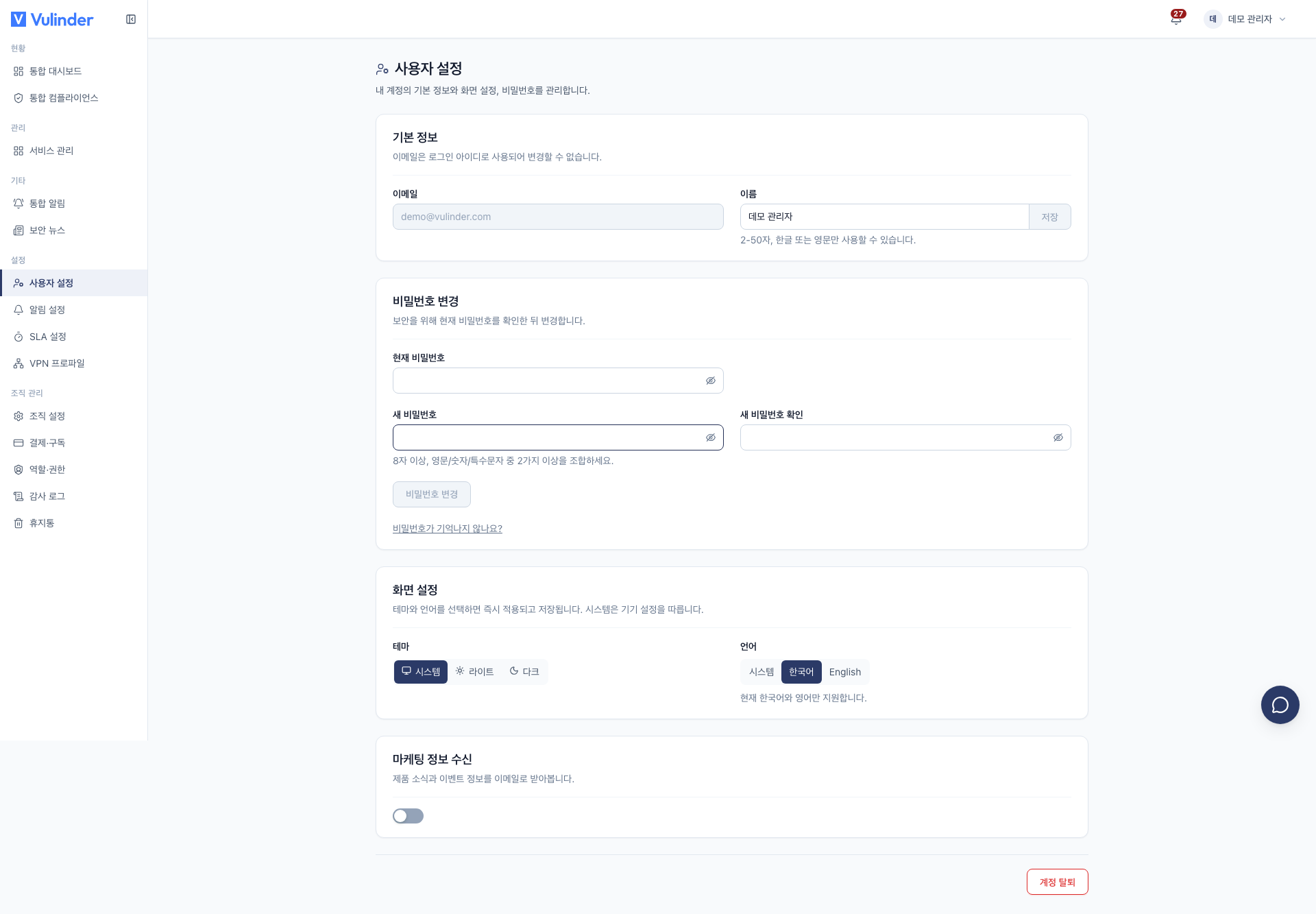
Basic information
- Name : Edit your display name.
- Email : Used as your login identifier and is read-only.
Change password
Change your password by entering your current password and a new one.
If you don't remember your current password, reset it as follows.
- Click Forgot your password?.
- Check the reset code sent to your sign-up email.
- Use the code to change your password.
For accounts created only through social login (Google, GitHub), Set password appears instead. Once you set a password, you can also sign in with your email and password.
Appearance
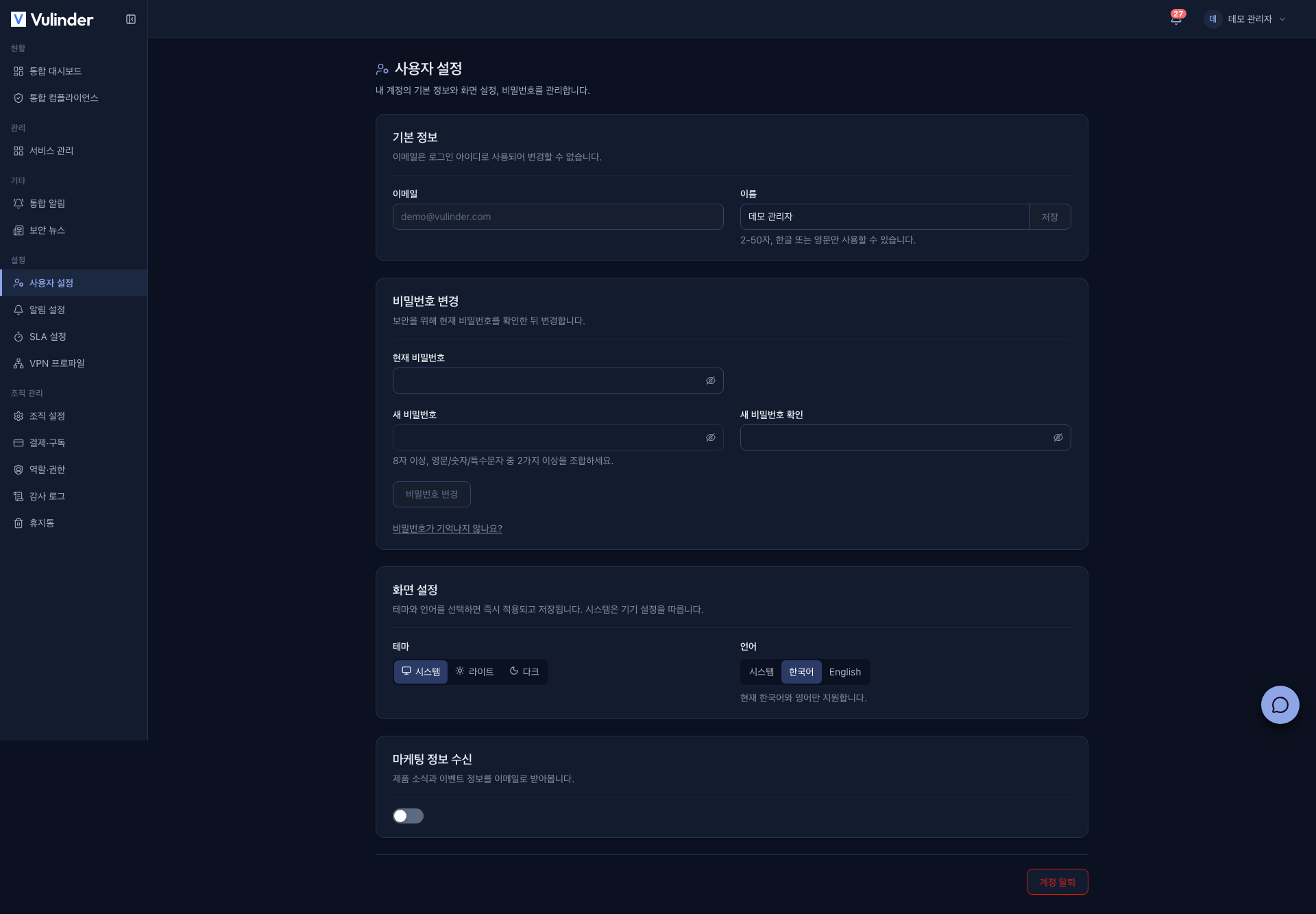
- Theme : Choose from system, light, or dark. You can also switch it directly from the header at the top of the screen.
- Language : Choose from system, Korean, or English. Only Korean and English are currently supported.
The default follows your system settings.
Marketing communications
Use the Marketing communications toggle to opt in or out of product news emails.
Leave organization · Delete account
At the bottom of the screen you can use Leave organization (shown only to managers and members) and Delete account. Both ask you to type your account email to confirm, and the effect on the organization and VU depends on your role. For the steps and how to restore, see Leaving · Restoring.
Related documents
- Members and roles : Your role and permissions within the organization
- Leaving · Restoring : Leaving an organization, deleting and restoring an account