Trash
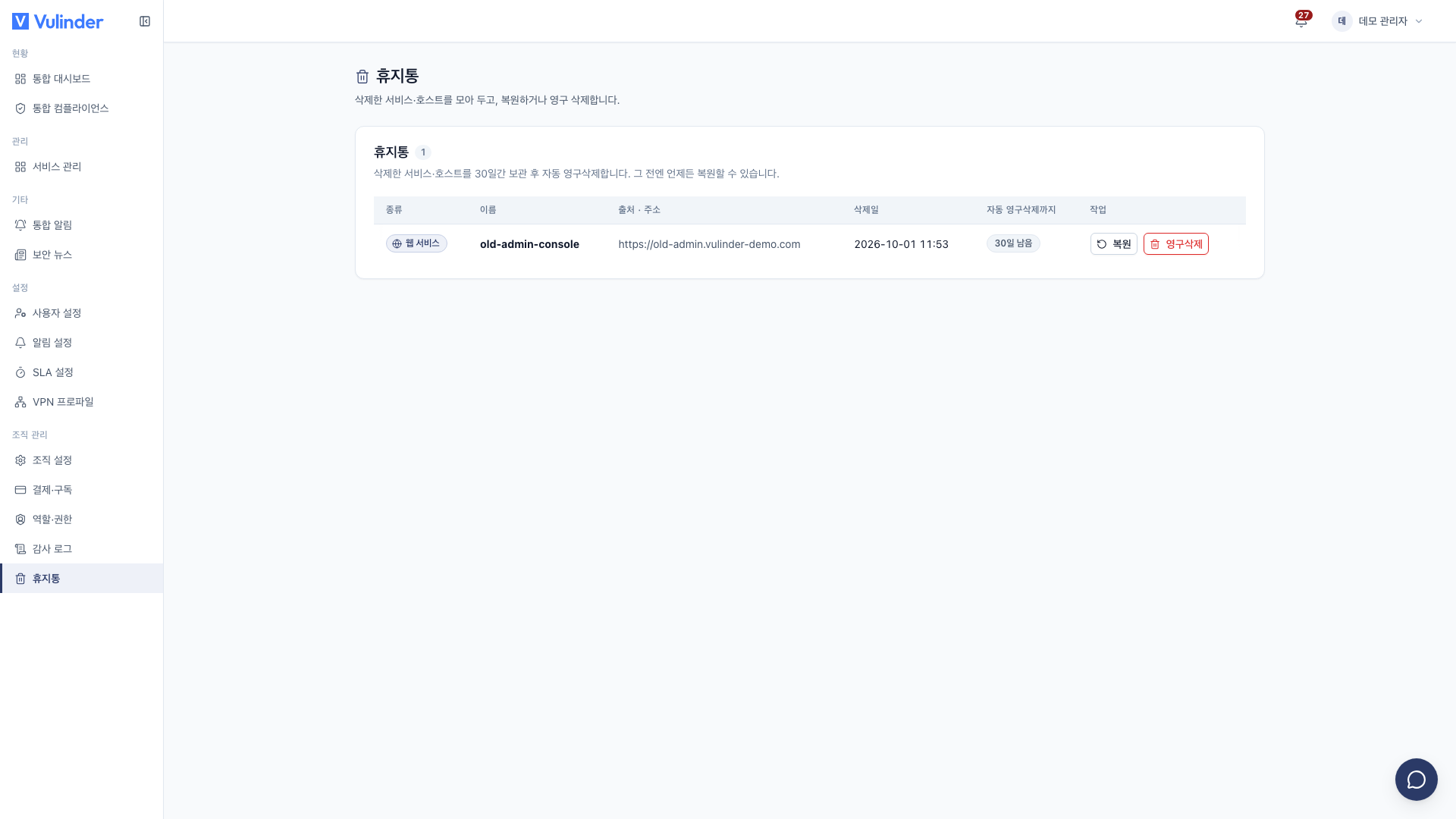
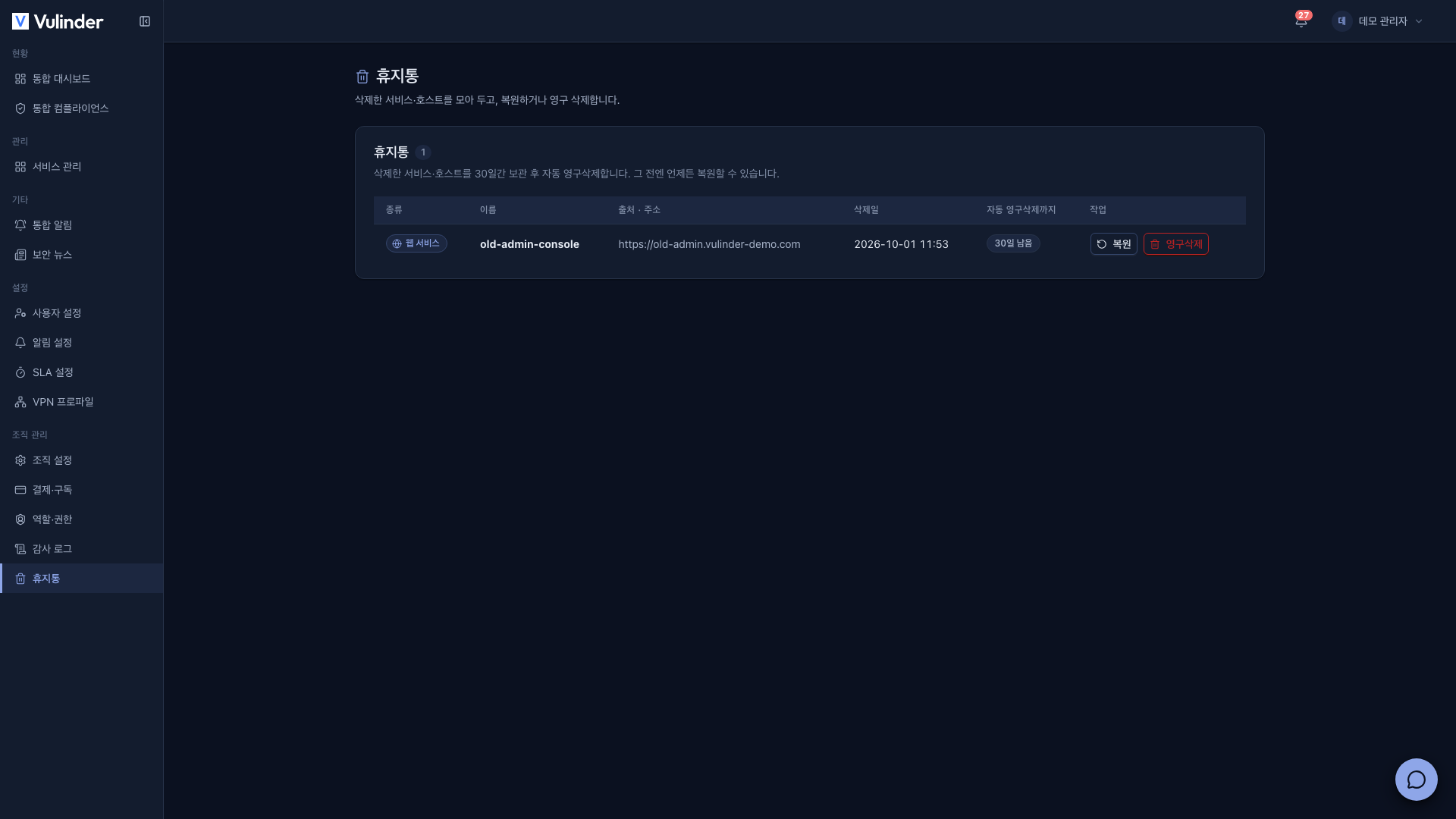
Deleted services (including servers/hosts) do not disappear immediately. They are moved to the Trash and kept for 30 days. A service deleted by mistake can be restored within that time, and after 30 days it is permanently deleted automatically.
- Where : [Organization] > [Trash]
- Who can see it : Admins · managers (the menu is not shown to members)
- Restore · permanent deletion : Admins only
When a service goes to the trash
- When an admin deletes a service on the General screen of the service settings (Delete a service).
- Any running scans are canceled along with the deletion.
- Services in the trash are excluded from the service list, the organization's consolidated status, and security score aggregation.
Restore
- Go to [Organization] > [Trash].
- On the row of the service to bring back, click Restore.
A restored service reappears in the service list and keeps its analysis results and settings from before deletion.
Permanent deletion
Click Delete Permanently to delete right away without waiting 30 days. This cannot be undone, so first make sure you no longer need the analysis results and reports.
The Auto-purge In column shows the days left ("N days left"), and once it passes 0 days the service is permanently deleted automatically.
Related documents
- Service settings : How to delete a service
- Members · Roles : Permissions by role
- Audit log : Record of deletions and restores