Scan schedules
Run the analyses of a registered service automatically on a fixed schedule. Even when your code, image, or server does not change, newly disclosed vulnerabilities appear, so scheduled scans keep you up to date.
Difference from CI triggers
The two automations run at different times.
- Scan schedule : Time-based. Runs on a fixed cadence, either daily/weekly or a cron expression (down to hourly).
- CI trigger : Event-based. Runs on code push or merge request.
Use schedules for periodic checks and CI triggers for checks at the moment of change, and the two complement each other.
Setup
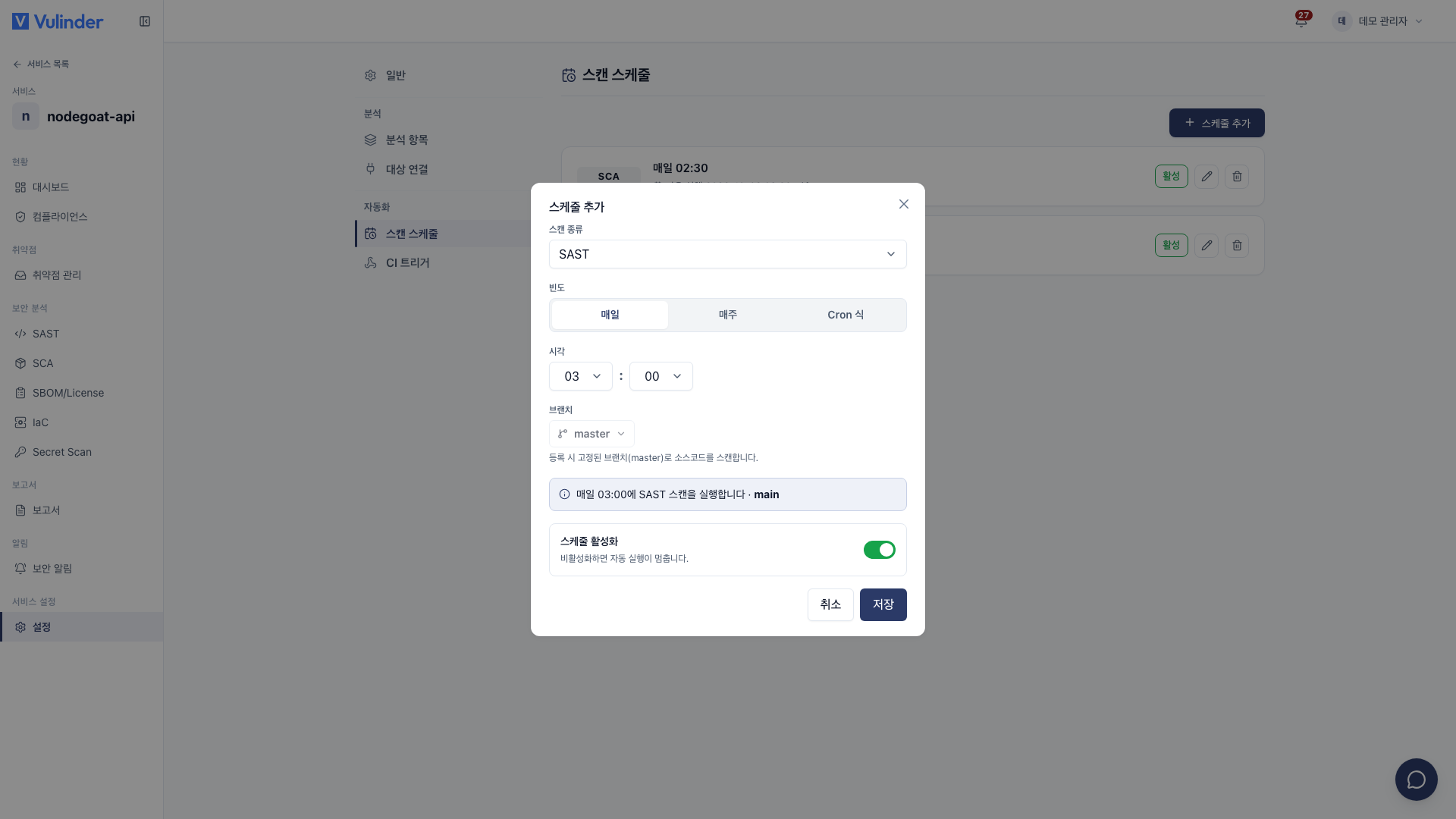
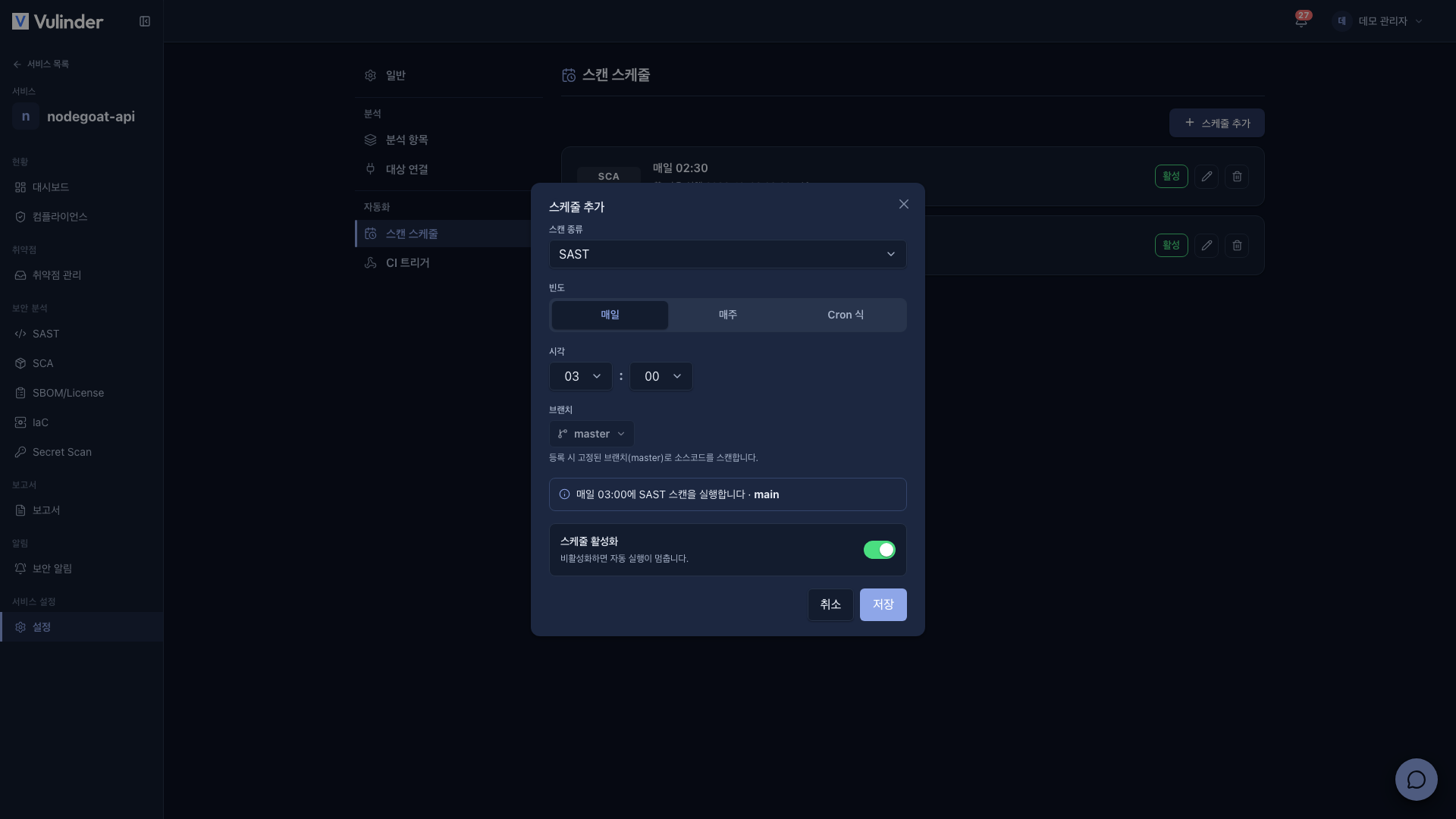
- In the service sidebar, open [Settings] > Automation > Scan schedules and click Add schedule.
- Set the cadence to run on. Choose daily, weekly, or a cron expression, and use presets like "Daily at 03:00", "Weekly on Mon at 03:00", or "Every hour" to set it quickly.
- Once saved, the analysis runs automatically on every cadence afterward.
Rescan comparison
Scheduled scans are compared against previous results just like a regular rescan.
- Resolved items found again : Return to open and are marked as Recurred.
- Items no longer found : Drop out of the list.
Related documents
- CI triggers : Automatic scans at push and merge time
- Security news : Detect threats without a rescan
- Vulnerability management : Handle discovered items