Software Bill of Materials (SBOM)
An SBOM (Software Bill of Materials) is an inventory of the components (libraries · packages) a service is made of. It is the basis for vulnerability and license decisions, and you use it to communicate "what we are using" in a standard format to customers, auditors, and regulators.
- Contents : An inventory of the components (libraries · packages) that make up the service
- Format : PDF · CycloneDX · SPDX
- Applies to : Types where components can be identified (except web services and SBOM upload)
The report is built from the service's SBOM scan results. An SBOM scan must therefore have completed at least once before you can generate an SBOM report. If there is no scan history, the SBOM card is shown as disabled.
Turn on SBOM analysis for the service and run a scan first.
Where you can export it
Most service types where components can be identified can export an SBOM.
- Source code : Extracts components from dependency manifests. (SBOM · License)
- Container image : Extracts the packages installed in the image layers. (Image SBOM)
- Server / host : Includes the OS package list as components. (OS vulnerabilities)
- Binary file : Includes the libraries identified inside the build artifact as components. (Binary file)
The following types are not covered by SBOM, so no SBOM card is shown on the [Reports] screen.
- Web service (DAST) : Checked dynamically from the outside, so there is no component list.
- SBOM upload : The uploaded original file is already an SBOM.
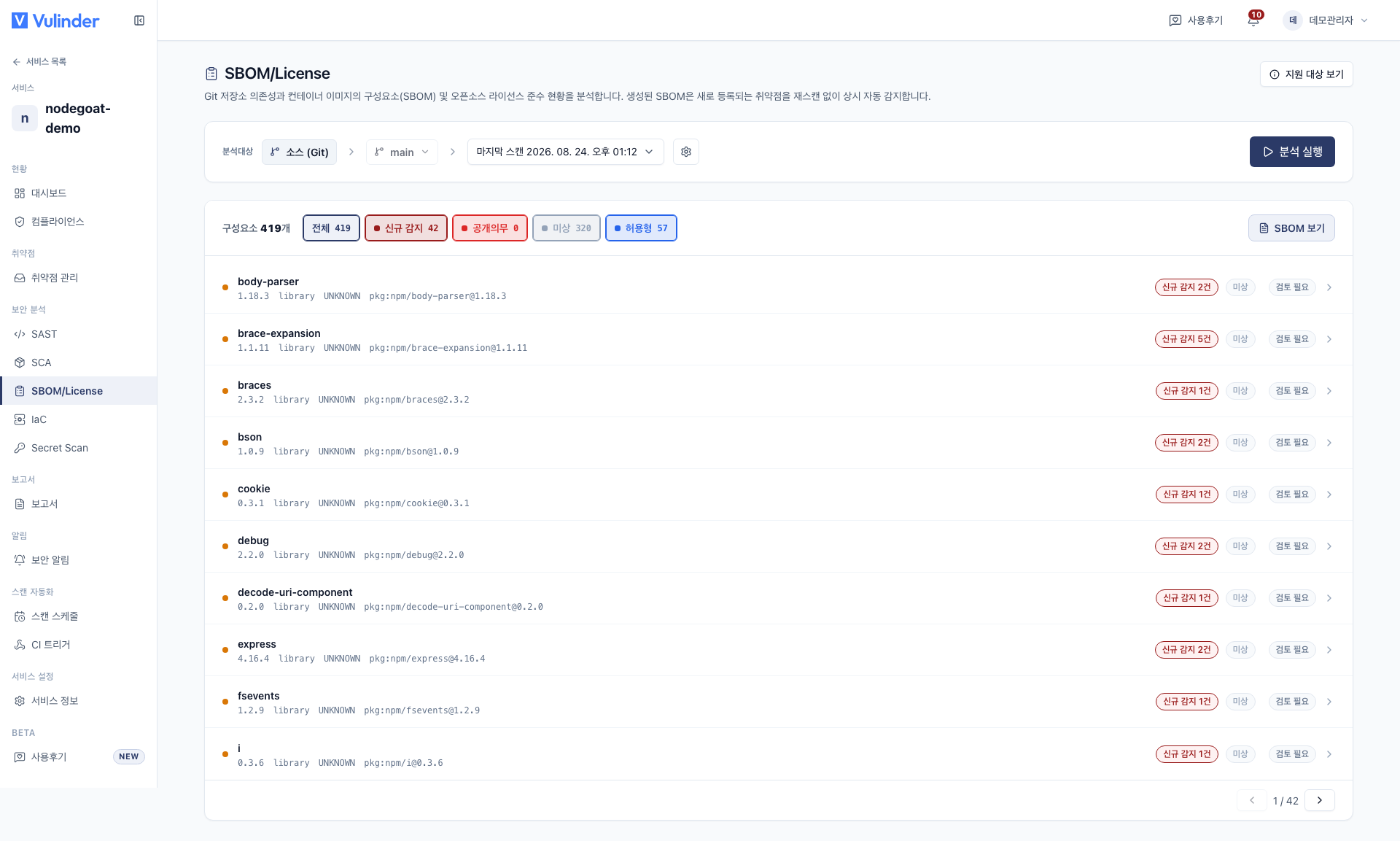
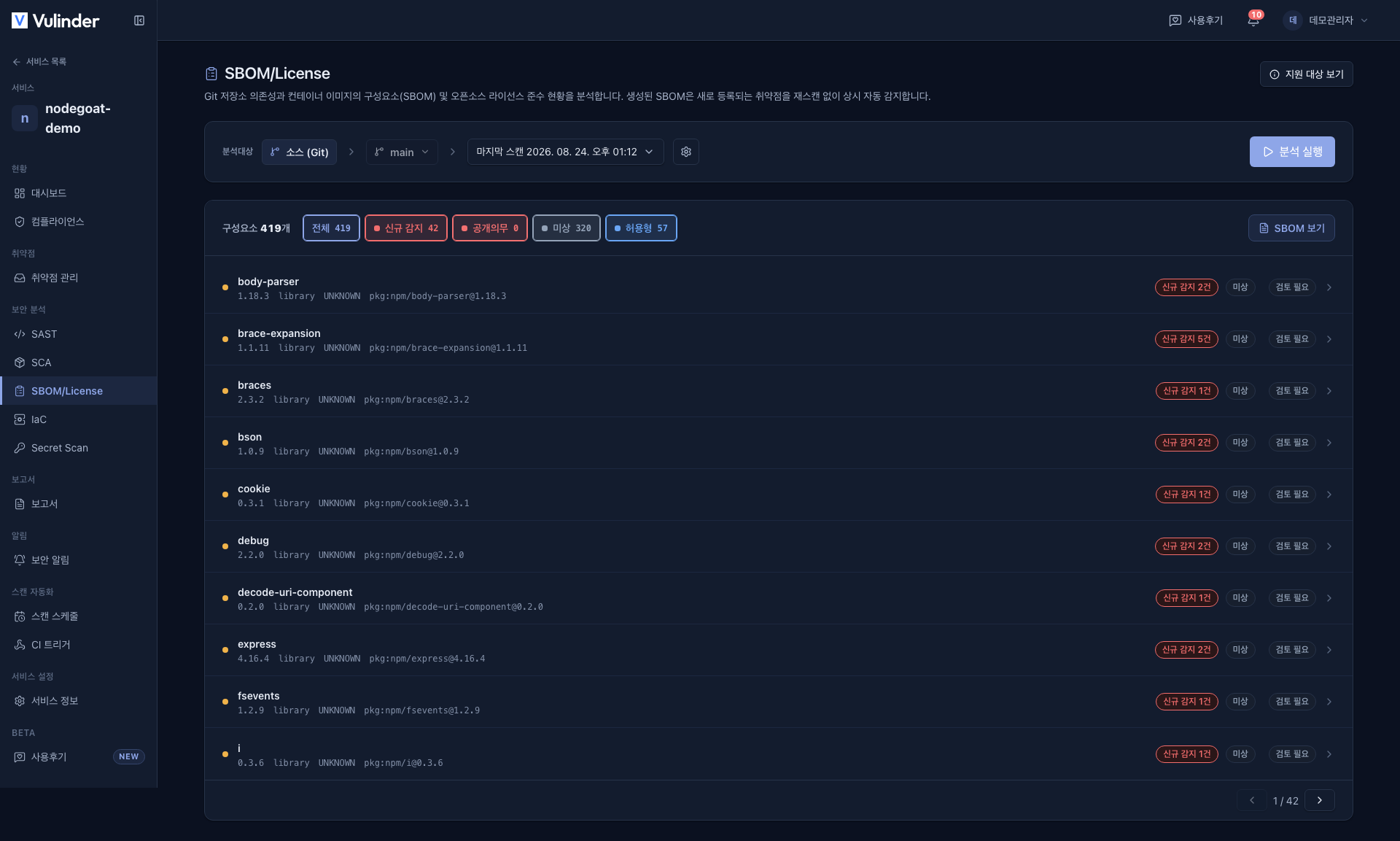
Format
The SBOM card exports in three formats: PDF · CycloneDX · SPDX.
- PDF : A human-readable component list for reporting. Always available when an SBOM scan exists.
- CycloneDX (JSON) : A security-focused standard that is strong in vulnerability and VEX linkage.
- SPDX (JSON) : A standard widely used for exchanging license and compliance information.
CycloneDX and SPDX JSON are downloaded in the original scanned format, with no conversion between formats. Both are international standards for compatibility across tools and platforms.
- Of the two JSON formats, only the format the service was actually scanned in is enabled.
- Choose according to what the recipient requires. If the format you need is locked, scan an SBOM in that format.
Related documents
- VEX : Whether a CVE in these components actually has an impact
- SBOM upload : Upload an external SBOM for vulnerability and license analysis
- Binary file : Identify components in build artifacts
- SBOM · License : Source code components and license risk