Binary File
Even without the source code or a build environment, a single deployed artifact is enough to see which open-source libraries are inside it and whether they have known vulnerabilities. Use this when you have the result but not the code: a JAR delivered by a vendor, a WAR already running on a server, or a build artifact produced by CI.
- Analyses : Component SCA (CVE) · SBOM generation
- What you need : One Java build artifact (
.jar.war.ear.par) - Results : CVEs by severity + component list
- Continuous monitoring : When a new CVE is published for a component, you get an alert without re-uploading
What you need
One artifact built with Java. Upload it as is, with no need to unpack or preprocess it. Four extensions are accepted, and the upload screen lists them as .jar / .war / .ear / .par.
.jar(both executable JARs and library JARs).war.ear.par
It reads the standard metadata that build tools leave inside the file (META-INF/maven/**/pom.properties, META-INF/MANIFEST.MF) along with the libraries bundled with it (BOOT-INF/lib, WEB-INF/lib and so on) to identify components. It does not decompile bytecode. Reading the metadata already written inside the archive is all it does.
Registration steps
On the [Services] page, click Register service and select Binary File to start the four-step wizard.
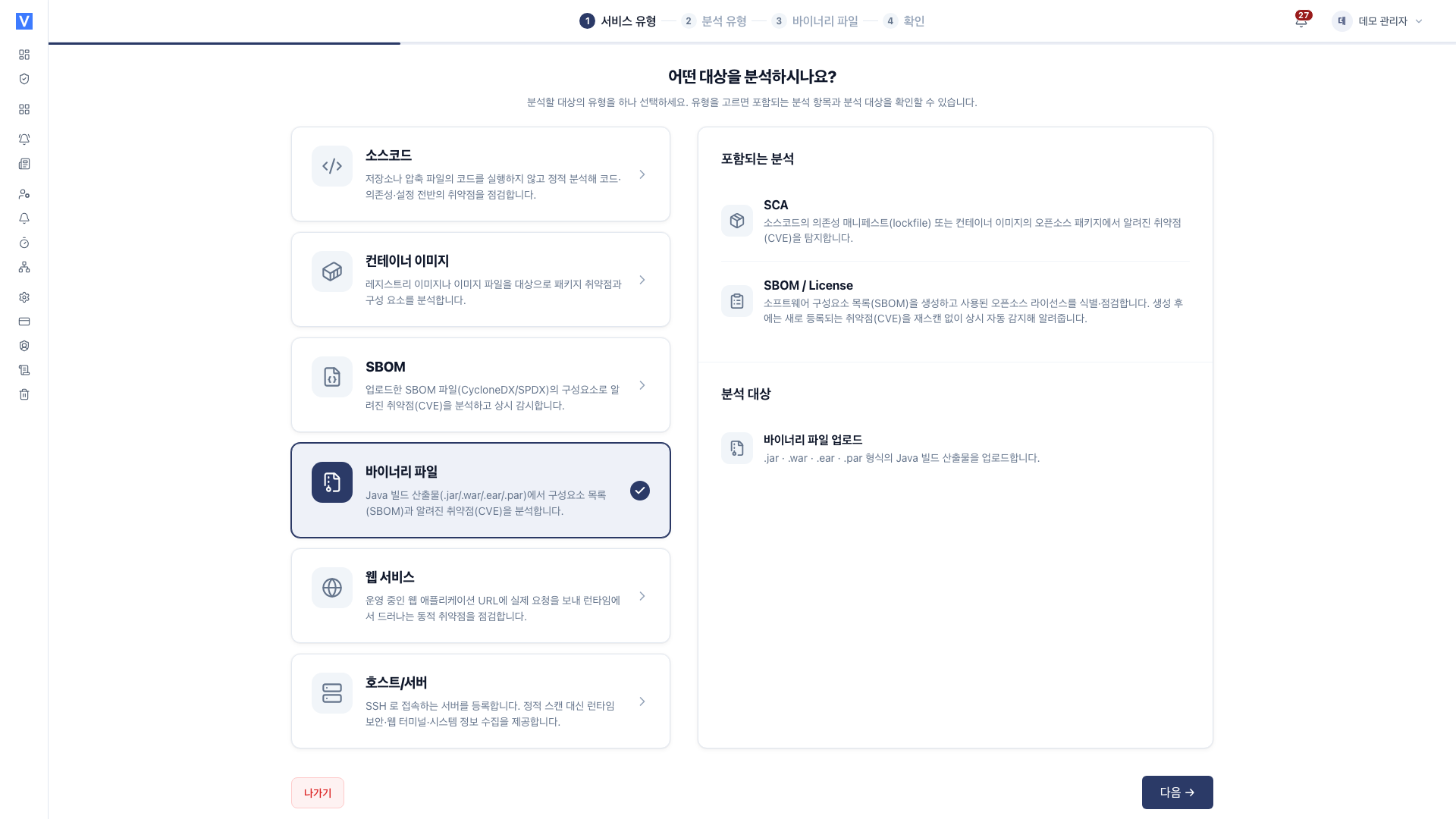
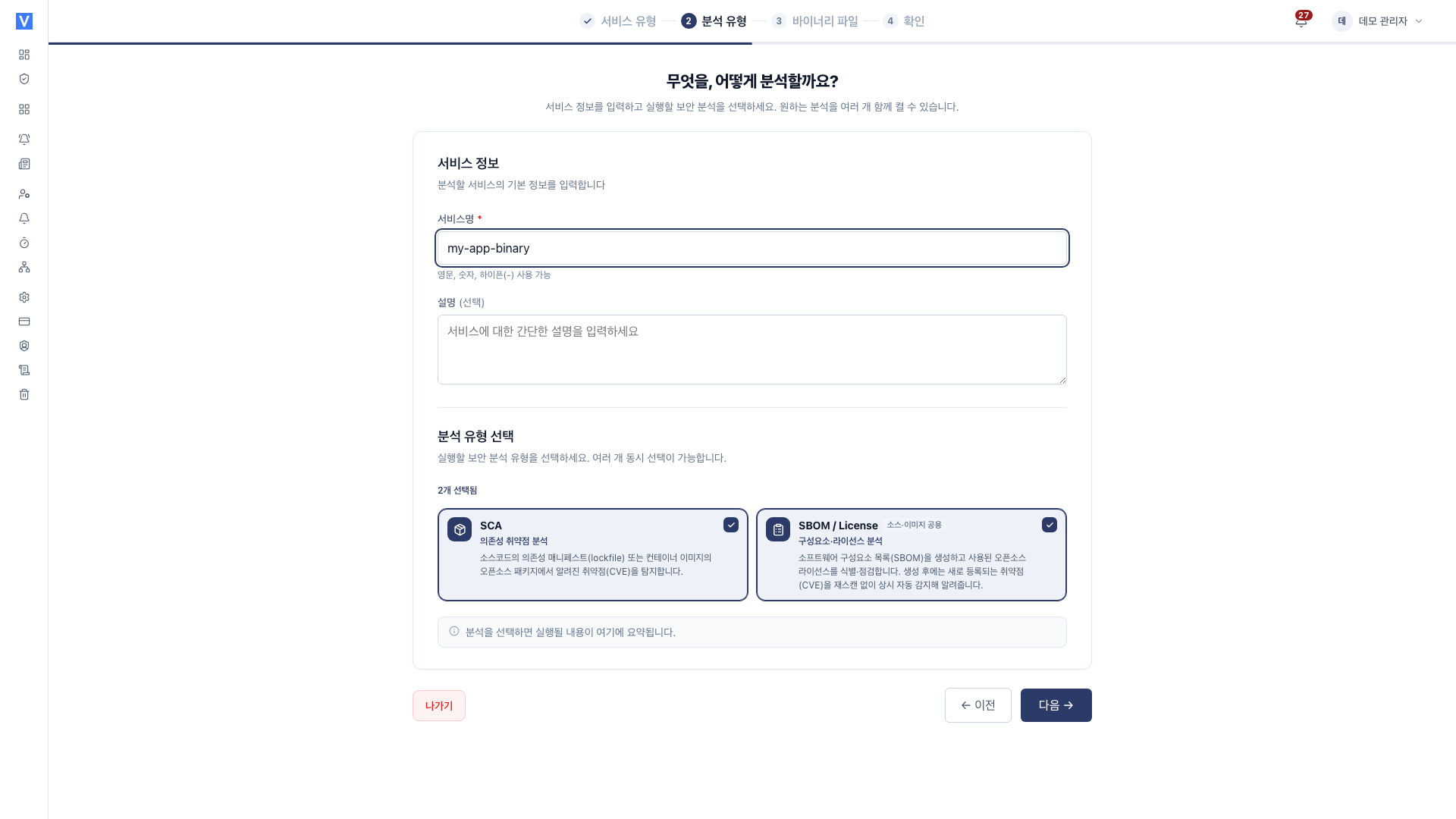
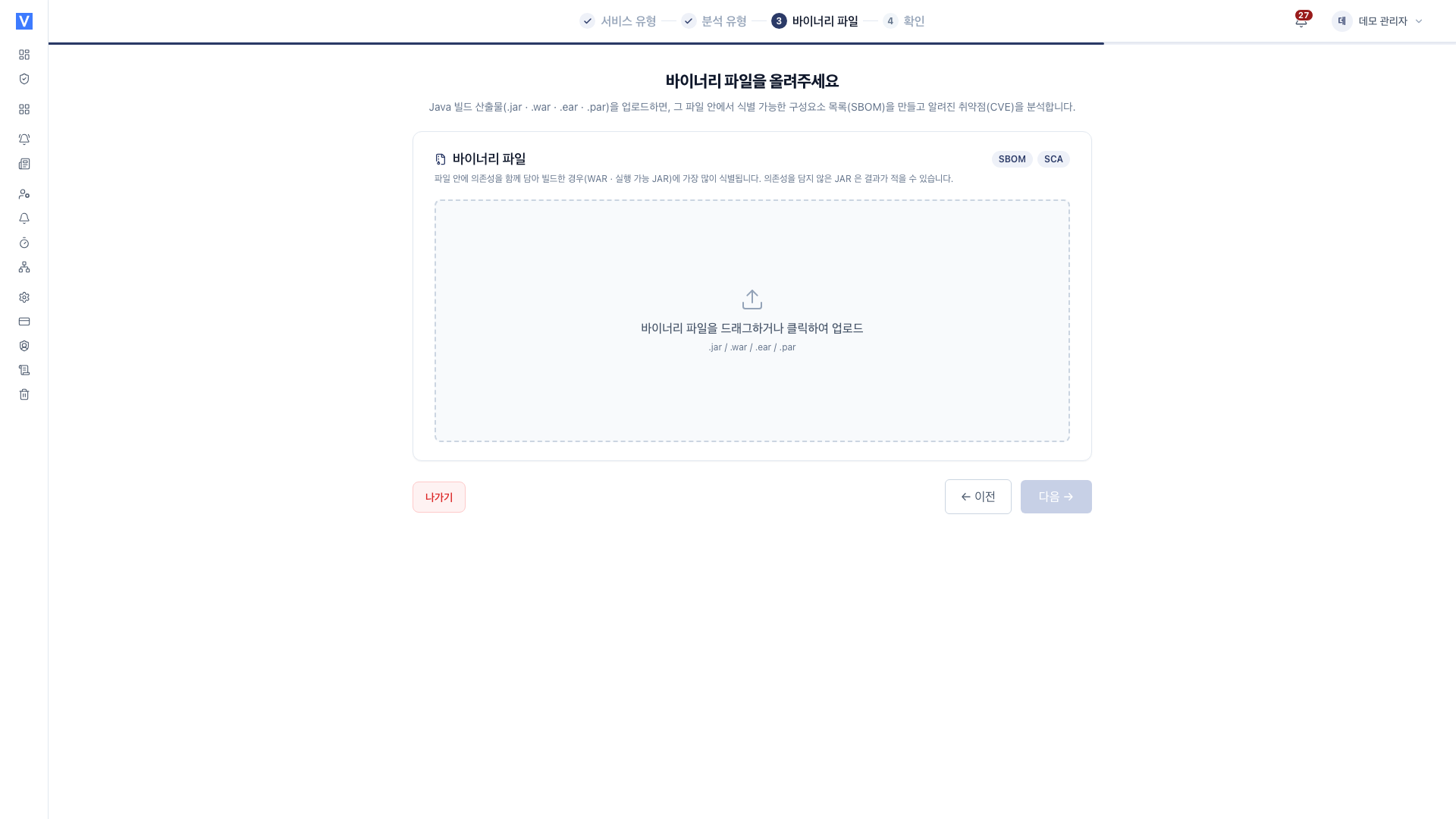
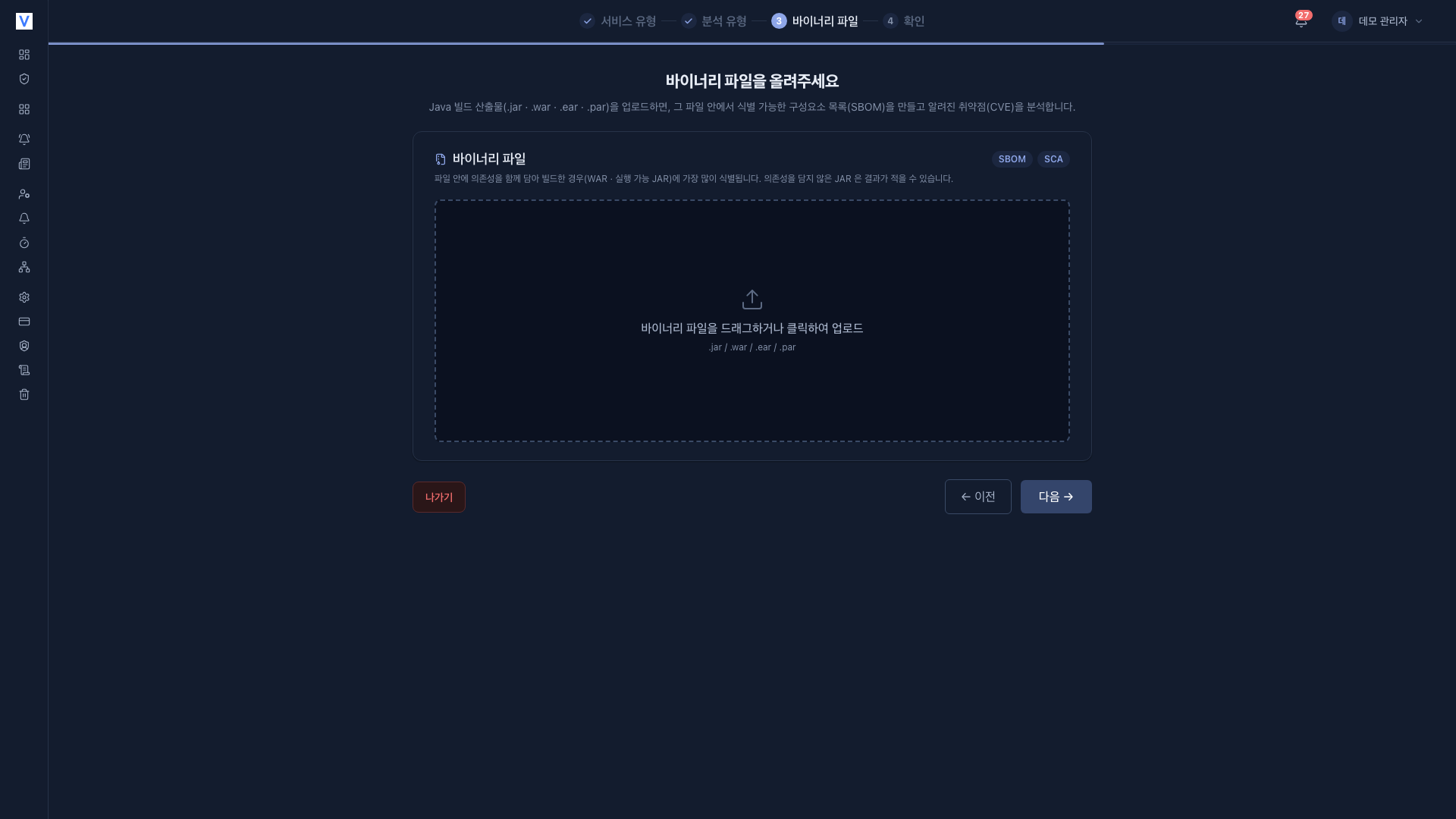
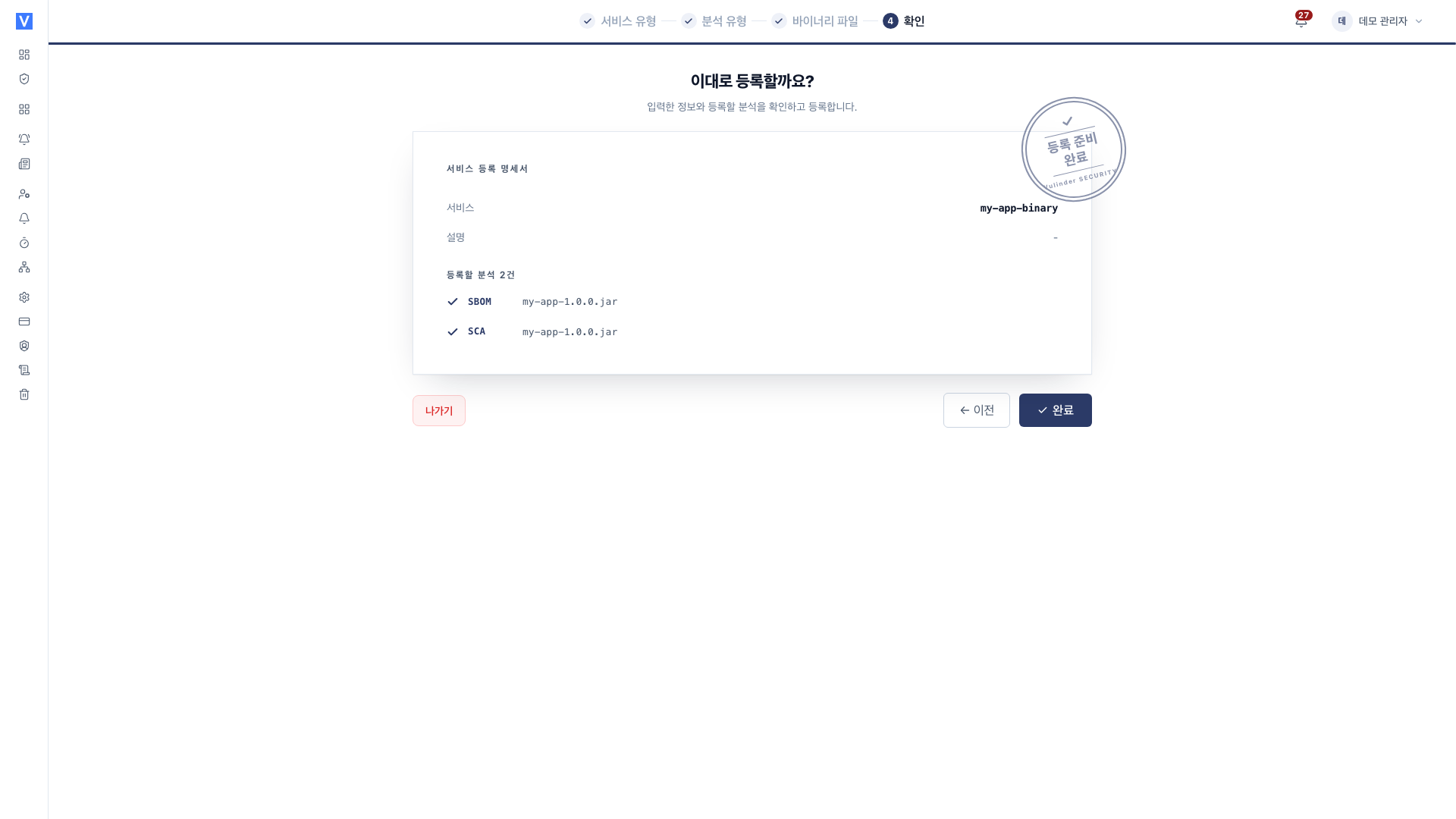
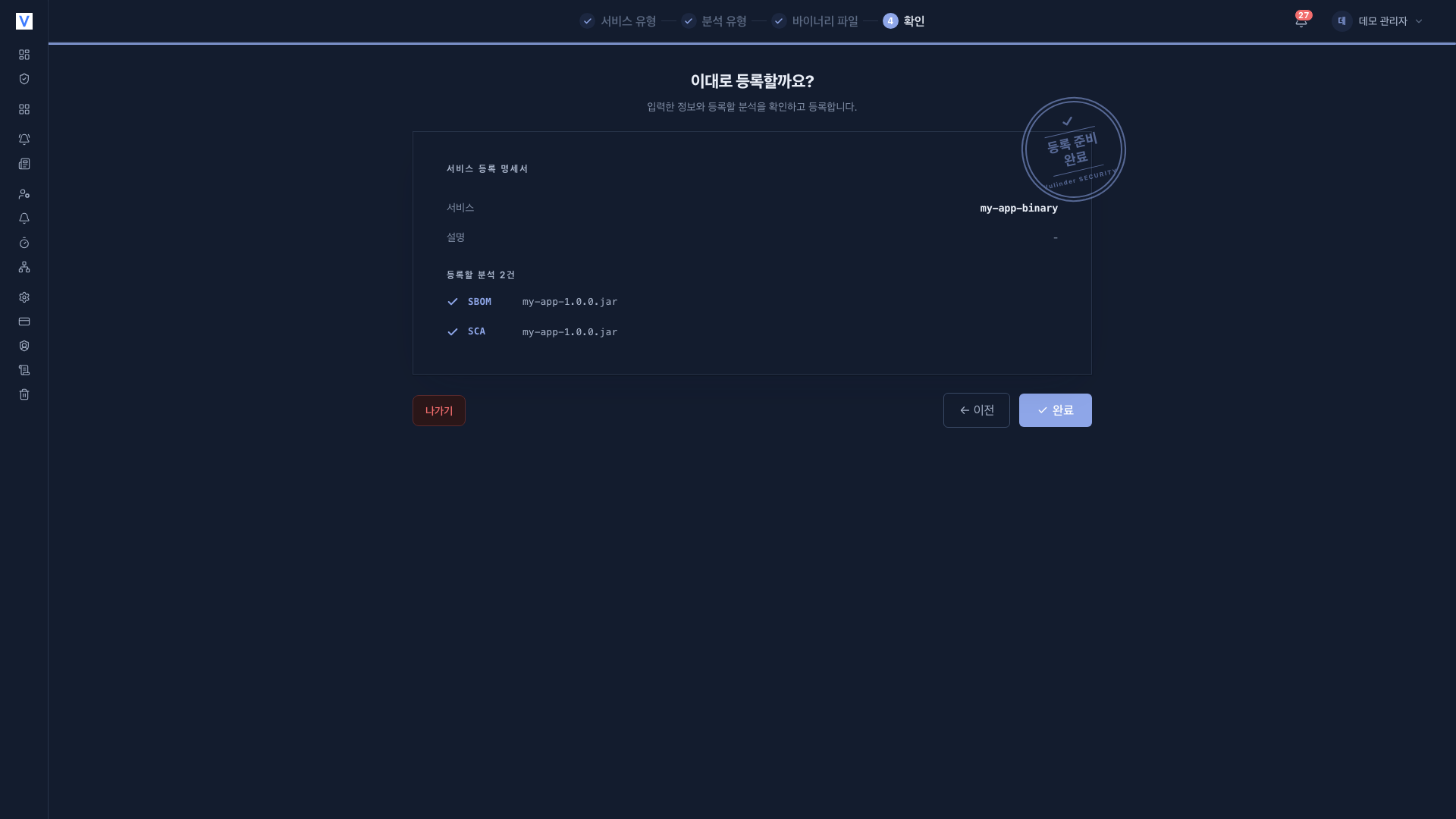
Upload only checks the extension and size. The file contents are validated during analysis, so it is normal for an upload to succeed and the analysis to then fail.
What it finds
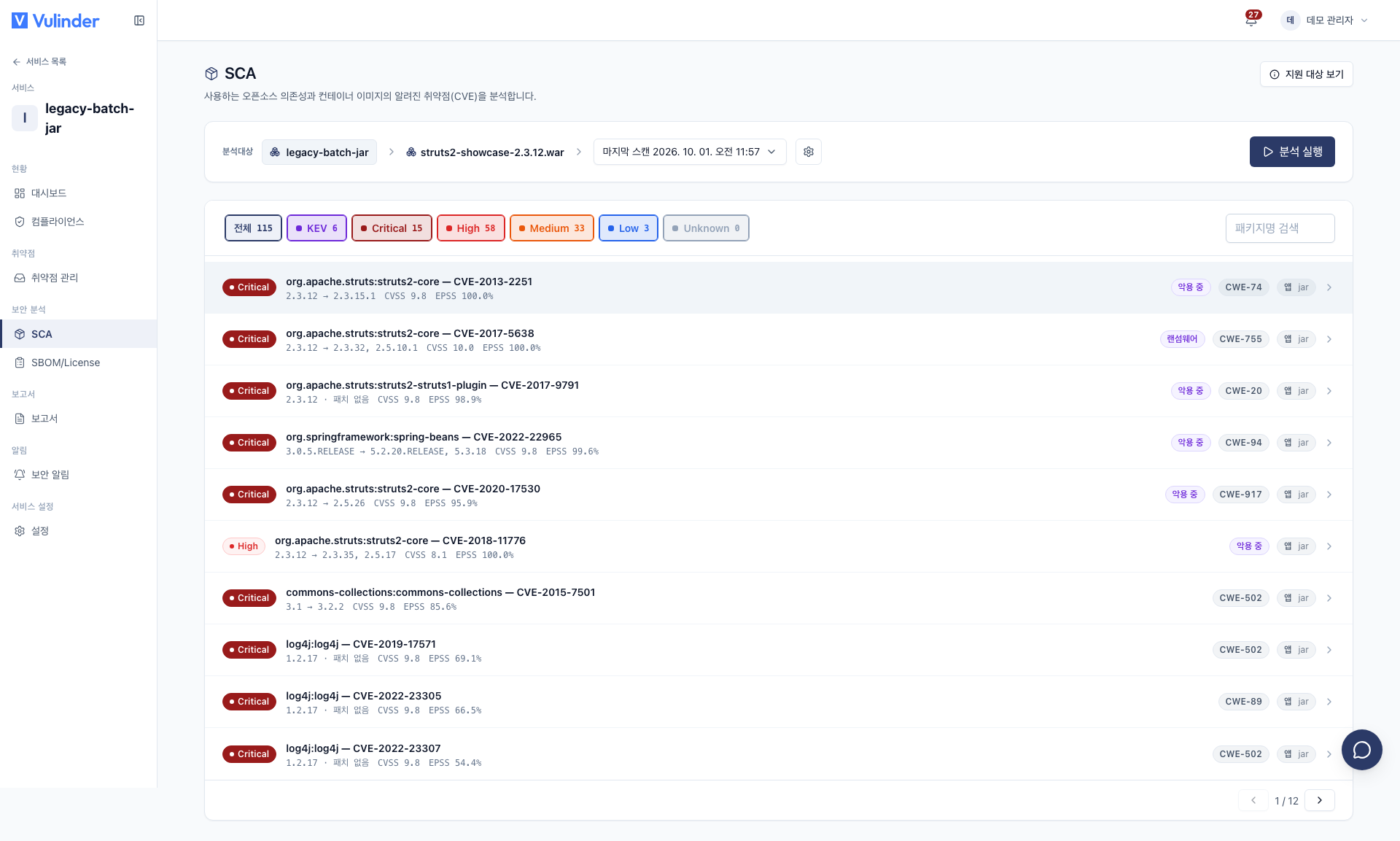
- Component vulnerabilities (SCA) : Finds known CVEs for the libraries identified inside the file.
- KEV : Marks items confirmed to be exploited in the wild.
- EPSS (exploitation probability) · CWE (category) : Attached to help you decide what to fix first.
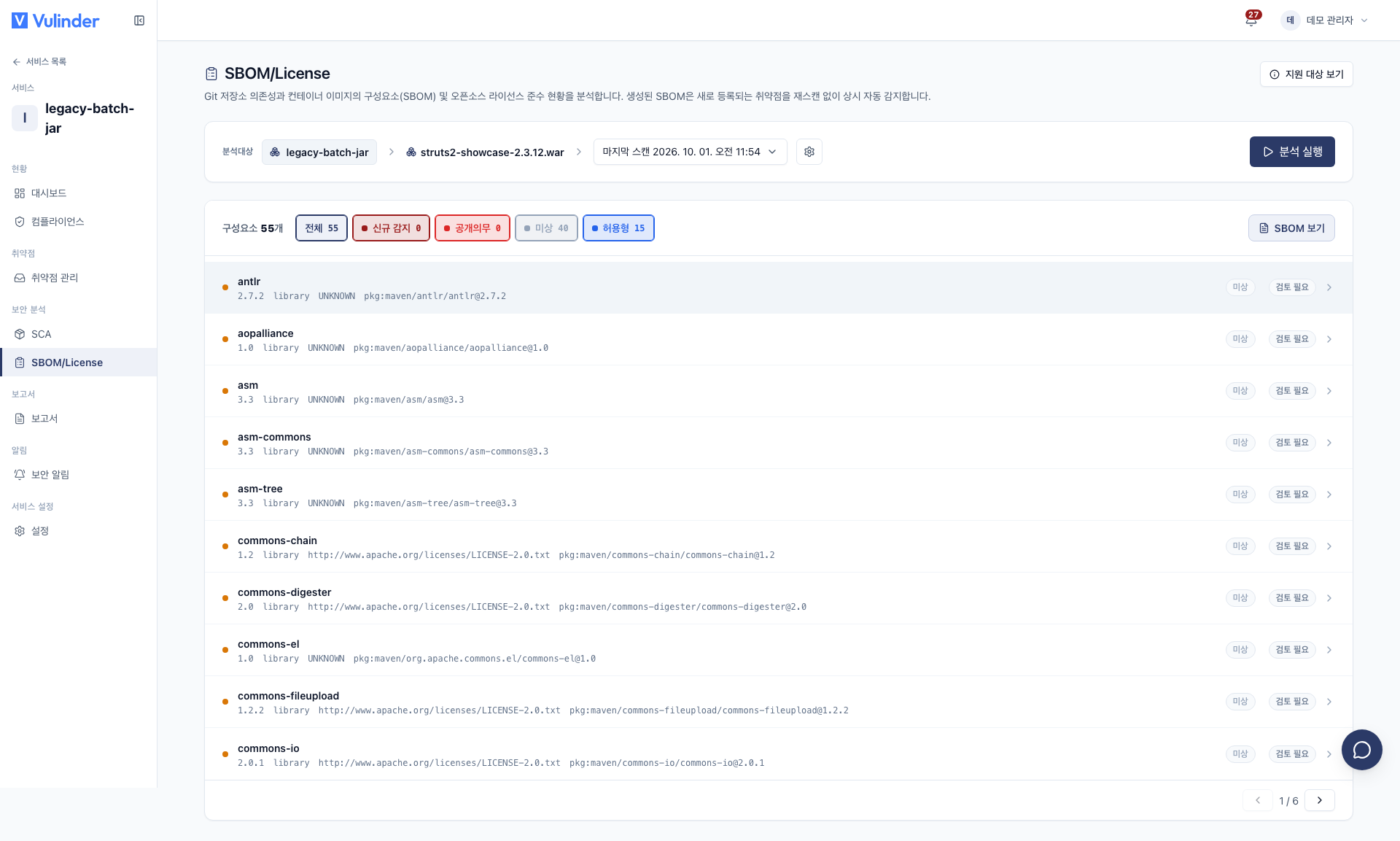
- Component inventory (SBOM) : Produces the list of libraries contained in the file in CycloneDX or SPDX format for use as supply-chain evidence.
The two analyses are independent. You can run just one, and if you run both, usage (VU) is metered for each.
Viewing results
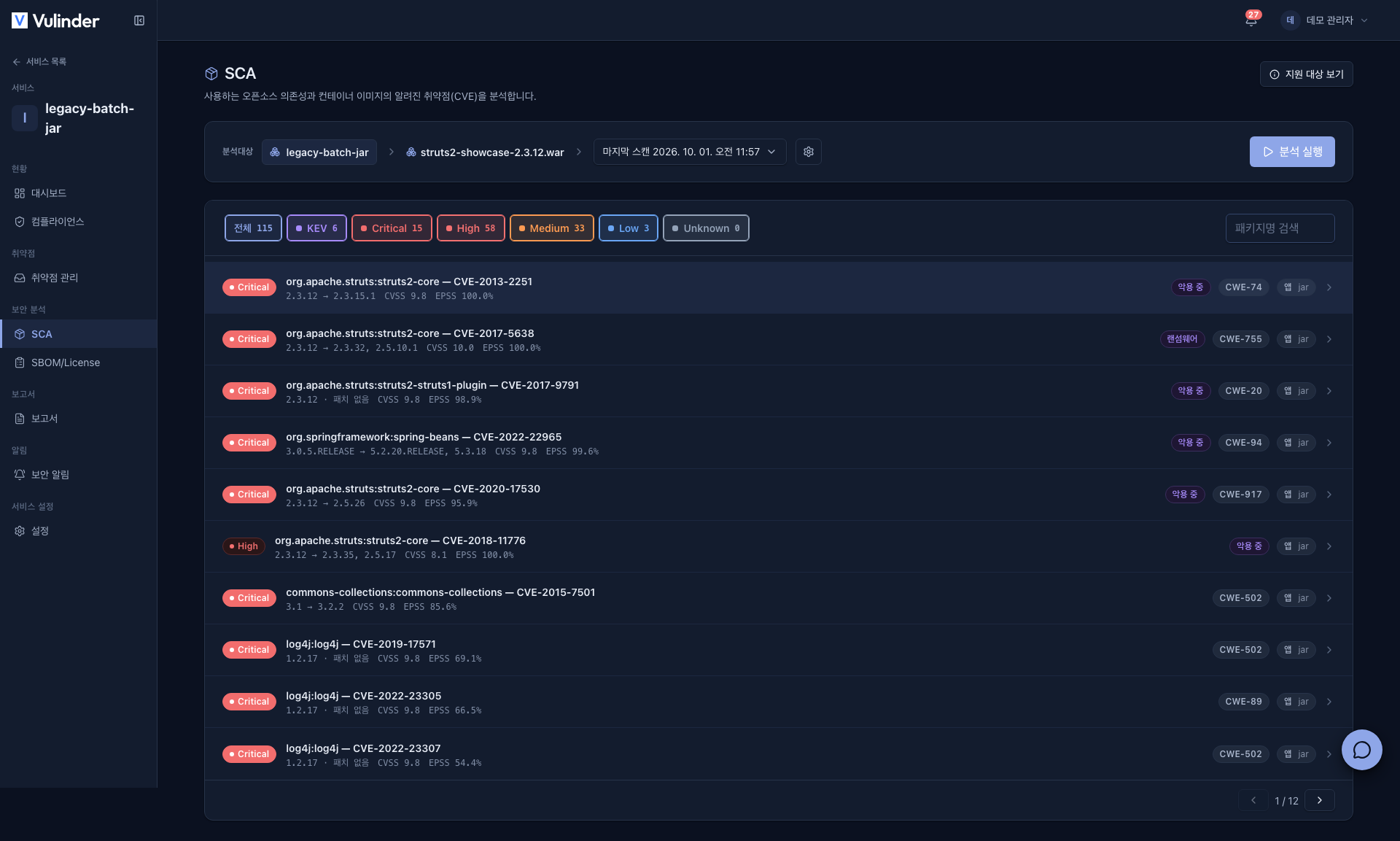
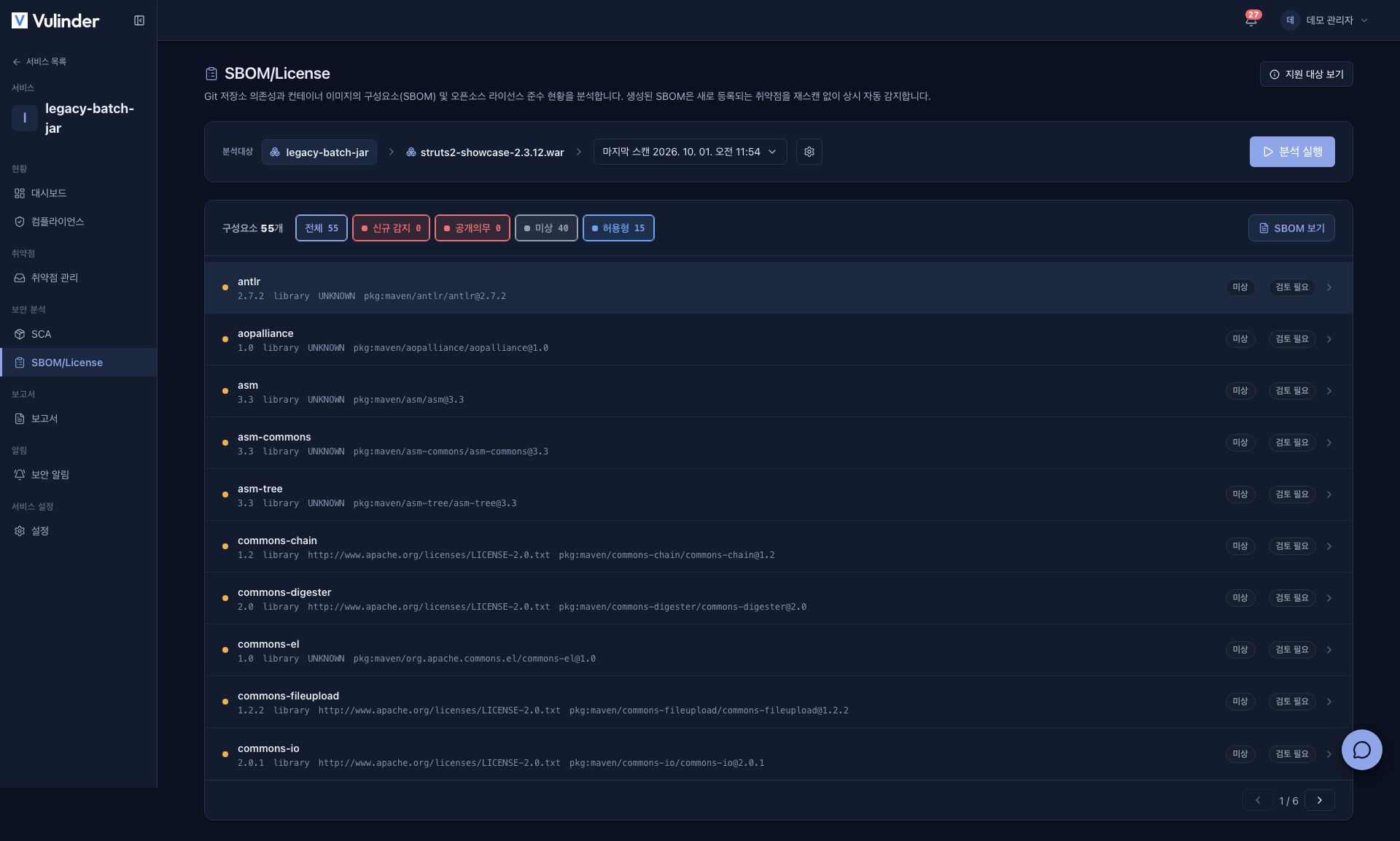
View results under SCA and SBOM/License in the Security analysis sidebar group. Each screen shows a single tab named after this service.
Nested libraries are unpacked too
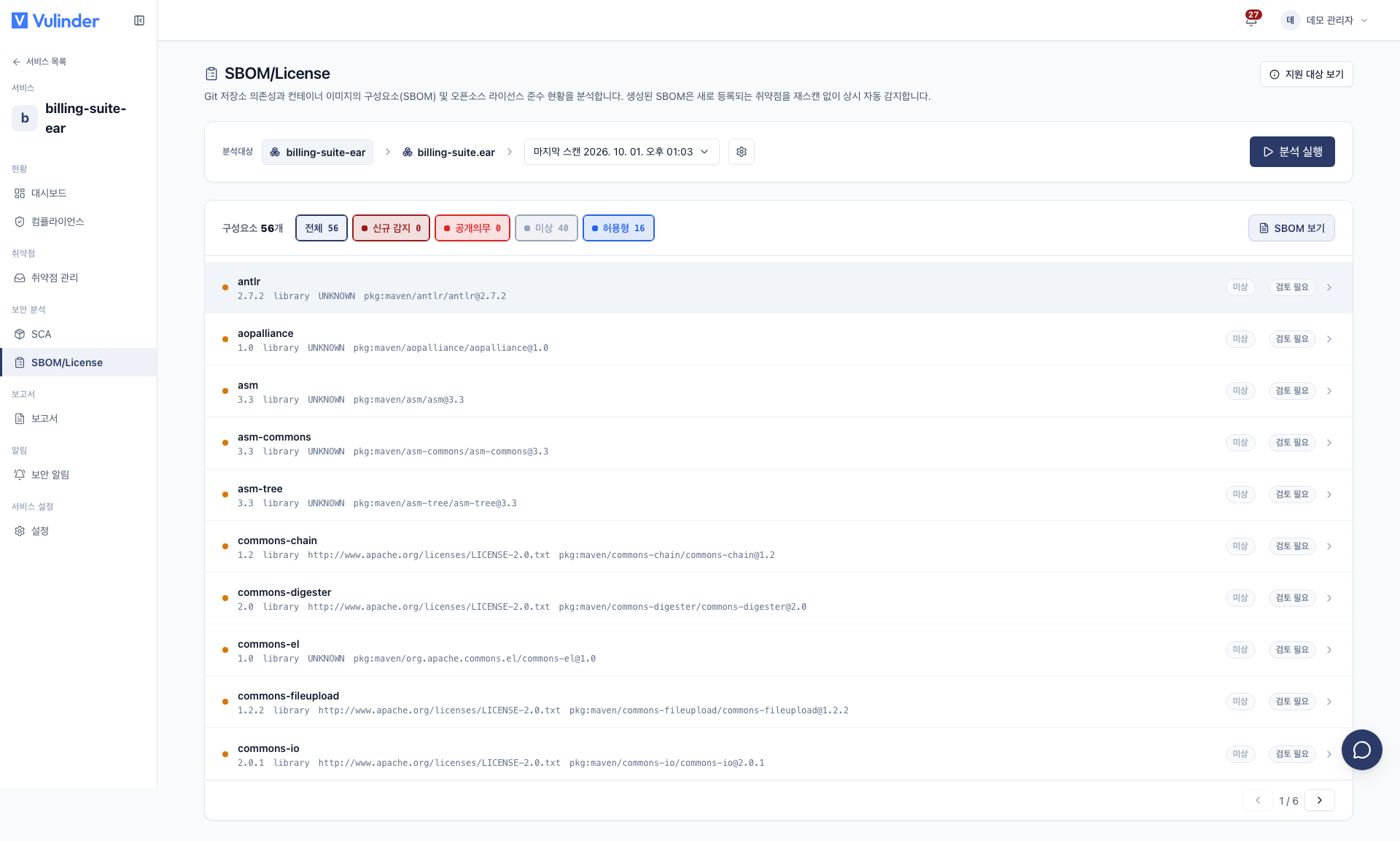
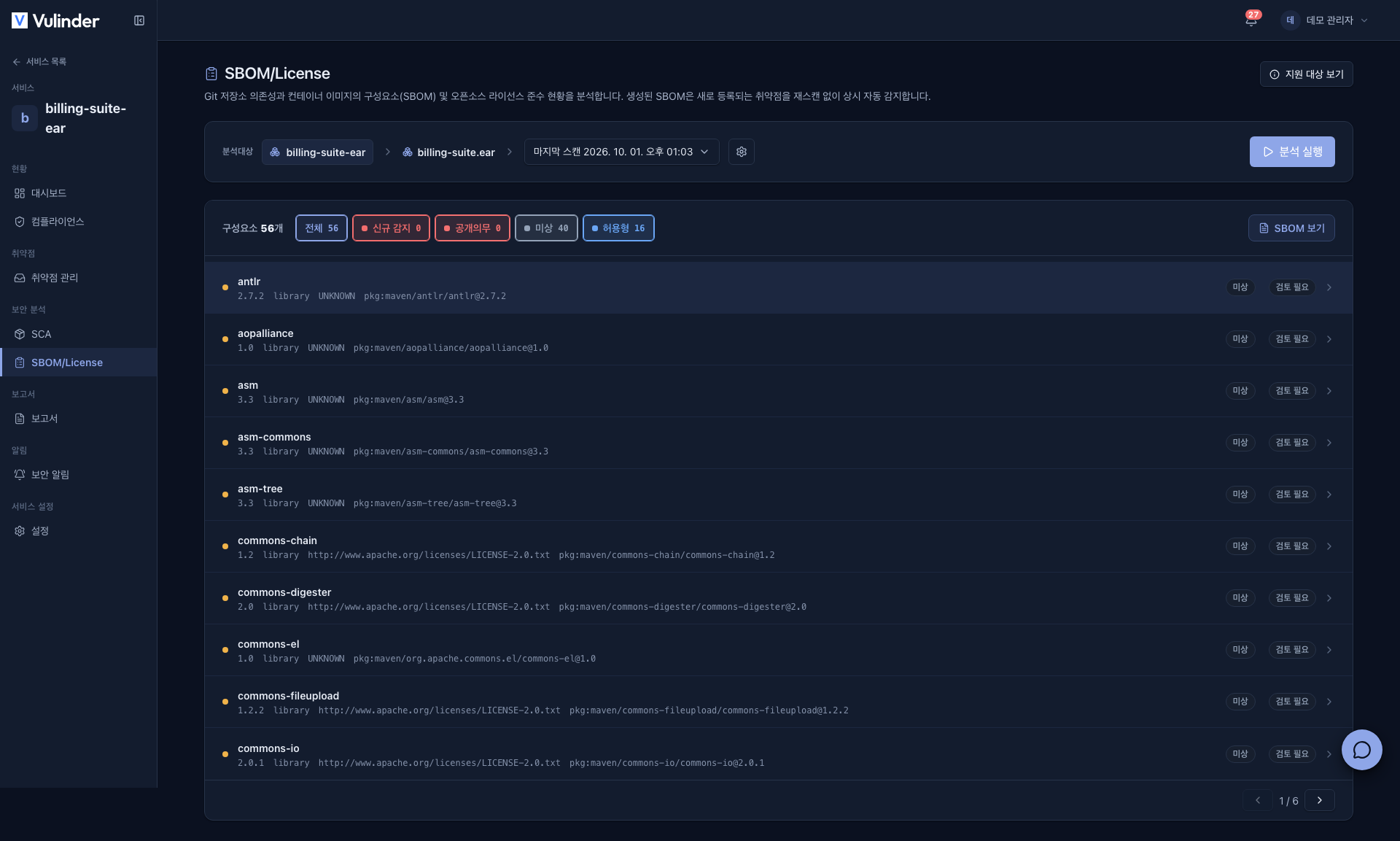
Structures that contain archives inside archives, such as an EAR, are read recursively. Below is the result of uploading a single EAR: the WAR inside the EAR, and the libraries inside that WAR, all appear in one list.
When results are empty
Zero vulnerabilities does not always mean you are safe. There are three different states, distinguished by the message on screen.
| Message on screen | What it means | What to do |
|---|---|---|
| Analyzed N components and found no known vulnerabilities | Safe : components were identified and have no CVEs | No action needed |
| No identifiable components were found in this file | There was nothing to analyze | See below |
| Could not determine the analyzed components | The component count could not be measured | See below |
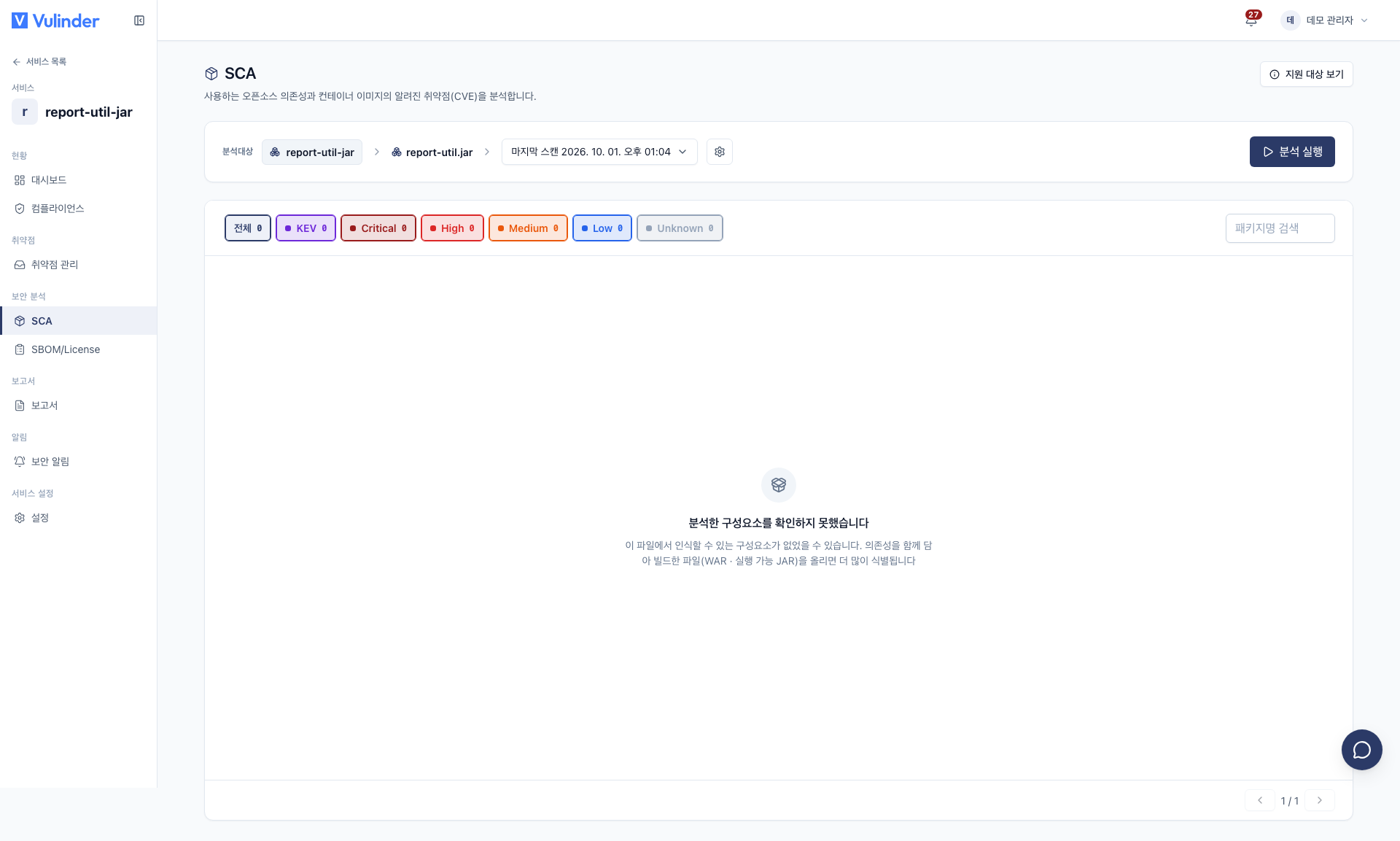
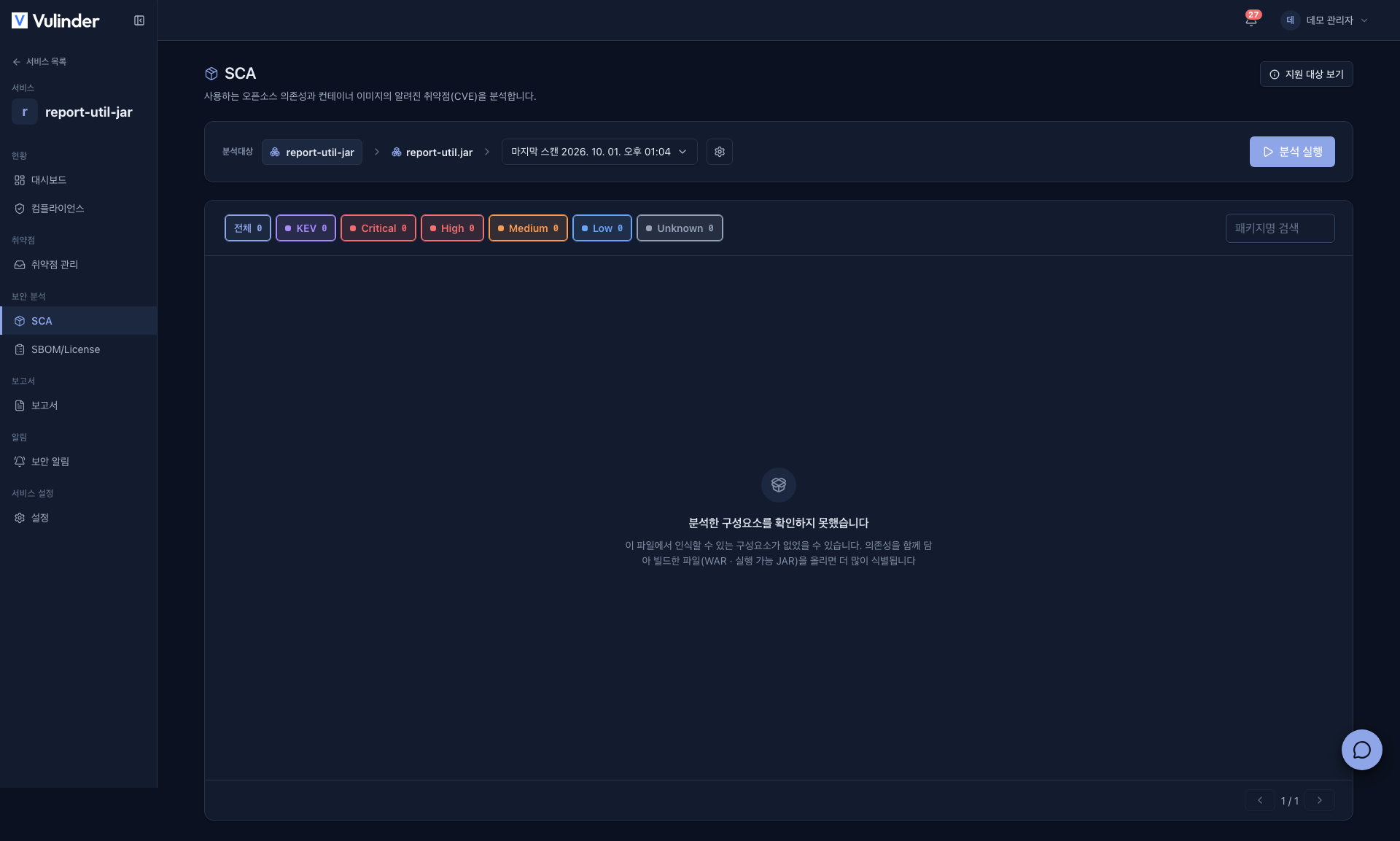
There is a reason the last two are not shown as "safe". The greatest danger is uploading a file that carries no dependencies and concluding your application is secure.
The single criterion is whether the artifact ships its dependencies with it. The build tool and framework do not matter.
- Works well : executable JARs, WARs, EARs, uber JARs that merge dependencies. These yield dozens to hundreds of components.
- Empty is normal : a thin JAR holding only your own classes. There is simply nothing inside to identify.
- Produces nothing : files whose metadata has been stripped by an obfuscator.
Upload the artifact you actually deploy rather than a thin JAR, and the results change.
The security score follows the same rule. A service whose components could not be determined shows its score as Not measured, so zero findings never looks like a perfect score.
Working with results
Review and act on findings in Vulnerability management. For vulnerabilities in components you do not actually use, mark them false positive or risk accepted after review to keep them out of the queue on later scans.
Continuous monitoring
Analyzed components are monitored continuously. When a new CVE is published, it is added to your inventory and an alert is raised without re-uploading the file. (Security news)
For periodic runs, schedule them in the Scan schedules tab of the service [Settings] (see Scan schedules). This type has no branch concept, so schedules do not ask for a branch.
Because this is an upload-only type, it cannot be triggered from a CI pipeline. Run it manually from the SCA and SBOM/License screens, or run it periodically with a scan schedule.
Settings (changing after registration)
After registration, you can change settings under [Settings] in the service sidebar (Analyses, Target connection (replacing the binary file), Scan schedules). Step-by-step instructions are in Binary file settings.
Related
- Vulnerability management : Reviewing findings, false positives and risk acceptance
- Security news : Continuous alerts for new CVEs
- Reports · VEX : Export SBOM / VEX documents
- SBOM upload : Upload an SBOM you already have
- Source code : Generate an SBOM from a repository
- Scan schedules : Schedule periodic runs
- Binary file settings : Change settings after registration