Members · Roles
Granting each teammate only the permissions they need reduces mistakes and misuse. Invite teammates to your organization and assign them the manager or member role to make it clear who can do what. The admin is the one person who created the organization.
Roles
| Role | What they can do |
|---|---|
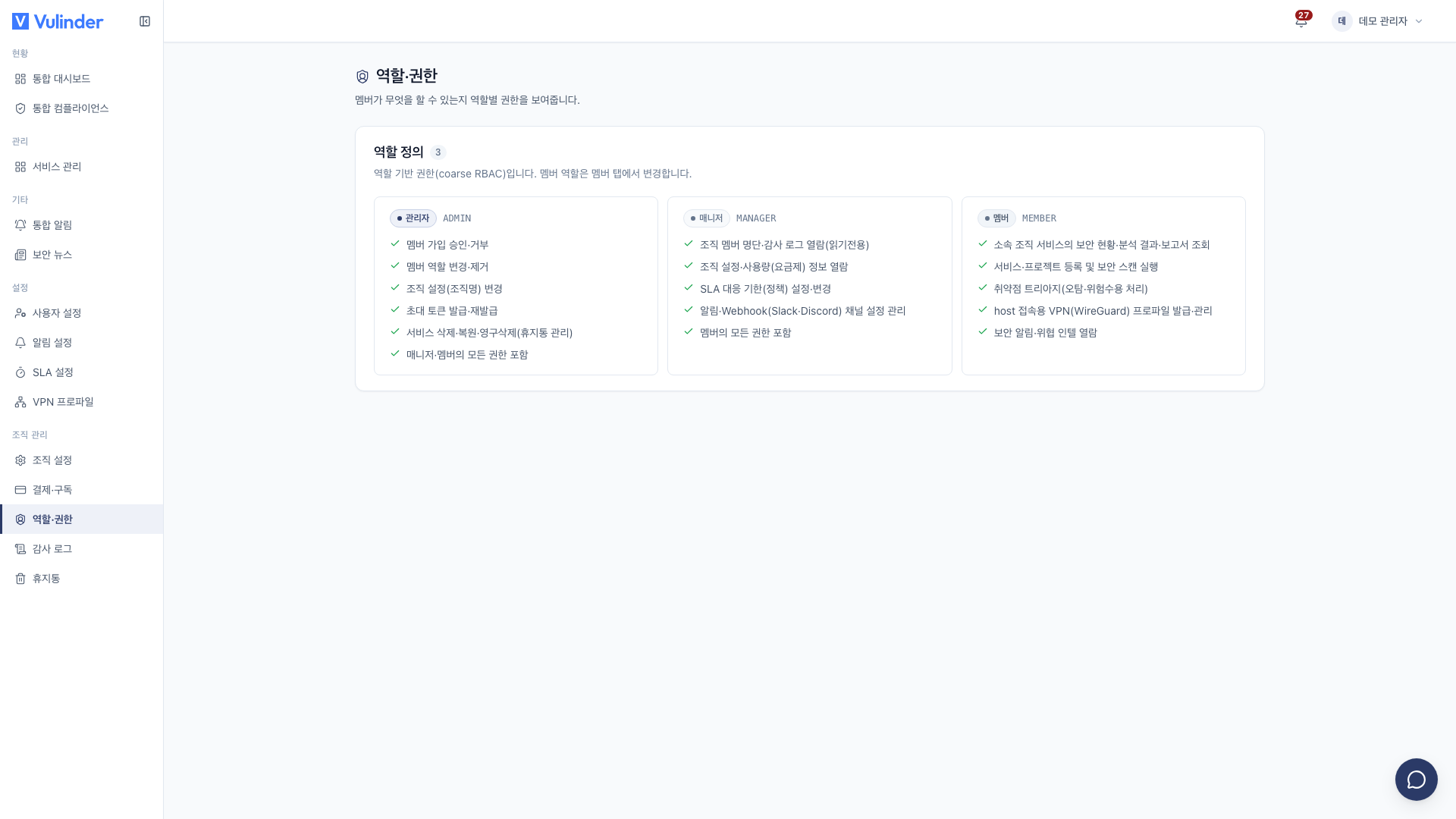
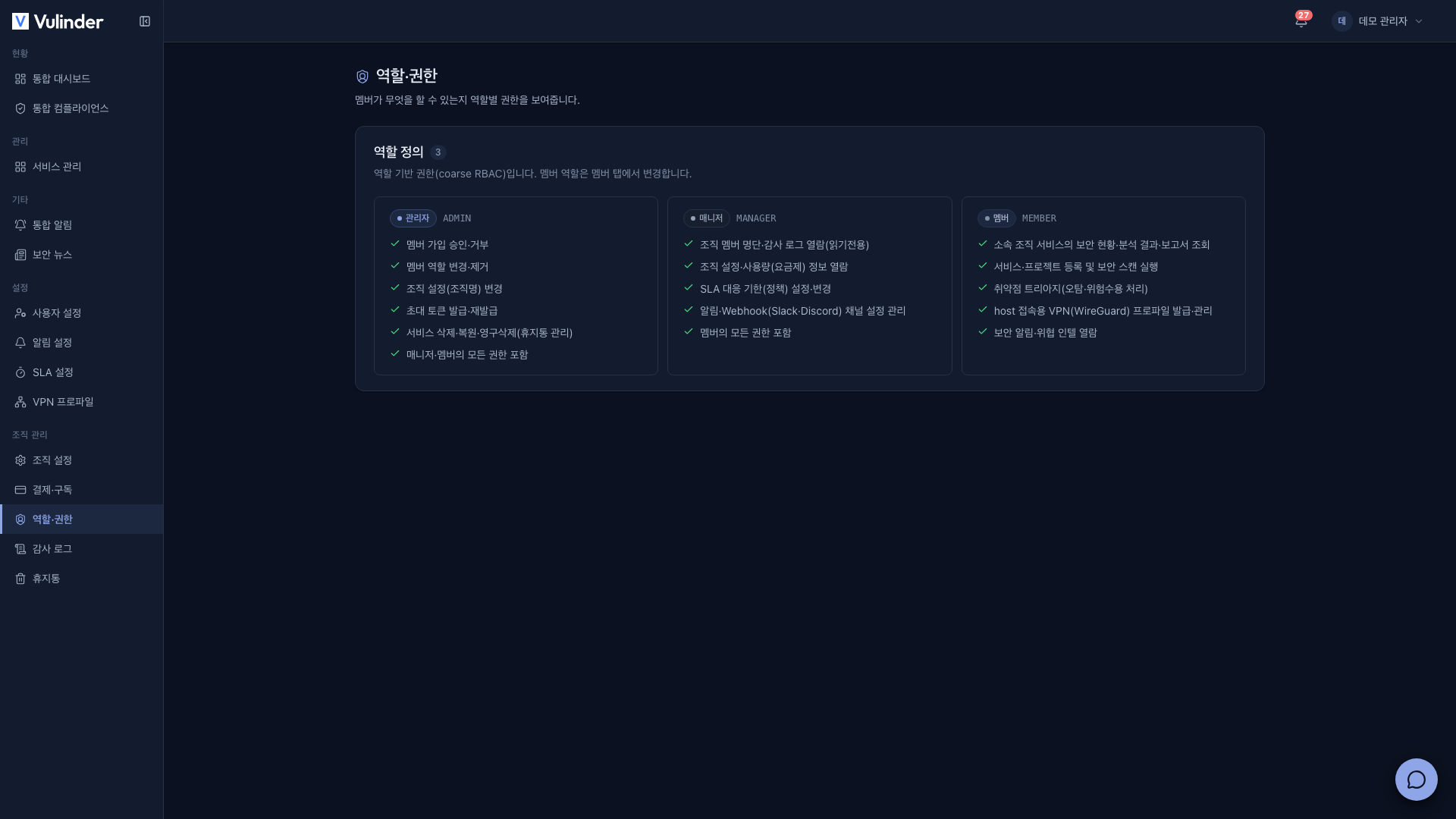
| Admin | Everything a manager can do Approving members and changing/removing roles Changing the organization name Issuing/rotating invite tokens Deleting/restoring/purging services and other hard-to-reverse organization management |
| Manager | Everything a member can do Viewing the member list and audit log Viewing organization settings and usage Configuring SLA Managing notification / webhook (Slack · Discord) channels |
| Member | Viewing services, analysis results, and reports Registering services and running scans Triaging findings (false positive, accepted risk, resolved) Managing VPN profiles Viewing security alerts and threat intelligence |
Members can view results and run scans on the service dashboard, compliance, and analysis tabs, and can triage findings (false positive, accepted risk, resolved) directly from each analysis screen.
However, the following menus are manager-and-above only, so they are not shown to members. Some of them are admin-only.
- The per-service Vulnerability management screen
- Notification settings · SLA settings
- Organization management menus such as organization settings (including member management) · billing · audit log · trash
Inviting
Teammates join through a shared organization invite token.
- An admin issues and copies an invite token under Organization Settings > Invite Team.
- Rotating it immediately invalidates the previous token.
- Share the token with your teammate. They enter it in the Invite token field on the sign-up screen and join directly as a member, with no approval step.
- After they join, an admin changes their role to Manager or Member, or removes them, from the member list under [Organization Settings] as needed.
- The admin role cannot be assigned or handed over to anyone else.
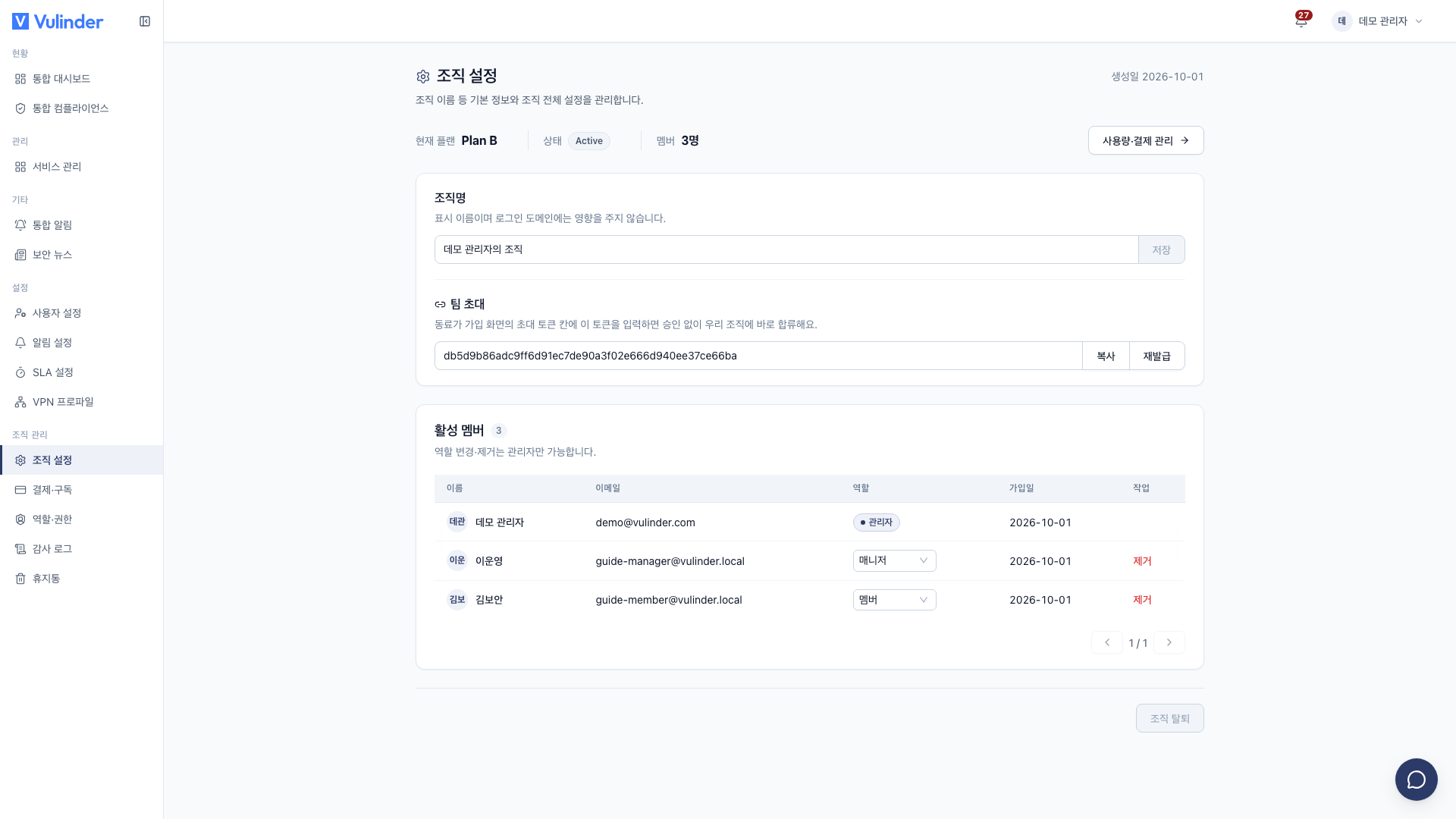
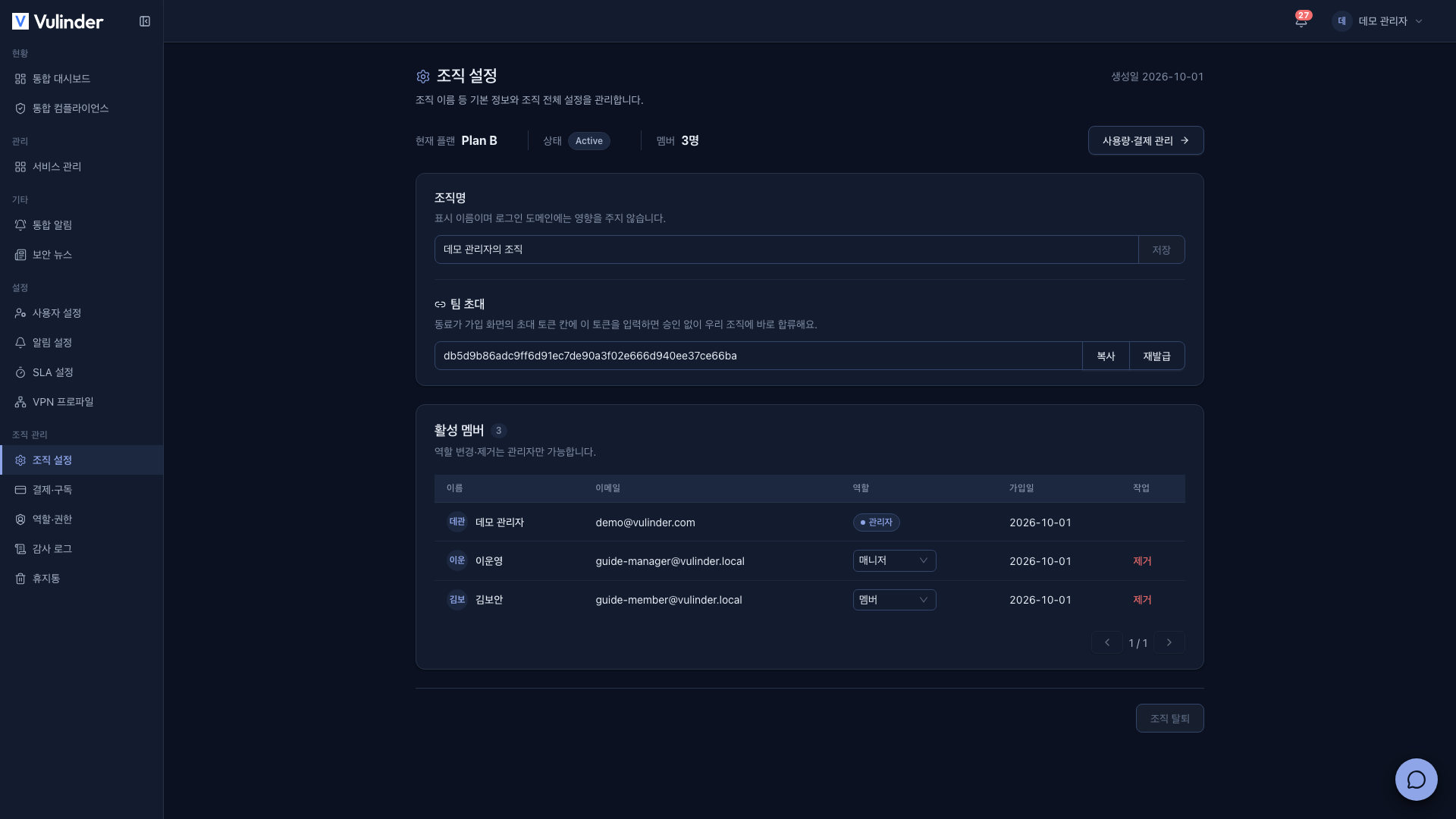
Rather than sending individual invitation emails to specific addresses, anyone who knows the organization's single token can join. Rotate the token if it is exposed.
Plans have a seat limit. Inviting or approving beyond the limit is blocked, and when downgrading, if your current member count exceeds the new limit you must reduce members first. (Billing)
Organization settings
Manage the organization name, team invites, and members on a single [Organization Settings] screen. The top of the screen summarizes the current plan, status, and member count, and the Usage & billing button takes you to the Billing screen.
What each role can do is as follows.
- Admin : Can change the organization name, invite teammates, and manage members.
- Manager : Sees the organization name and member list read-only. The team invite section is not shown.
Roles & permissions screen
Under [Organization] > [Roles & permissions], cards show which features each role can use. A higher role includes all permissions of the roles below it, and each card shows only the permissions added for that role. It is read-only, and you cannot change the permission combinations.
Seat shortage
When paid-plan seats shrink because of a refund, a failed payment, an expired period, or similar, and the current member count exceeds the seat count, members other than the admin see the Organization access restricted screen after signing in ("Your current organization has reached its member limit").
- The admin resolves this in Billing by switching to a plan with more seats, or by reducing members in the member list.
- Restricted members can use Leave organization on this screen, then enter another organization's invite token or create a new organization (Leaving · Restoring).
- An organization that is exactly at capacity is not restricted. Only new members are blocked from joining.
Trash
Deleted services are kept in the [Trash] for 30 days. Only admins can restore or permanently delete them. See Trash for details.
Leaving the organization
Managers and members leave the organization from [Account settings], and the admin deletes the organization from [Organization settings]. The differences and how VU is handled are covered in Leaving · Restoring.
Related documents
- SLA settings : Remediation deadlines by severity
- Notification settings : Deliver alerts to your team
- Billing : Seat limits and usage
- Audit log : A record of member/role changes
- Leaving · Restoring : Leaving or deleting an organization, deleting and restoring an account