SLA settings
To keep discovered vulnerabilities from being left unaddressed, your organization needs to decide "by when must this be fixed." Setting per-severity deadlines (SLA) as policy automatically highlights items that have passed their deadline, so you never lose track of priorities.
Configuration
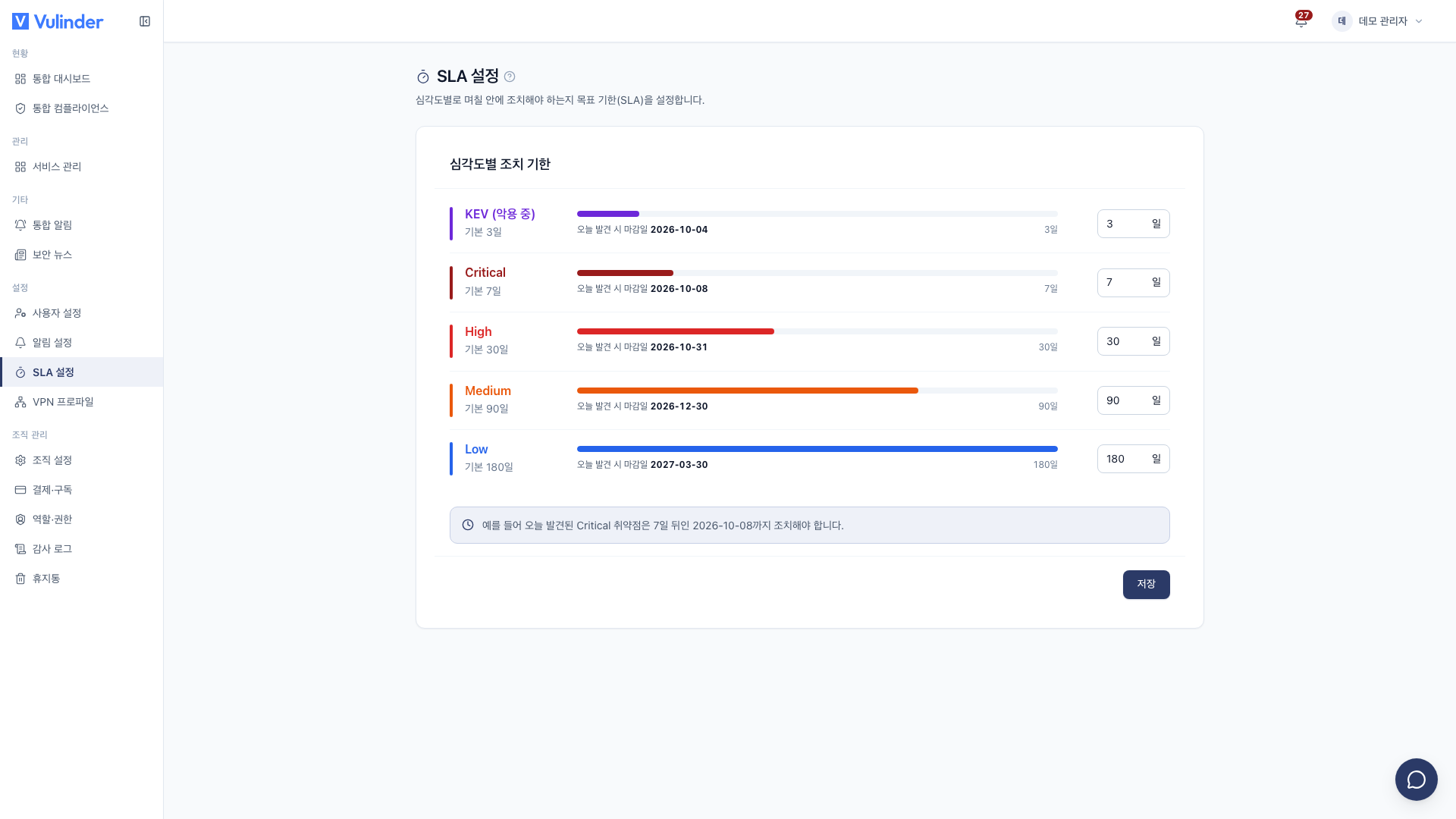
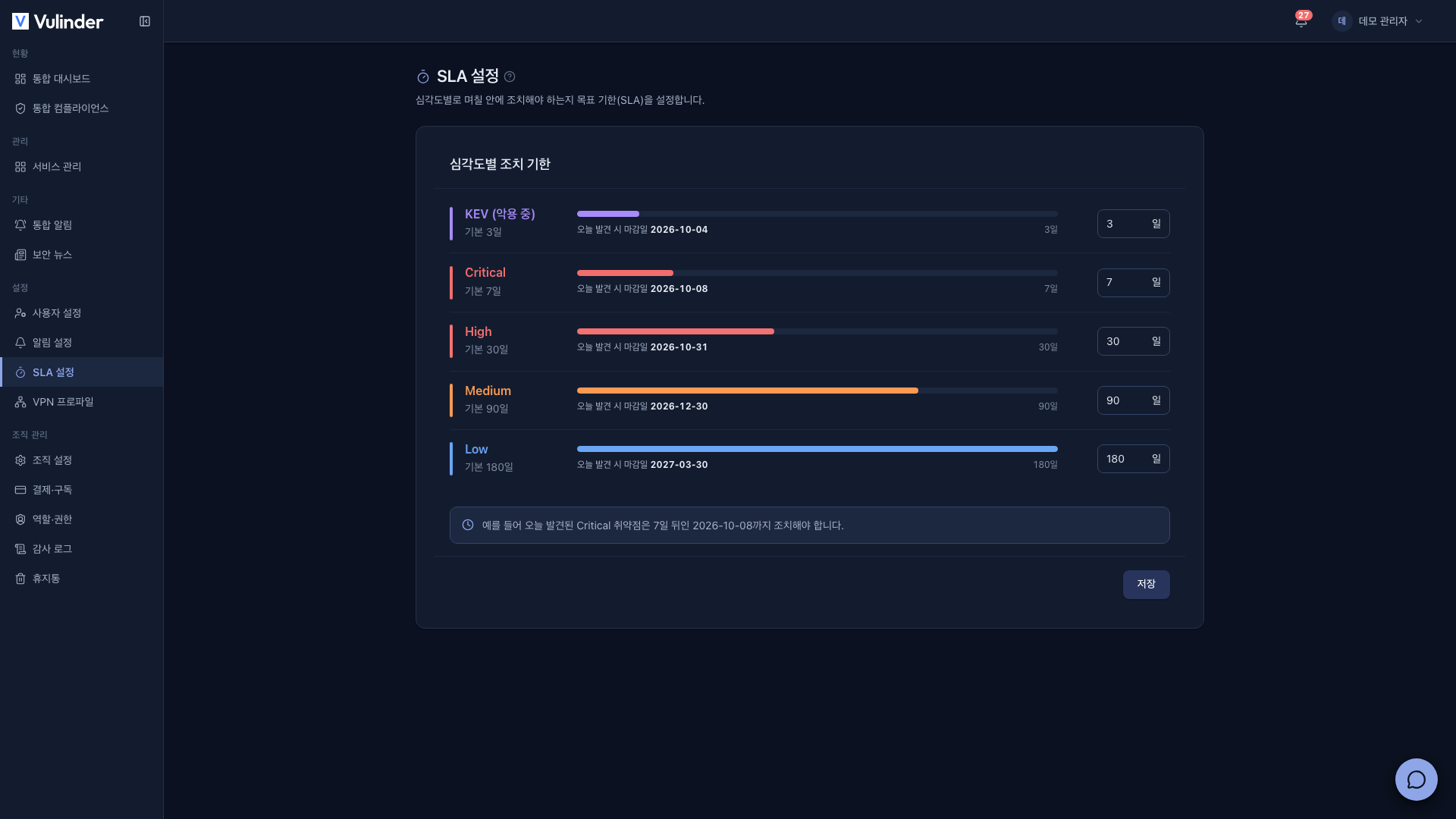
- Set a remediation deadline (in days) for each severity (critical/high/medium/low).
- KEV (actively exploited) items can have a shorter deadline separate from the severity deadline. The stricter of the two applies.
- Defaults: Critical 7 days · High 30 days · Medium 90 days · Low 180 days · KEV 3 days.
Permissions
- Only admins and managers can view and edit them under Settings > SLA settings.
- The menu is hidden for members.
In practice
Items past their SLA get an SLA breaches badge in Vulnerability management and can be gathered with the SLA breaching only filter, making it clear what to handle first.
Related documents
- Vulnerability management : Remediate within deadline, mark false positives / accepted risk
- Dashboard : Security score and posture
- Notification settings : Get alerts for overdue items and new threats