Container Images
The artifact you actually deploy is where the real risk lives. Even if your source is clean, the OS packages pulled in by the base image or the image configuration can be vulnerable. Register the built container image as is, and check known vulnerabilities (CVEs), the component list (SBOM), and image hardening violations together in one service.
- Analyses : Image SCA · SBOM · Container Hardening
- What you need : Registry access details (Registry URL, user, password or access token) or an image tar file
- Results : CVEs by severity + component list + hardening violations
- Continuous monitoring : When a new CVE is published for a component, you get an alert without a rescan
What you need
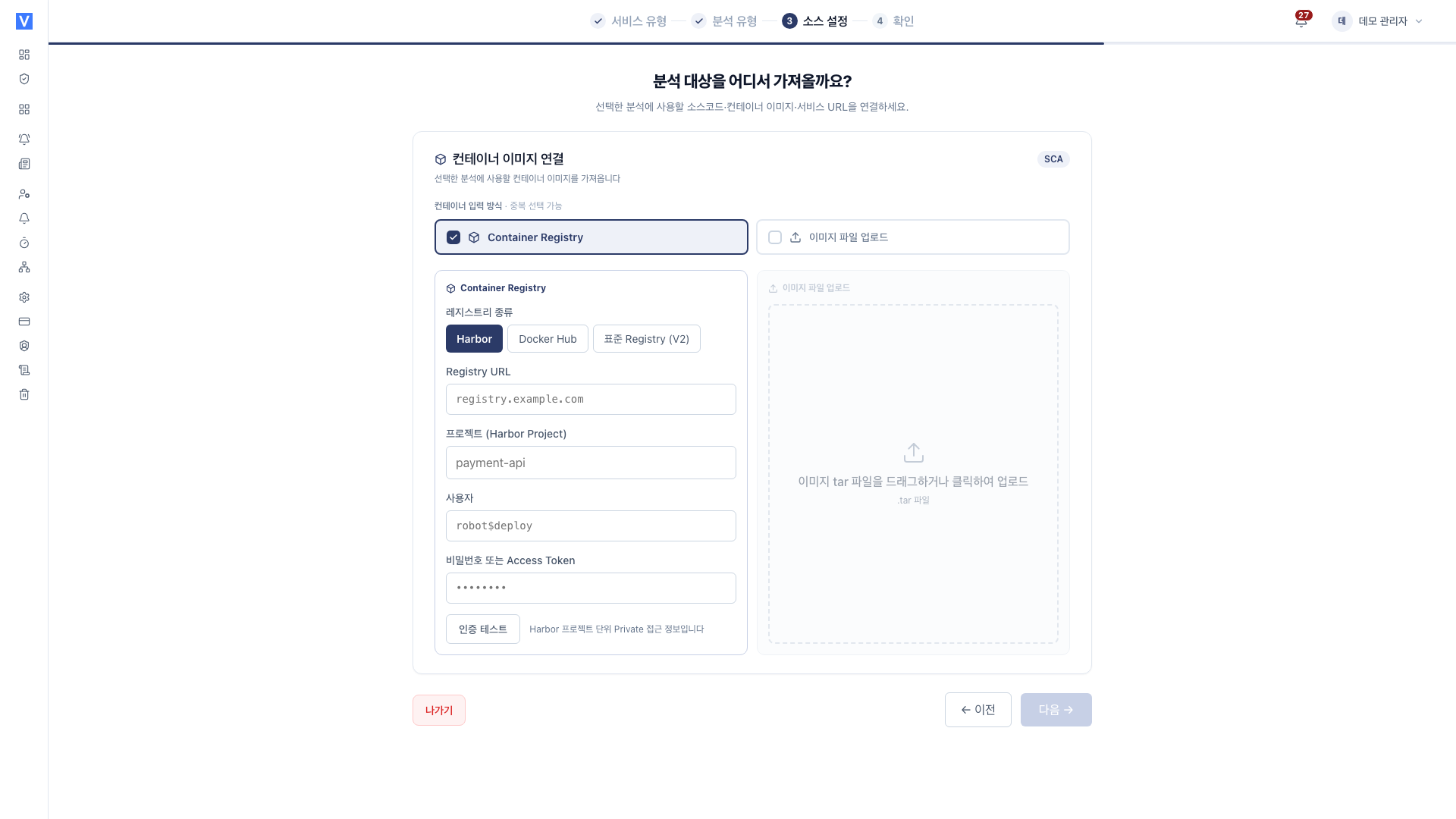
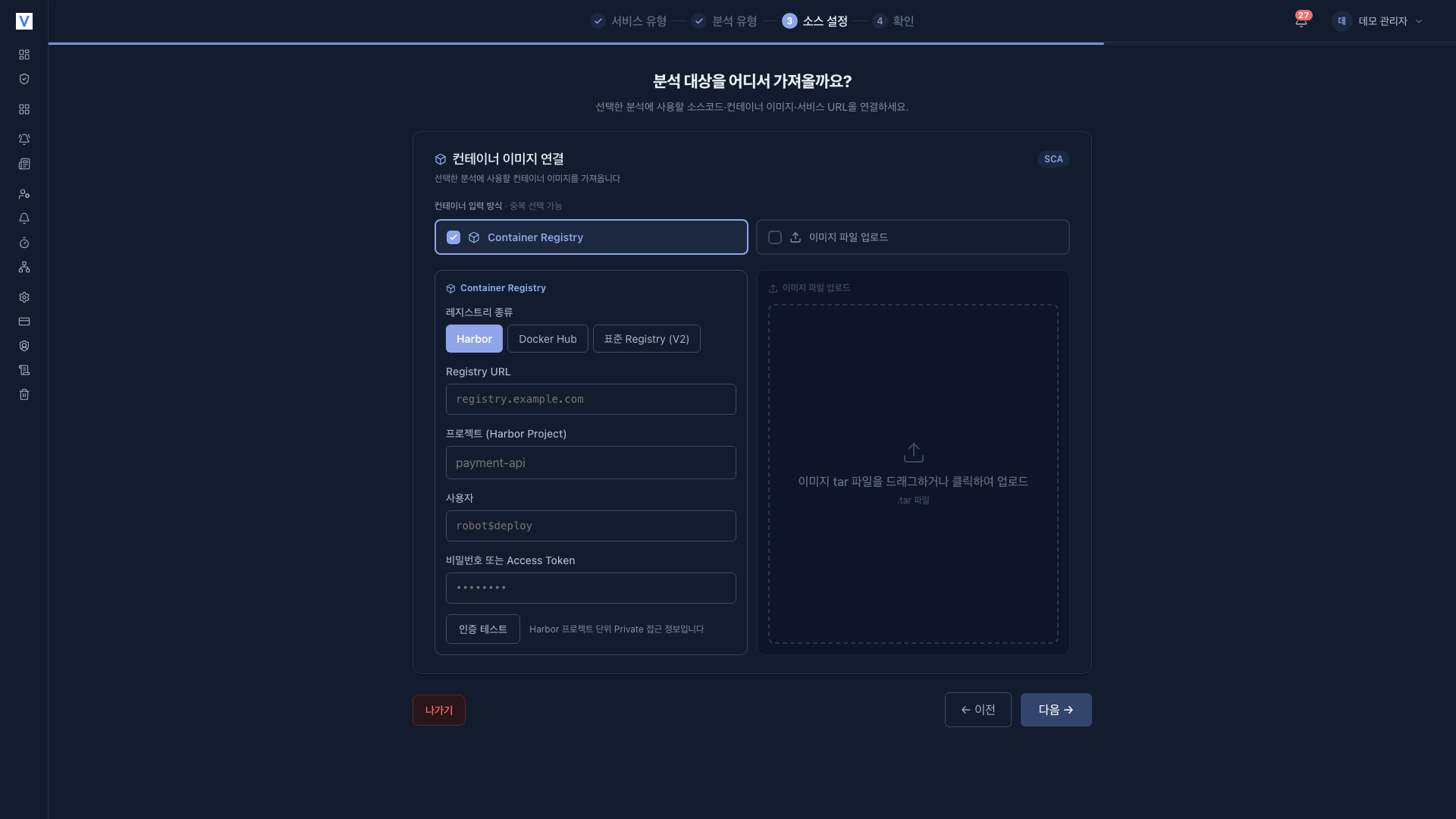
Choose Container Registry, image file upload, or both. Multiple selections are allowed.
- Registry image : Choose the registry type (Harbor, Docker Hub, standard Registry (V2)) and enter its access details. Any registry, public or private, must pass the authentication test to be registered.
- Image upload : Directly upload an image tar file created with
docker save. Useful in environments where the registry is not reachable.
Registering a registry requires a user and password (or access token). Stored credentials are shown masked, and if you do not re-enter them when editing, the existing values are kept.
Registration steps
On the [Services] page, click Register service and select Container image to start the four-step wizard.
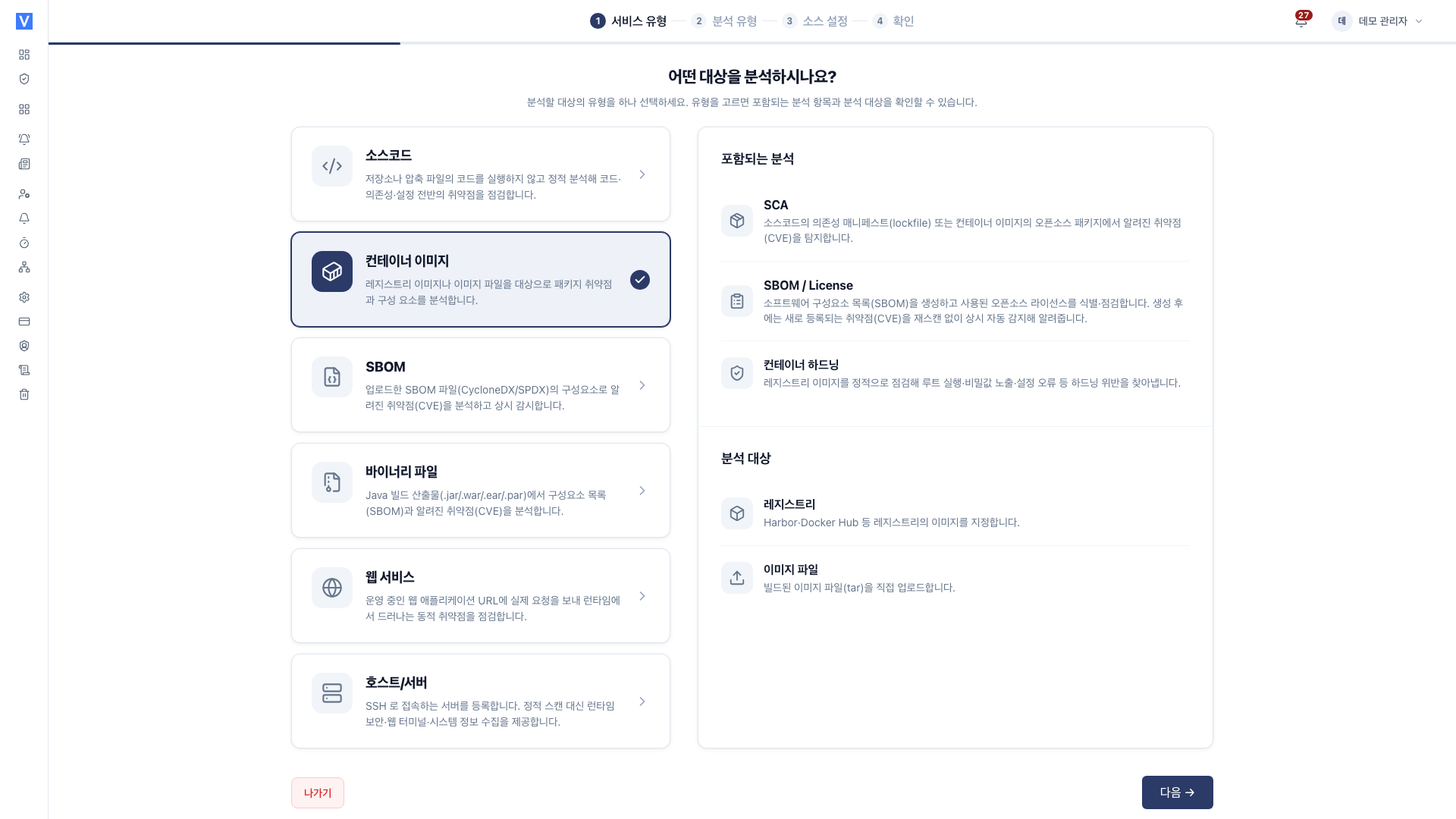
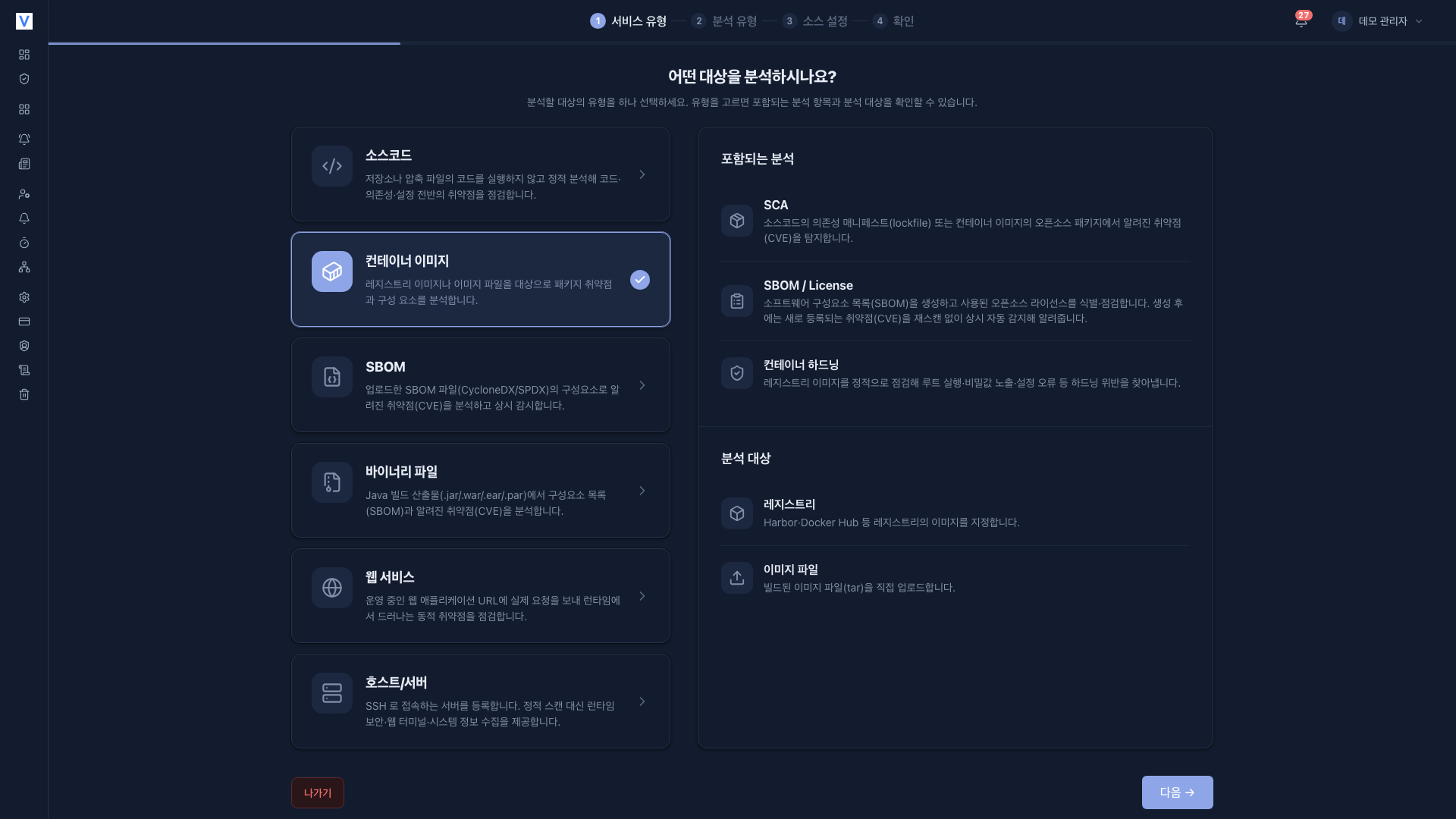
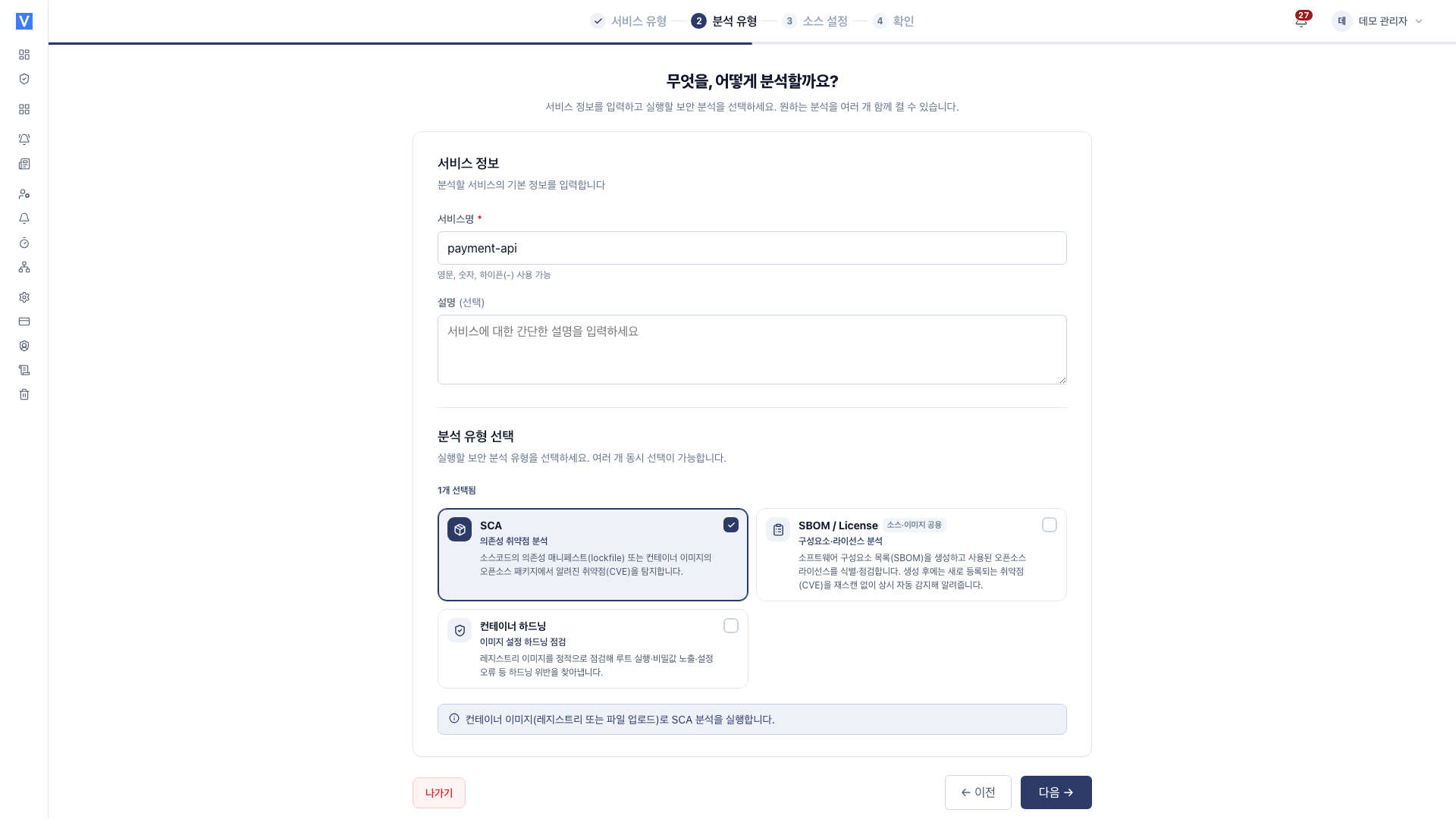
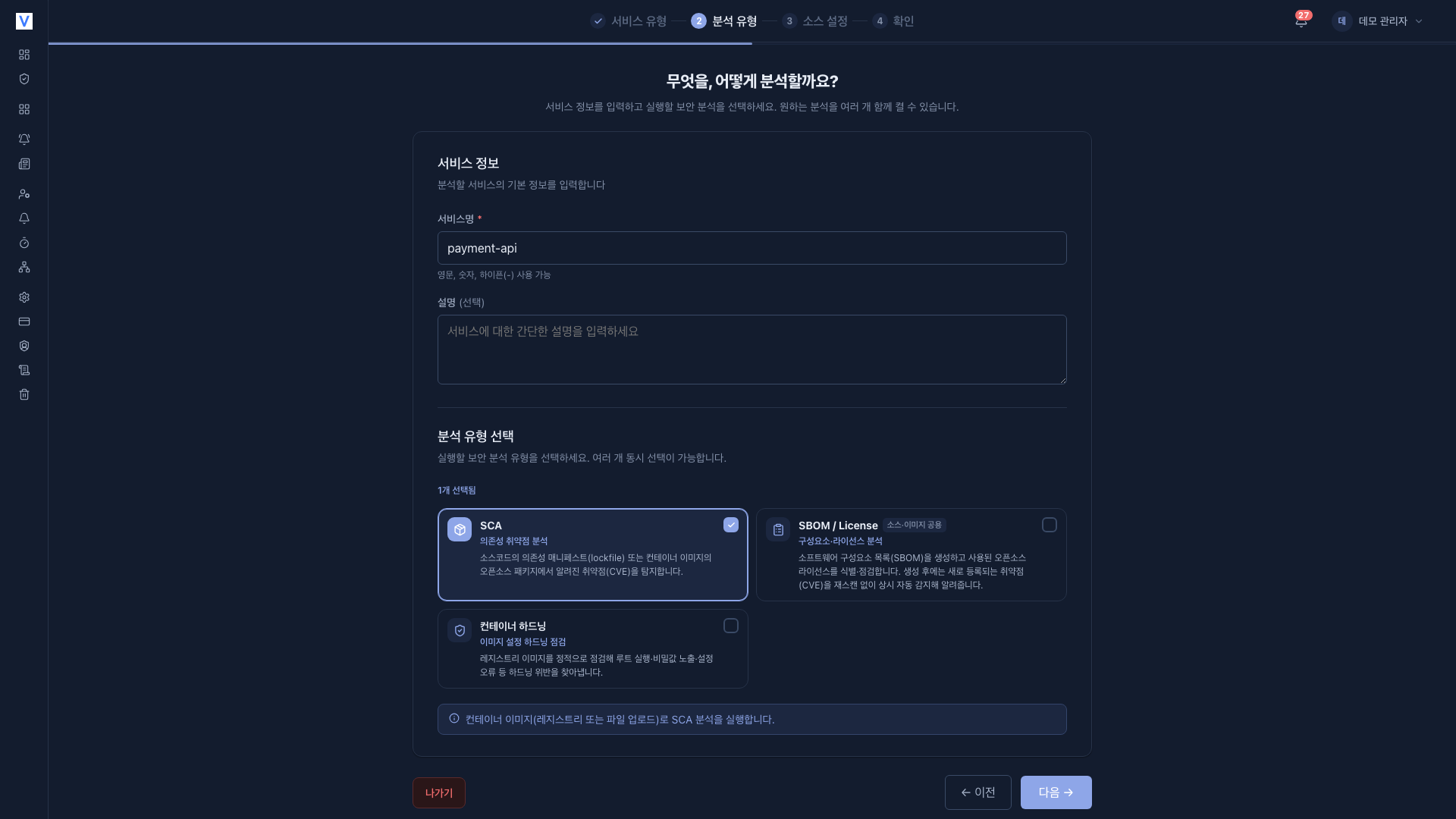
- Image SCA : known CVEs in OS packages and app dependencies
- SBOM : image component inventory
- Container Hardening : image configuration best-practice violations
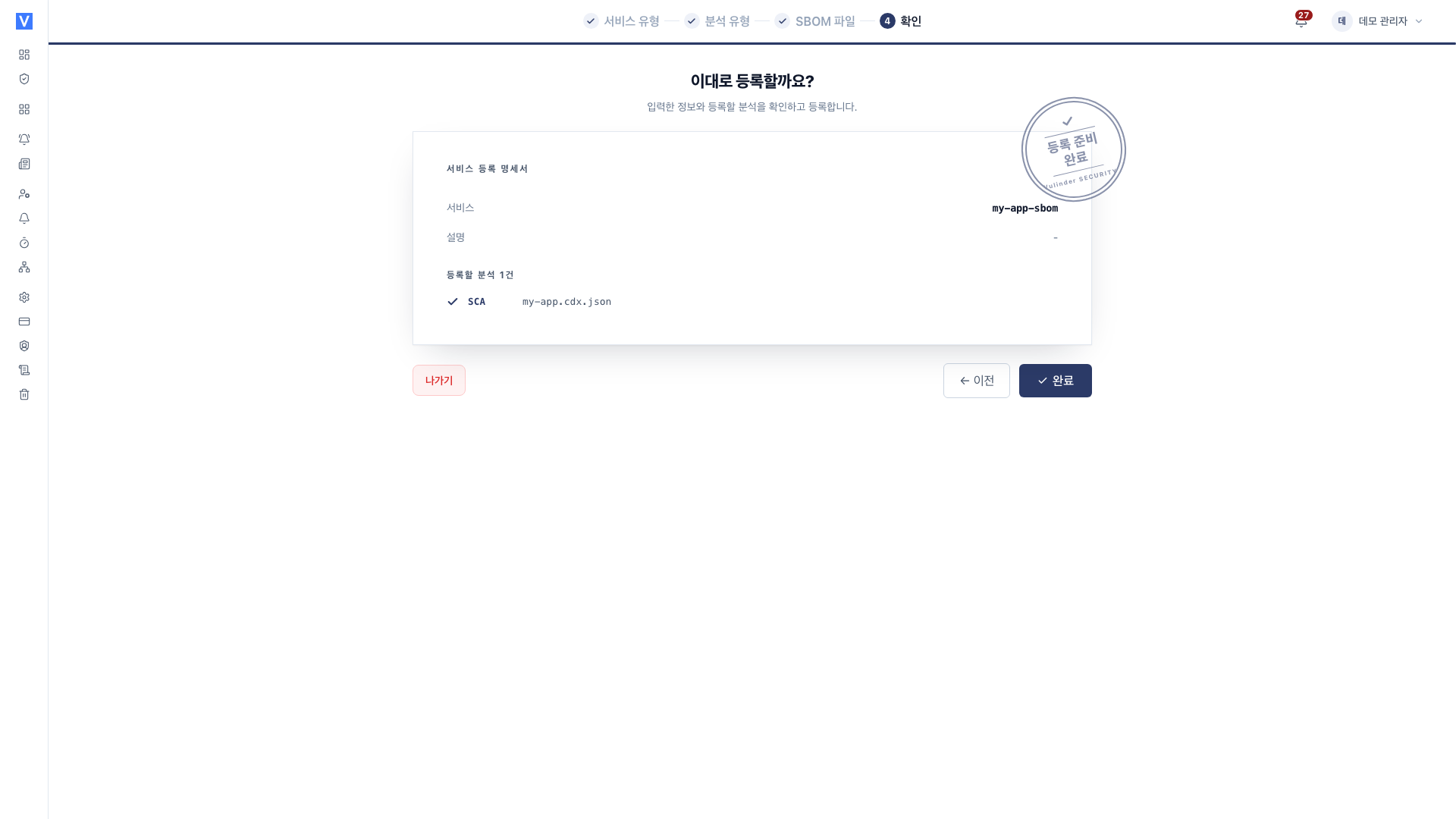
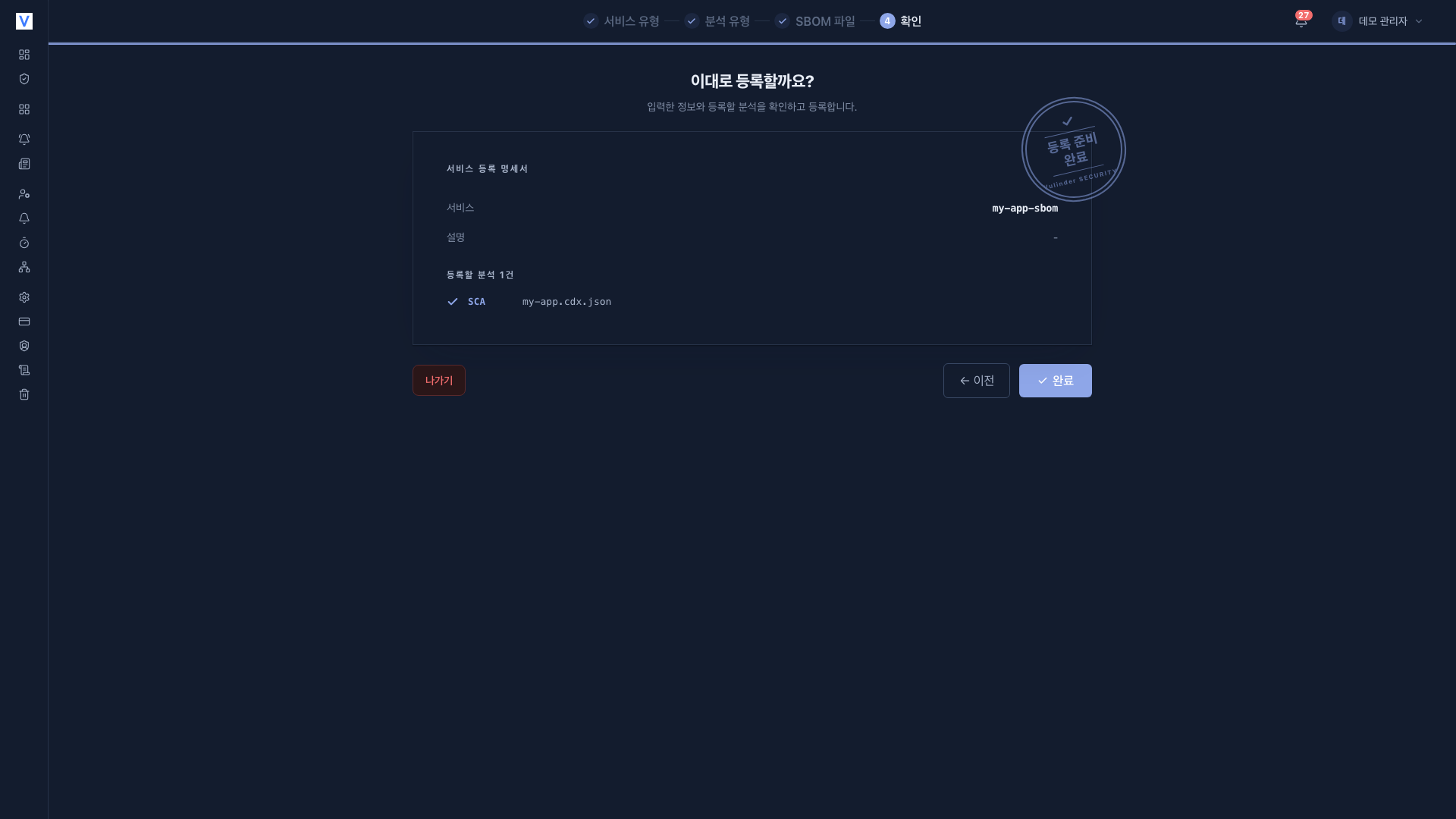
- When you finish, you land on the [Services] list.
- Open the service you just created.
- Press Run analysis on each analysis screen under Security analysis in the sidebar to start the first scan.
When Container Hardening is on, an Image Hardening item appears under Security analysis in the service sidebar.
Tags and rescans
When a new tag of the same image is released, you can register again or rescan to compare with previous results. New CVEs are also detected through continuous monitoring, which raises an alert. (Security News)
Settings (changing after registration)
After registration, you can change settings under [Settings] in the service sidebar (analyses, registry connection and credential replacement, replacing the image file). Step-by-step instructions are in Container image settings.
Related documents
- Image SCA : Known CVEs in OS packages and app dependencies
- SBOM : Image component inventory
- Image Hardening : Image configuration best-practice violations
- Vulnerability management : Review findings, mark false positive/accepted risk
- Security News : Continuous monitoring alerts for new CVEs
- SBOM upload : Analyze an already-built SBOM only
- Binary file : Analyze a Java build artifact (JAR/WAR/EAR/PAR) only
- Container image settings : Change settings after registration