Vulnerability Management (Triage)
This is where you actually review and handle the vulnerabilities (findings) that were found. You cannot fix everything at once, so the key is to prioritize by severity, source, and KEV and deal with the highest-risk items first.
Vulnerability management is a per-service view, opened from the Vulnerabilities section of the service sidebar, that gathers findings from all analyses of that service.
- Administrators and managers : Can open the Vulnerability management screen.
- Members : Review findings on each analysis screen and handle individual items there. The actions are Resolved, False positive, and Accepted risk.
The actions and states are the same on both screens. (Members & Roles)
Finding list
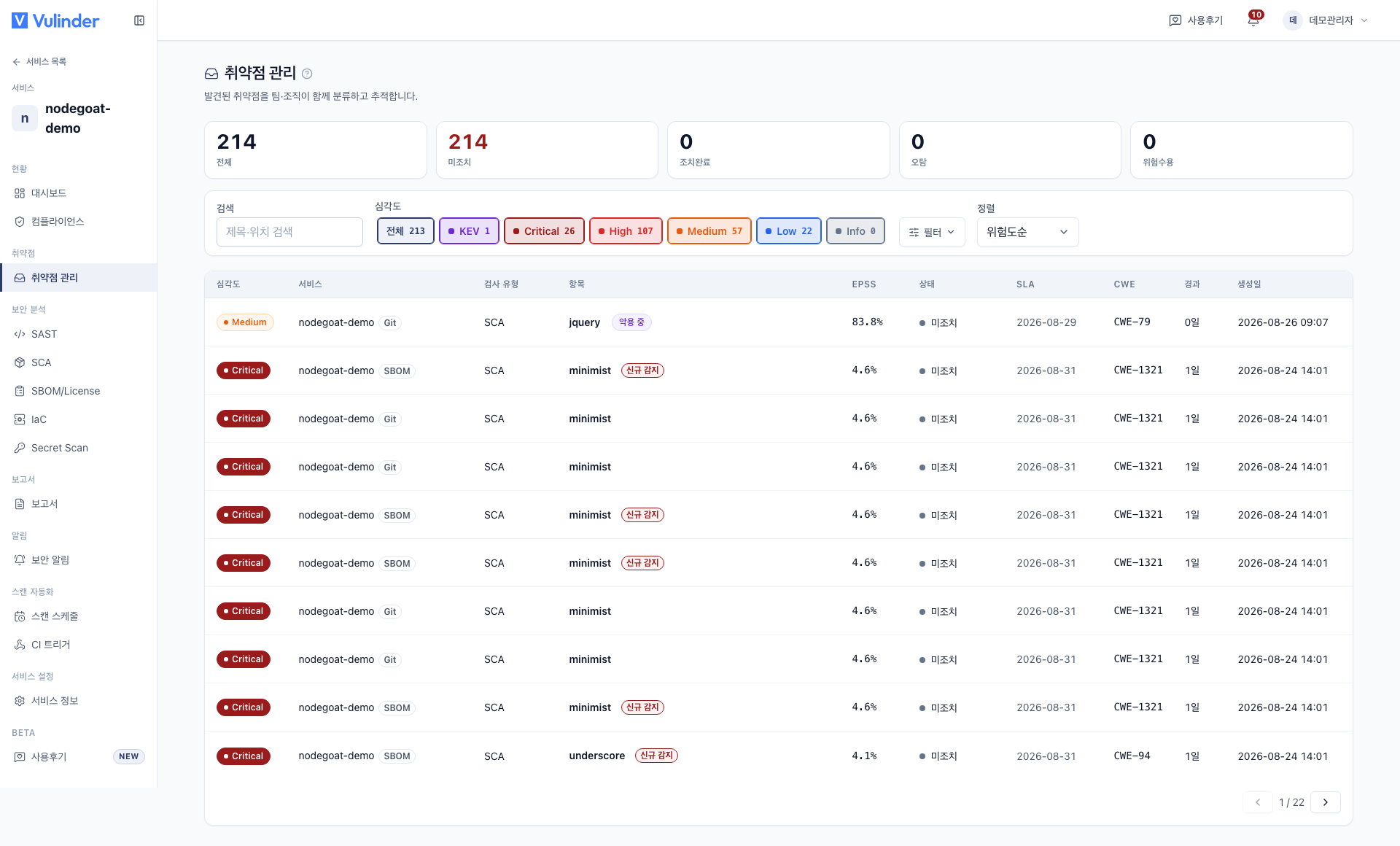
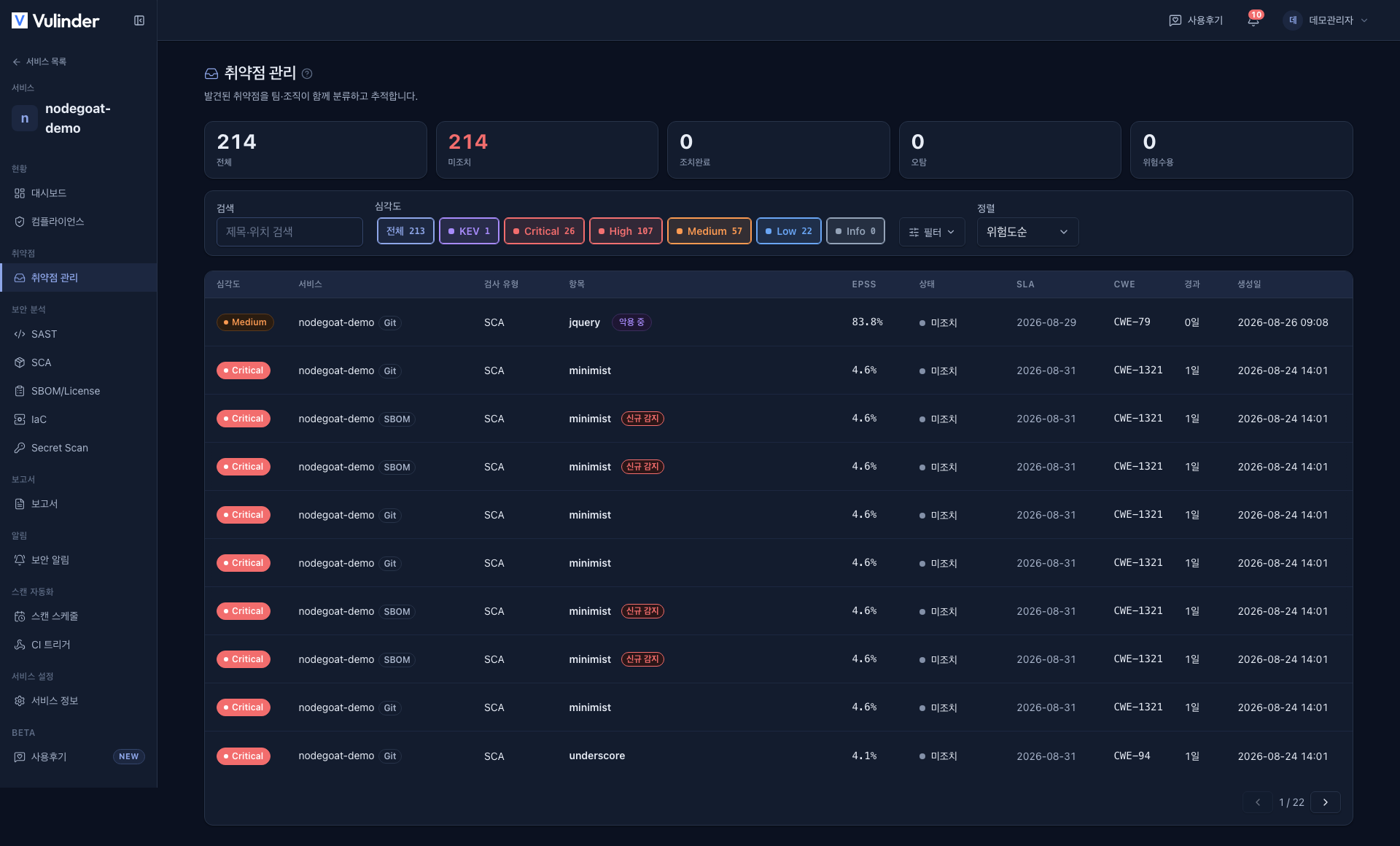
Items are listed with the highest risk first.
- Sort : Risk by default; switch to EPSS, Severity or Newest. It is a single list, not split into categories.
- KEV filter : The KEV chip next to the severity chips groups items under active exploitation. It is on by default; turn off all severity chips and leave only the KEV chip on to see only items under active exploitation.
- Other filters : Narrow by severity, status, scanner, newly detected, SLA breaches, and search.
Handling states
Click an item to open its detail, then choose one of the following for an open item. Items you do not handle remain Open.
-
Resolved : close an item you have fixed.
- An item that a rescan no longer finds drops out of the current results; its status does not change automatically.
-
False positive : not a real risk. A reason is required.
- It stays a false positive and does not return to Open even if a later rescan detects it again, and it is excluded from the score and counts.
-
Accepted risk : the risk is acknowledged but you decide not to act on it now. Enter a reason; you can set an expiry date (empty = permanent).
-
Revert : Use Revert to return a closed item to Open.
-
Recurrence : If a resolved item is found again on rescan, it automatically returns to Open and is marked as Recurred.
-
When you can change status : Status can only be changed on the latest scan.
Accepted risk can be given an expiration date. When the deadline passes, if the item is still found on the next scan it automatically returns to the Open state. In other words, risk acceptance is not necessarily permanent; you can set a period so items come back for review.
Changing an item's handling status sends no notification, and the handling history is kept in the activity log in the detail.
Detail drawer
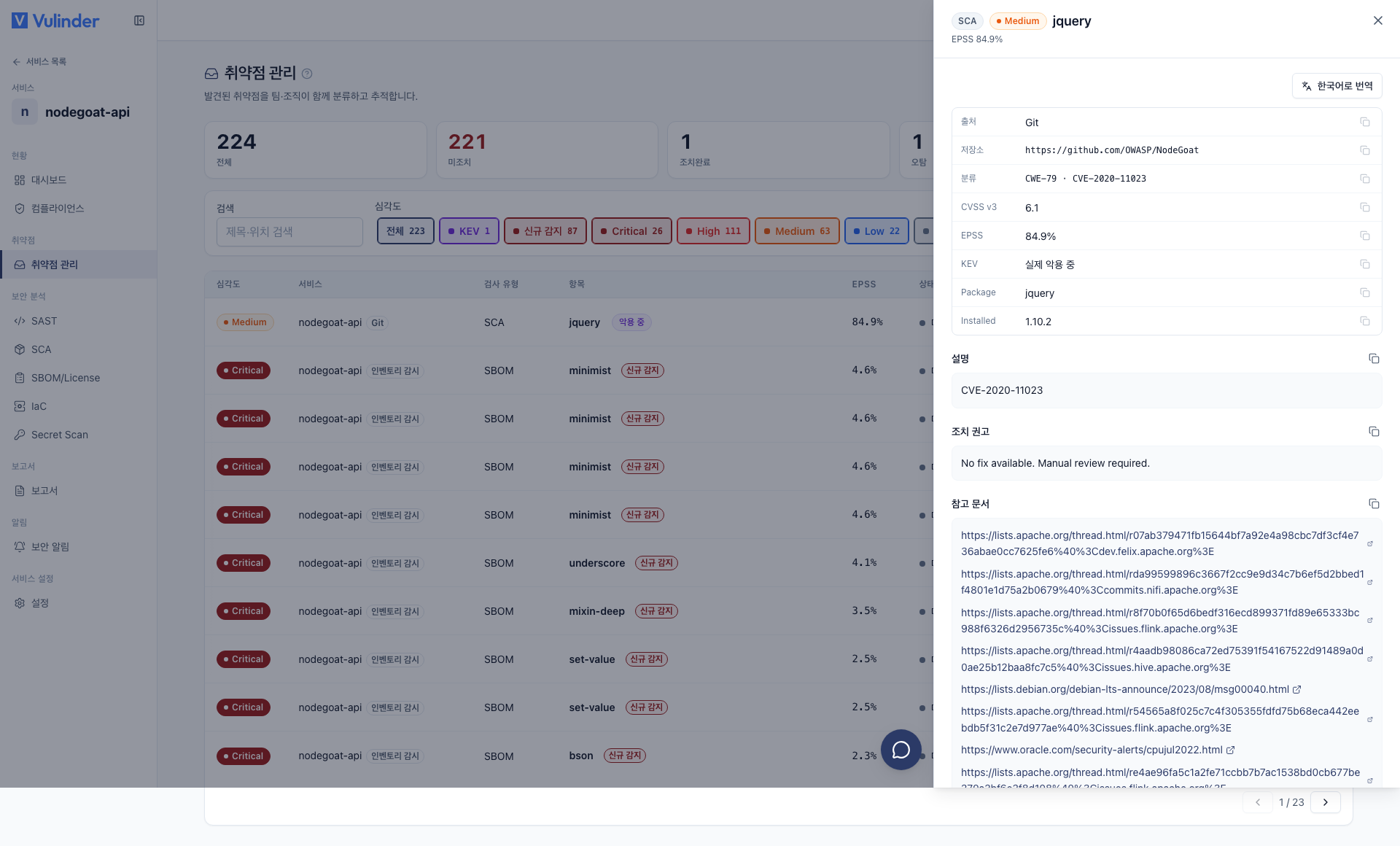
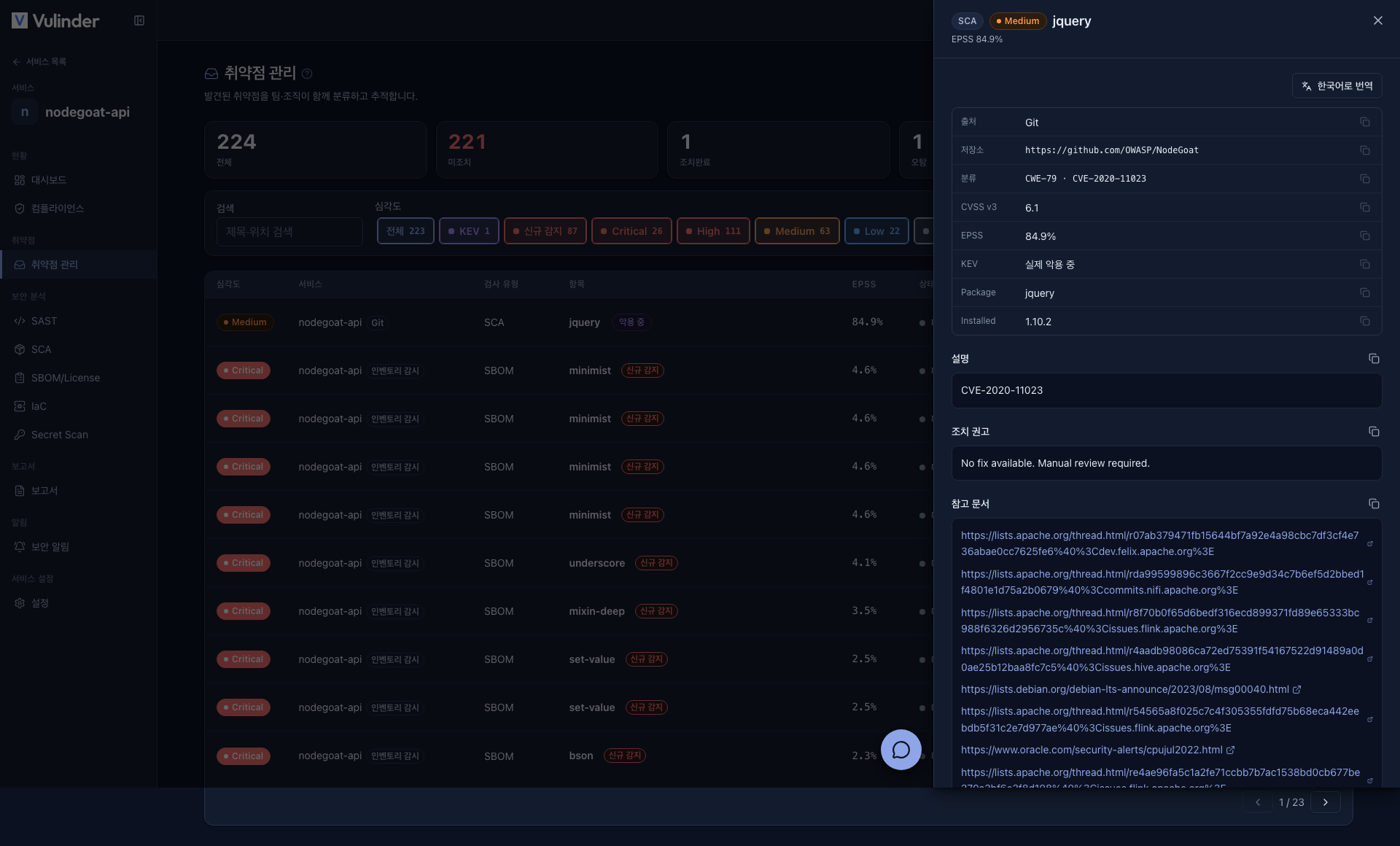
Click an item and the detail opens on the right.
- Location (file / path), code snippet (code analysis), CVE / CWE references
- Type-specific details
- Activity log
The activity log at the bottom of the drawer records who changed this item's status, when, and how, in chronological order. It is useful later when you need to revisit or audit the reasoning behind an accepted-risk or false-positive decision.
Tracking by source
Even the same vulnerability is tracked as a separate item per source (source code / image / host, etc.).
For example, if the same CVE is found in both a source-code service and a container image, it is managed as two distinct items. Even if you fix one side by bumping the library in the source code, the item on the image side that has not been updated yet does not silently close along with it. Each item drops out of the current results only after that source is actually rescanned and it is no longer found.
Because sources are tracked separately this way, you never lose track of which path the risk came in through or how far the remediation has progressed.
Related documents
- Compliance : Handling results reflected against standards
- Dashboard : Impact of action on security score and posture, and the next risk to look at
- VEX : Document the rationale for triage results