Notifications
Vulinder delivers scan completions, newly discovered vulnerabilities, threat news, and runtime events as notifications. This document explains how to see notifications inside the app. Configuring delivery to external channels (email, Slack, Discord) is covered in Notification settings.
Permissions
Creating or editing notification settings requires an administrator or manager role. Regular members can view notifications but cannot change the settings.
Where to see them
- Header notification bell : The bell icon at the top of the screen shows the number of unread notifications. Click it to see recent notifications.
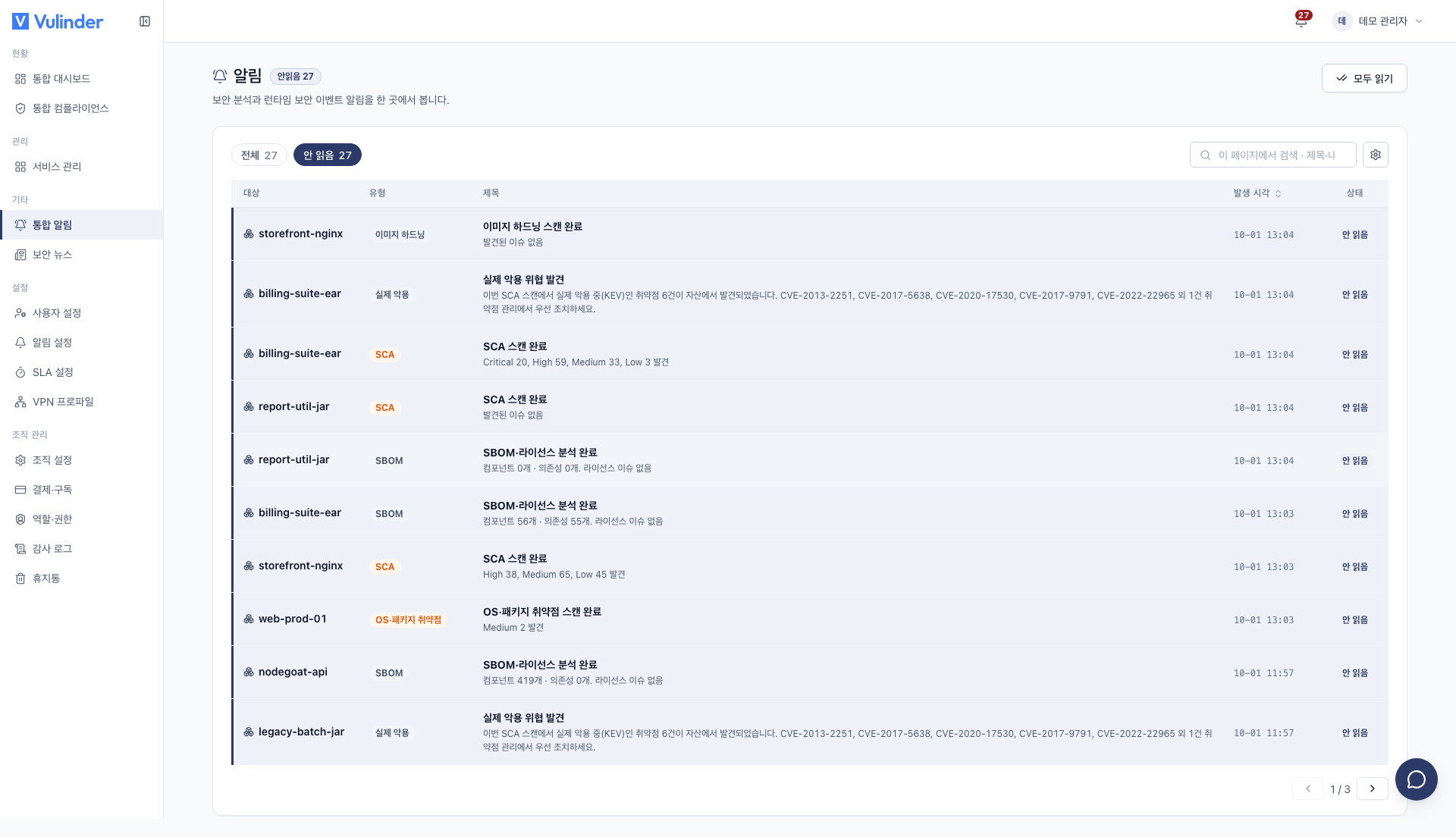
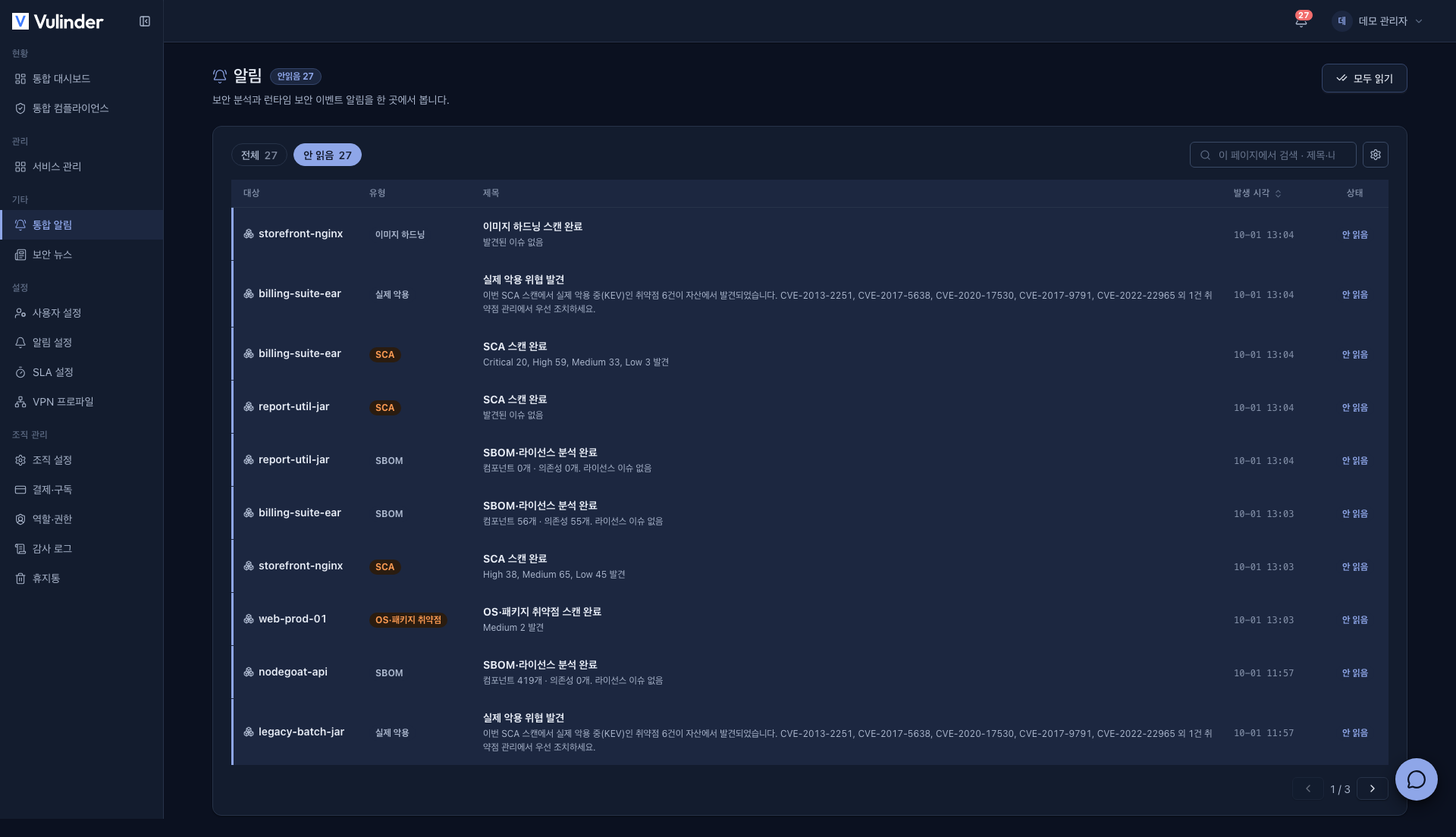
- [All notifications] : See notifications from across the entire organization on one screen.
- Shown in target · type · title · time · status columns.
- Filter with All / Unread.
- Mark everything as read at once with Mark all read.
- Per-service [Security alerts] : Open a specific service to see only the notifications limited to that service.
Notification severity
In the header notification bell, notifications are split into two levels.
- Info : News about normal progress, such as a scan completing.
- Critical : News that needs your attention, such as a scan failure, a confirmed real-world exploit, or a runtime security event.
What becomes a notification
| Notification | When |
|---|---|
| Scan completed / failed | When an analysis finishes or fails |
| New vulnerability detected | When a newly published vulnerability (CVE) is detected in SBOM components |
| Newly disclosed threat (news) | When a new threat affecting your assets is published (Security news) |
| Actively-exploited vulnerability found (scan) | When your scan results include a vulnerability under active attack (KEV) |
| Runtime event | When a runtime security event is detected on a server (Runtime monitoring) |
| Billing (VU usage) | When VU usage in the current billing period passes 80% of the limit When it exceeds the limit. No over-limit alert is sent while purchased VU remains. (Billing) |
Marking as read
Notifications you have seen are marked as read and removed from the unread count on the header bell.
Related documents
- Notification settings : Get notifications by email, Slack, and Discord
- Security news : The basis for threat news
- SLA : Remediation deadlines by severity