Binary file settings
On the settings screen of a Binary file service, you change the analyses and the file to analyze. For how to open the screen and common behavior, see Service settings.
| Menu | Settings |
|---|---|
| General | Service name · description, delete service |
| Analysis > Analyses | Turn SCA · SBOM/License on or off |
| Analysis > Target connection | Replace the binary file |
| Automation > Scan schedules | Recurring re-analysis (Scan schedules) |
Analyses
- SCA : Finds known vulnerabilities (CVEs) in components identified inside the file.
- SBOM/License : Produces a list of the components identified inside the file.
At least one must stay on. After changing the switches, click Save.
Target connection
Upload a Java build artifact (.jar · .war · .ear · .par). After choosing a new file, click Save to replace the existing one. If you replace it with every new release, you can follow the history in the same service.
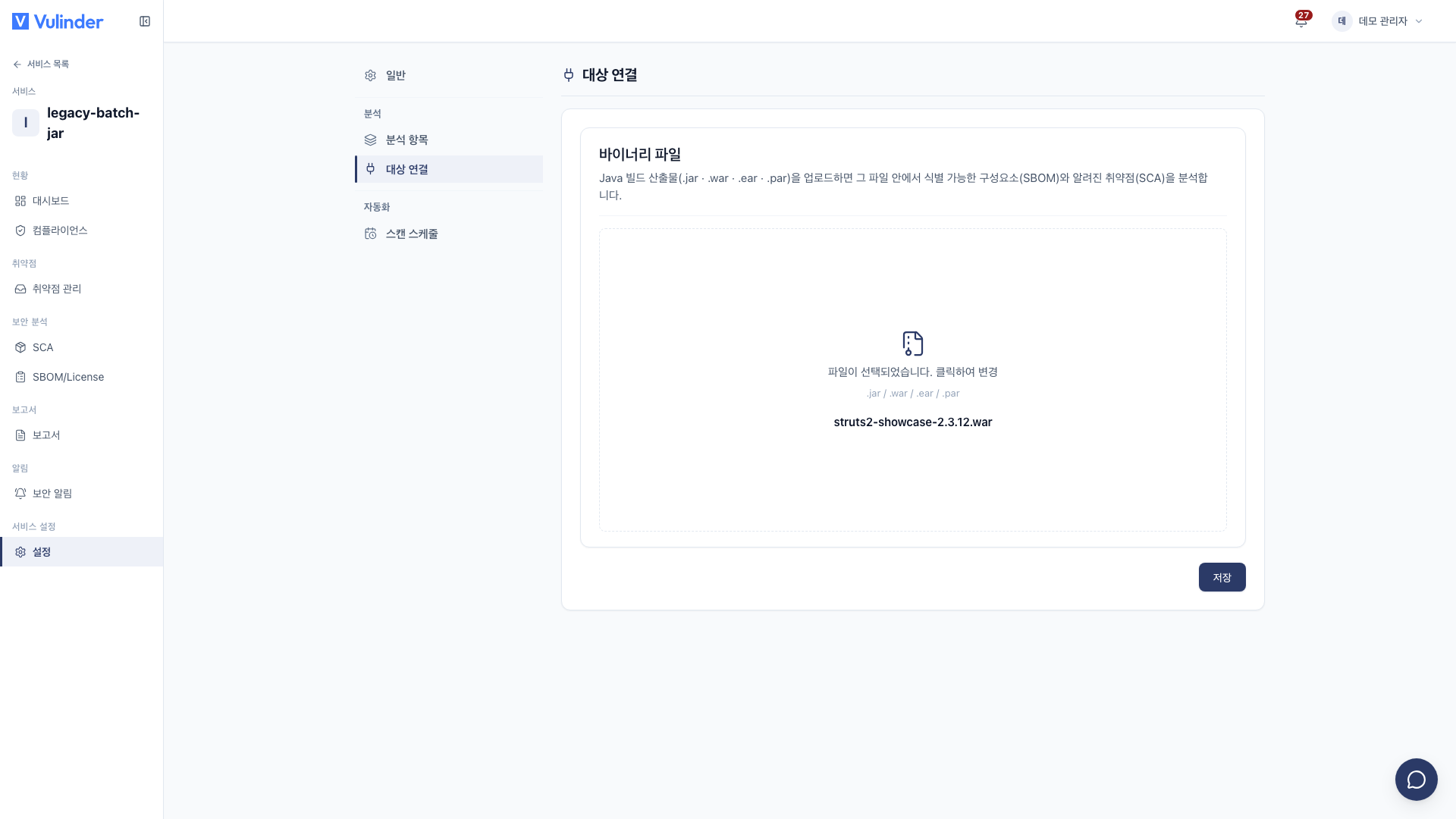
Uploading a file built with its dependencies bundled (WAR · executable JAR) finds more components. If the results are empty, see Binary file.
Related docs
- Binary file : Registration steps and viewing results
- Service settings : Common usage and deleting a service