Source code settings
On the settings screen of a Source code service, you change the analyses and the source to analyze (Git repository · ZIP). For how to open the screen and common behavior, see Service settings.
| Menu | Settings |
|---|---|
| General | Service name · description, delete service |
| Analysis > Analyses | Turn SAST · SCA · SBOM/License · IaC · Secret Scan on or off |
| Analysis > Target connection | Git repository URL · token, ZIP upload |
| Automation > Scan schedules | Recurring scans (Scan schedules) |
| Automation > CI triggers | Pipeline integration (CI triggers) |
Analyses
Turn the analyses to run on or off with the switch on each card, then click Save. At least one must stay on.
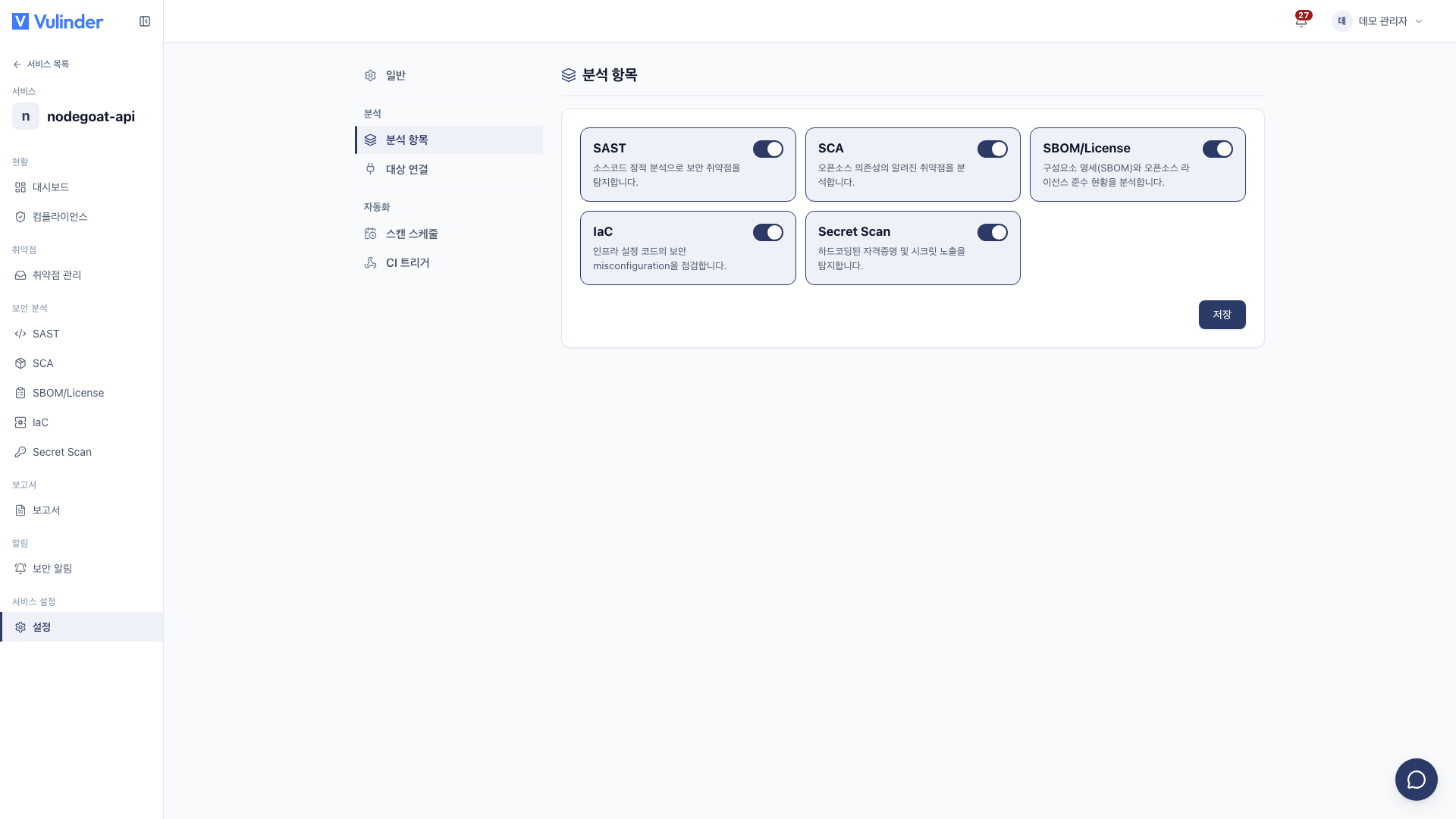
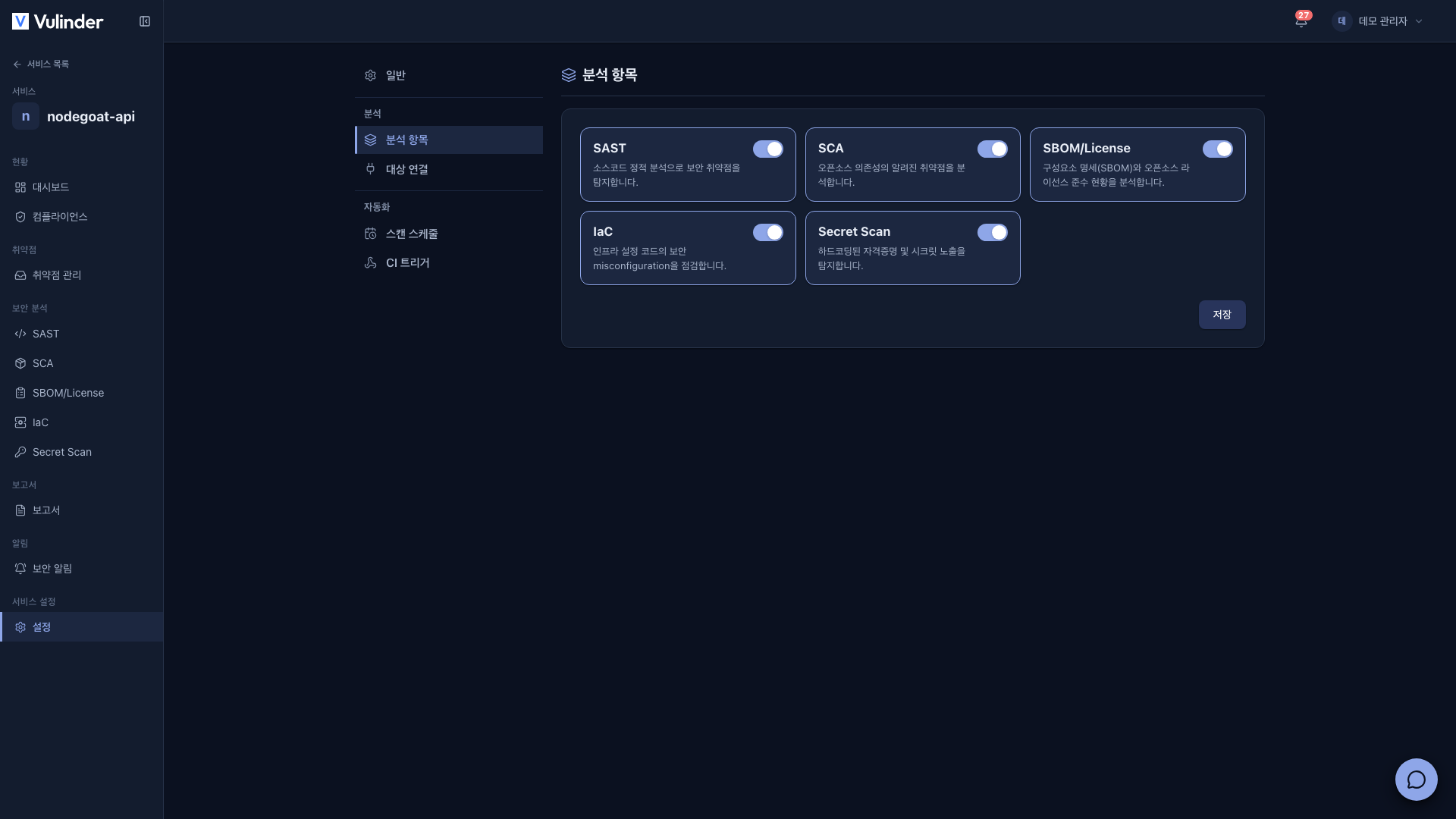
- SAST : Finds code-level vulnerabilities through static analysis of the source code.
- SCA : Finds known vulnerabilities (CVEs) in open-source dependencies.
- SBOM/License : Produces a component list and licenses.
- IaC : Finds configuration flaws in Terraform, K8s manifests, and Dockerfiles in the repository.
- Secret Scan : Finds keys, tokens, and passwords hardcoded in the code.
Target connection
Under Source input method, choose Git repository connection, ZIP upload, or both (multiple selection allowed).
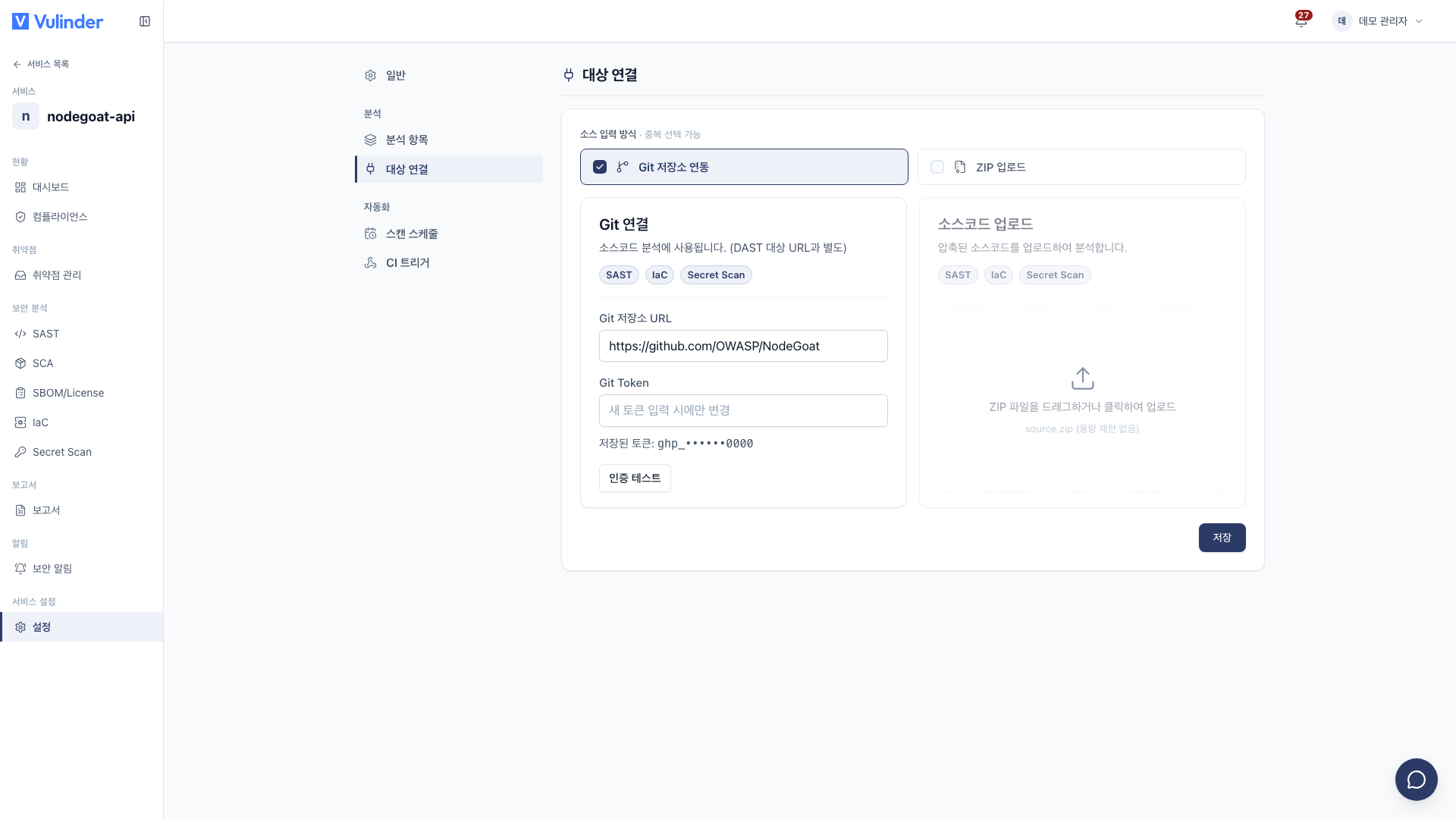
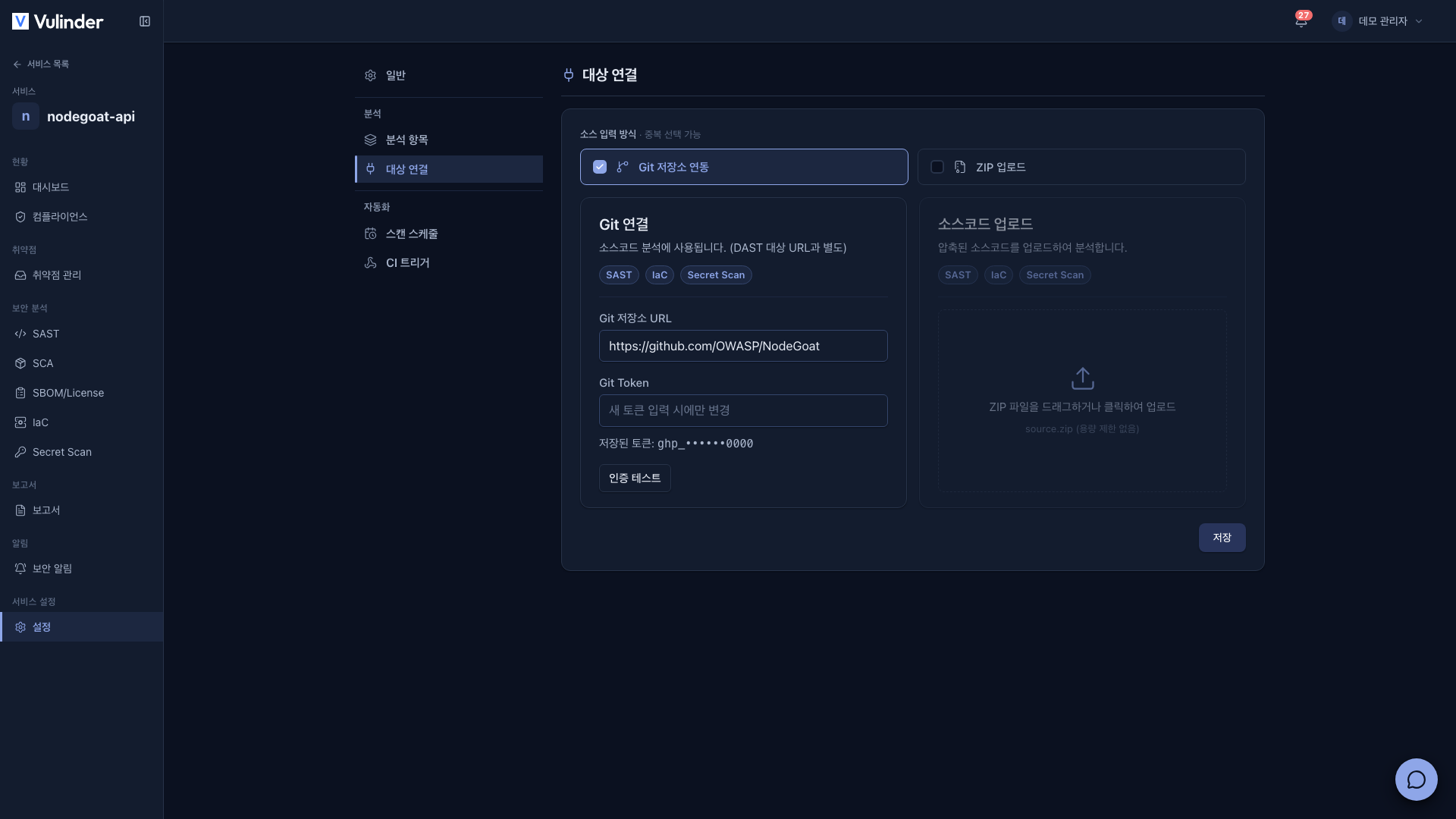
Git repository connection
- Enter the repository address in Git repository URL (for example,
https://gitlab.example.com/team/app.git). - To change the token, enter a new one. The Saved token is shown masked; if you do not change the URL, leave the field blank to keep using the existing token (it changes only when you enter a new one).
- If you changed the URL or token, click Authentication test. If you changed the URL, you must also re-enter the token before you can run the authentication test.
- When authentication succeeds, click Save. Nothing is saved until the authentication test passes.
A token with repository read permission (read repository) is enough. Public repositories also need a token. For how to create a token, see Source code.
The base branch is set at registration and is not changed on the settings screen. Analyses run by Scan schedules and CI triggers also use the branch set at registration.
ZIP upload
In environments where connecting a repository is difficult (air-gapped networks, one-off checks), upload the source code as a ZIP. After choosing a new ZIP, click Save to replace the existing file; the next analysis uses the new file.
Automation
- Scan schedules : Run analyses at a set time daily or weekly, or on a cron expression. Scan schedules
- CI triggers : Run analyses from your pipeline on push or merge. CI triggers
Related docs
- Source code : Registration steps and analysis types
- Service settings : Common usage and deleting a service
- Scan schedules · CI triggers : Automation