Secret (Secret Detection)
Secret detection scans the entire source repository and its commit history for hardcoded secrets such as API keys, tokens, and passwords accidentally written into the code and committed as-is. A leaked secret is directly exploitable on its own, without needing any other vulnerability, so its risk is high.
It inspects the repository's text files and past commits with pattern-based rules, so the goal is to catch a secret before it reaches shared history and revoke it. If it already has, catch it now and revoke it. Used with the Source Code service.
- Analysis : Hardcoded secrets (keys / tokens / passwords)
- What you need : A registered Source Code service
- Results : Secret location (shown masked) plus fingerprint-based false positive suppression
What it finds
- API keys, access tokens
- Passwords, database connection strings
- Private keys (PEM), cloud credentials
Independent of file format or language, regex rules detect secrets across all text files.
- Git repository connection : The commit history is also checked.
- ZIP upload : There is no history, so only the current files are checked.
Viewing results
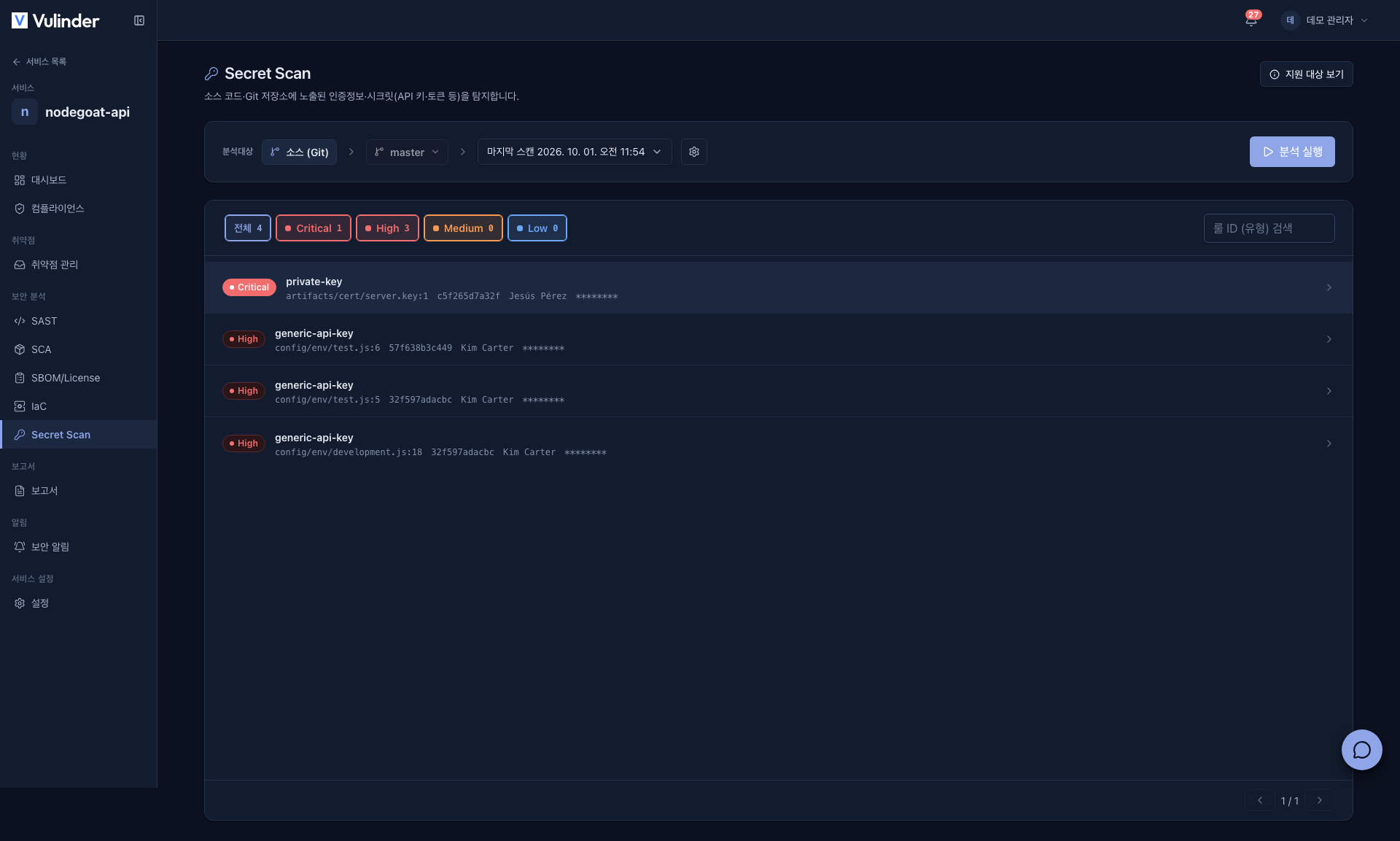
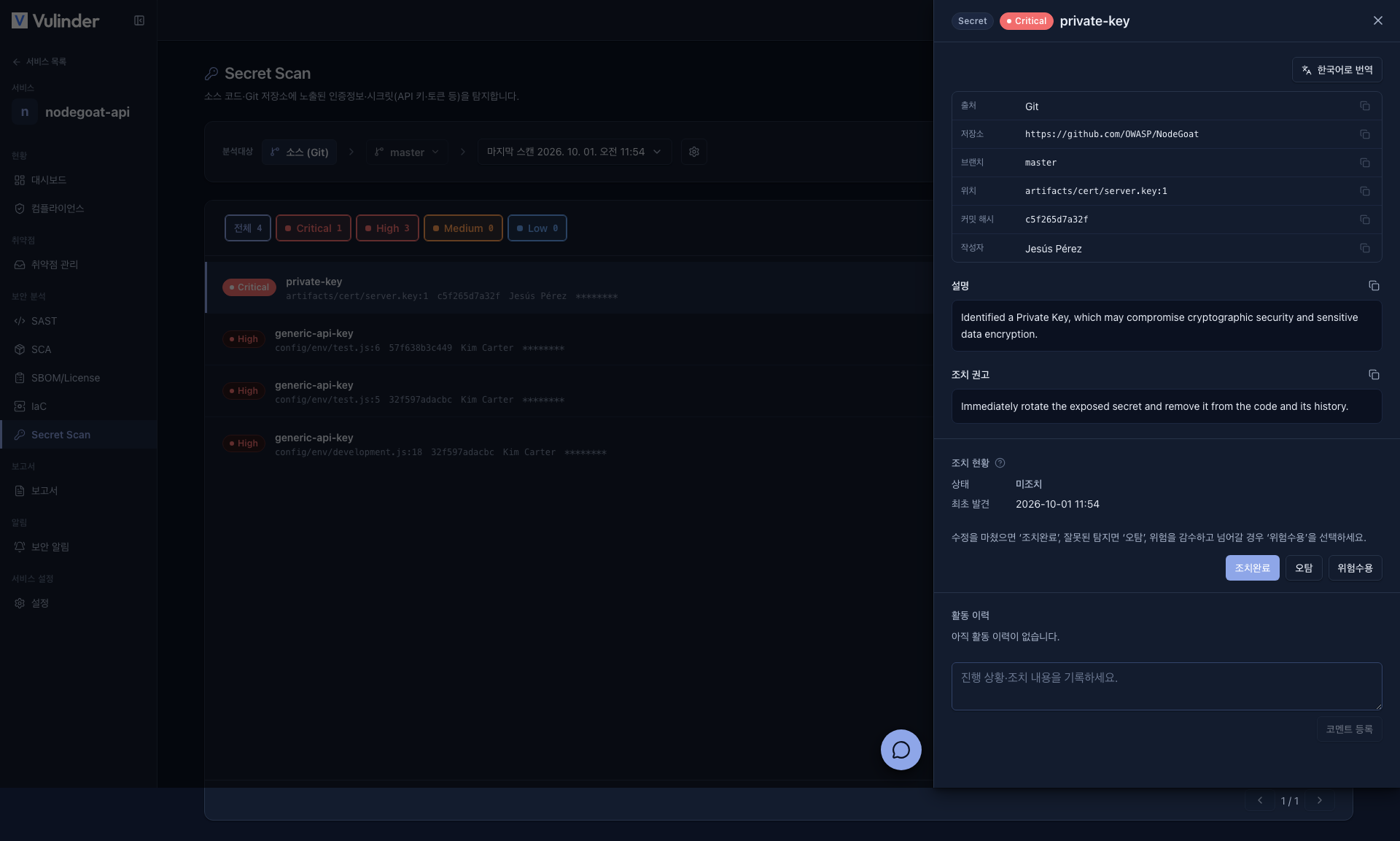
Each finding shows the file and location where the secret was found. The actual secret value is safely masked in the display.
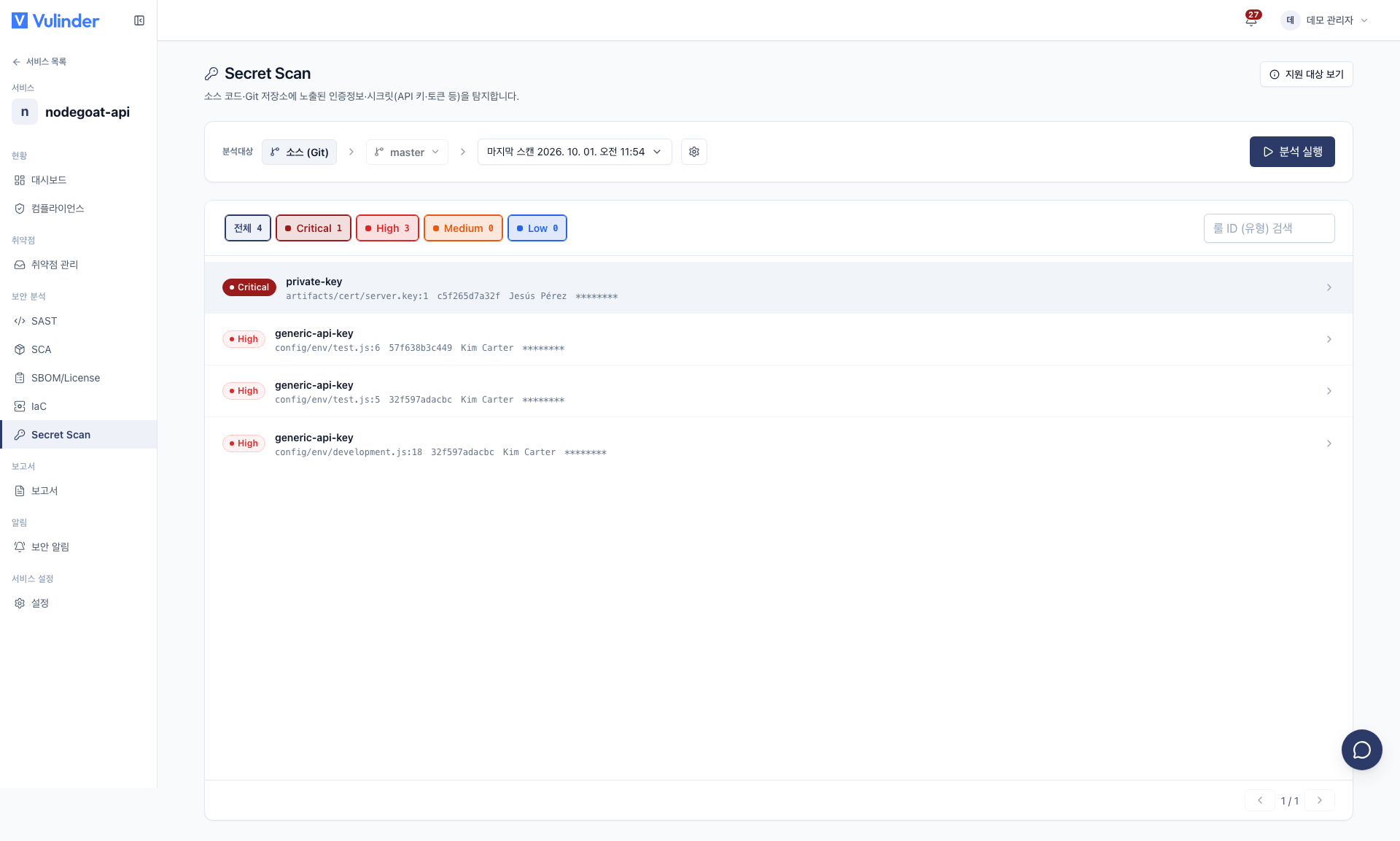
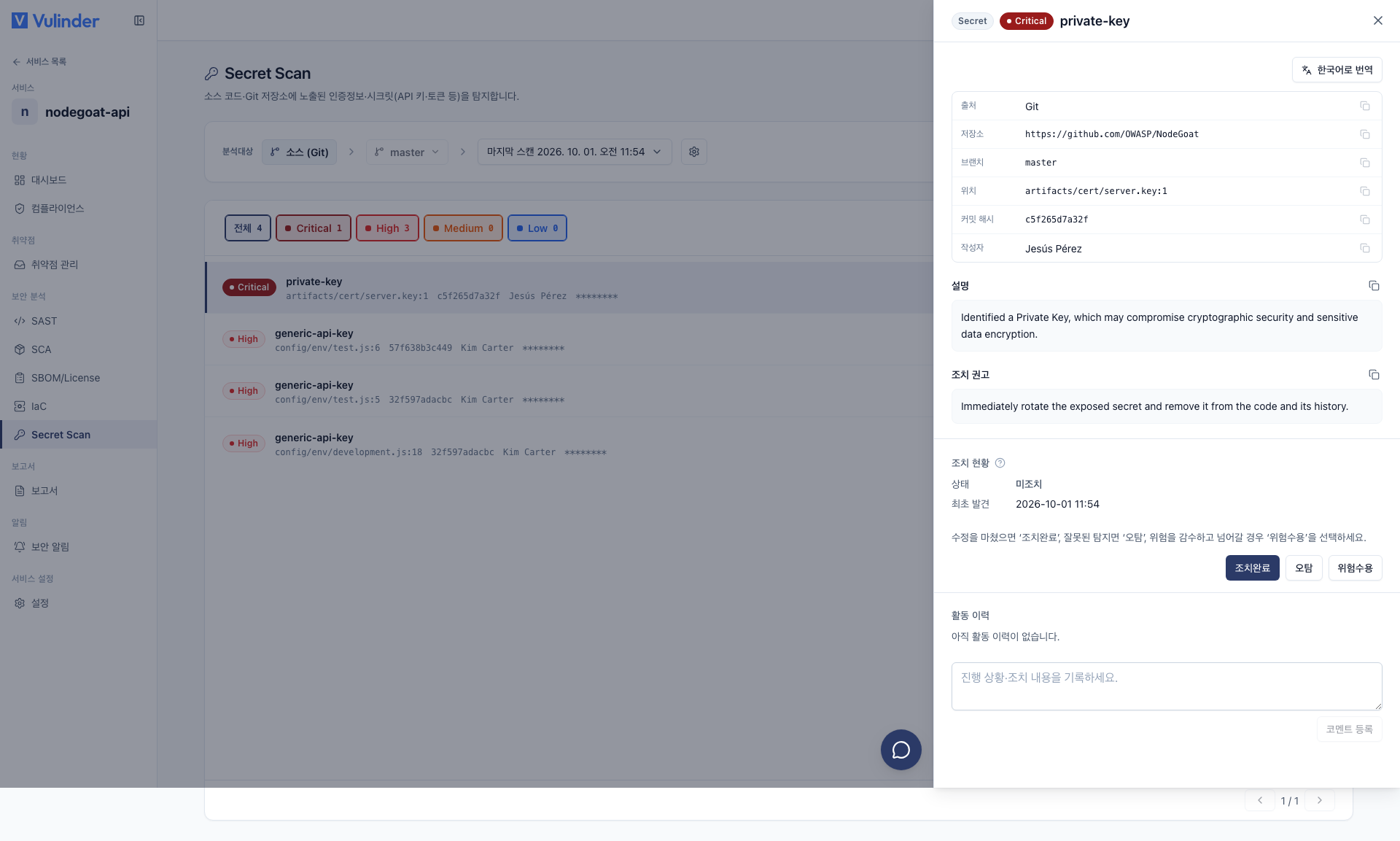
A secret committed to source must be considered already exposed. Removing it from the code is not enough. Revoke (rotate) the key / token and issue a new one. The value may remain in commit history as-is.
Handling results
If a value is not a real secret (such as an example value or a test dummy), you can suppress it as a false positive or use the repository's ignore rules. Suppression is kept by fingerprint, so it will not reappear in the next scan.
Related documents
- Vulnerability Management : Review findings and suppress false positives
- IaC : Insecure defaults in infrastructure code
- Source Code overview : Turn on other analyses and CI integration