SAST (Static Analysis)
Static analysis (SAST) inspects the structure of your source code and traces how data flows through it to find code-level vulnerabilities, all without ever running the program. Because it does not need to execute the code, it can catch flaws early in development, inside the repository, before anything ships.
For example, it automatically surfaces injection paths where user input reaches an SQL query or a system command without validation, or secrets hardcoded directly into the code, before a human review would ever catch them. Used with the Source Code service.
- Analysis : Code-level vulnerabilities (static analysis)
- What you need : A registered Source Code service
- Results : Findings by severity plus the vulnerable code location and snippet
What it finds
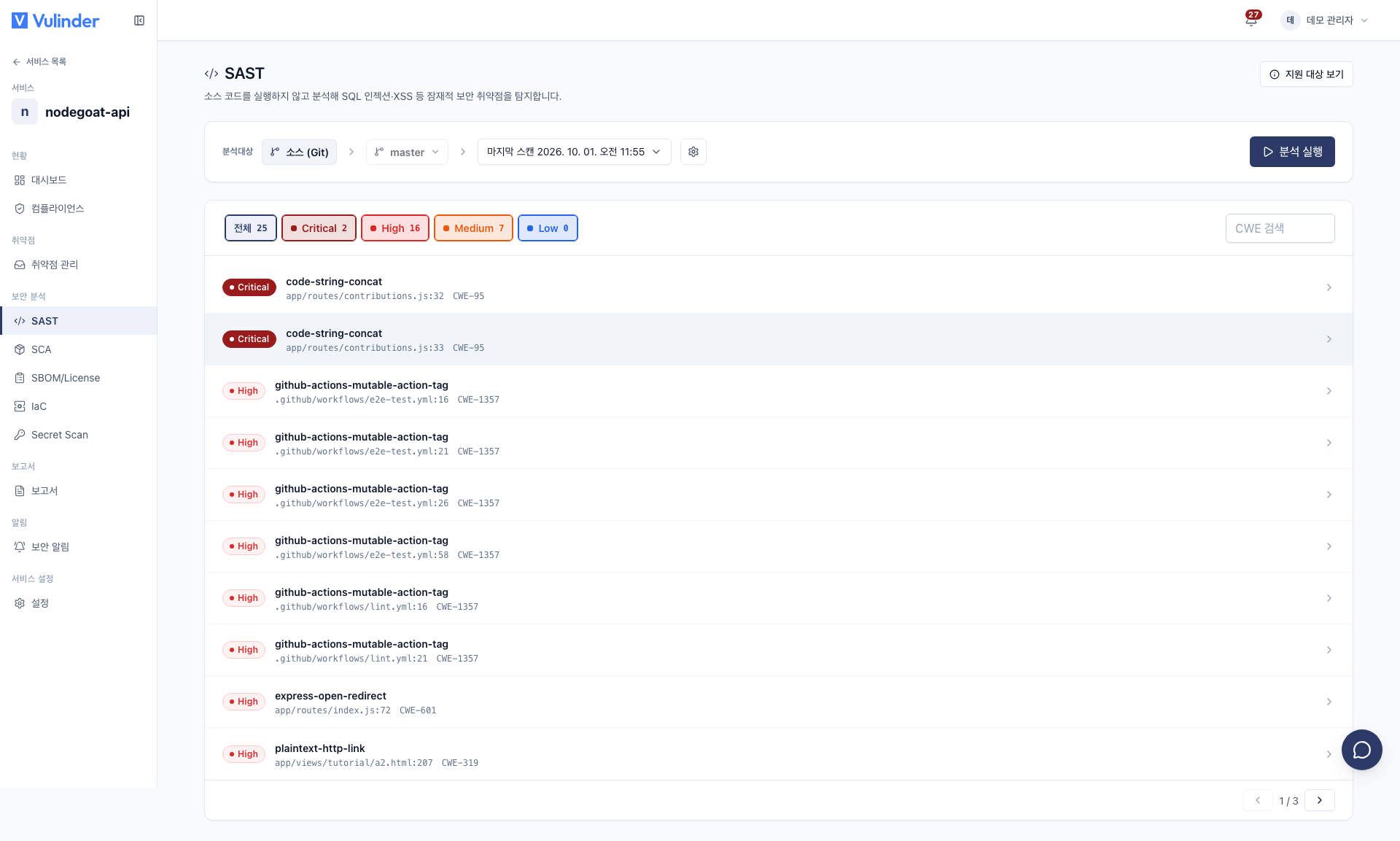
- CRITICAL Immediately exploitable flaws such as hardcoded secrets and authentication bypass
- HIGH Unvalidated input paths such as SQL injection and command injection
- MEDIUM Conditional risks such as weak cryptography and path manipulation
Supported scope
Static analysis supports the following programming languages (29).
Python · JavaScript · TypeScript · Java · Go · Ruby · PHP · C · C++ · C# · Kotlin · Rust · Scala · Swift · Dart · Elixir · OCaml · Lua · Julia · Bash · Solidity · Clojure · Apex · Terraform · Dockerfile · JSON · YAML · HTML · Generic
Viewing results
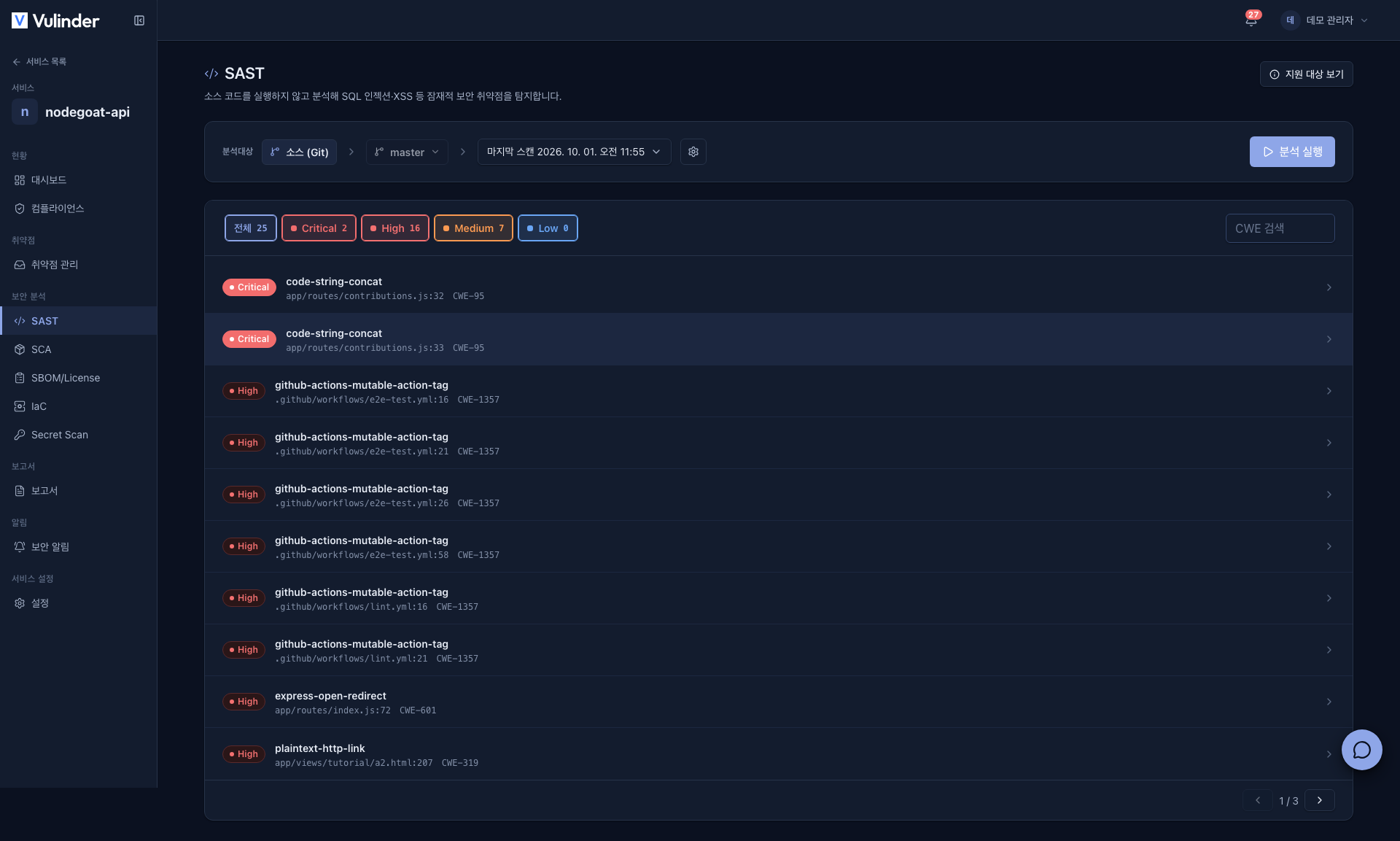
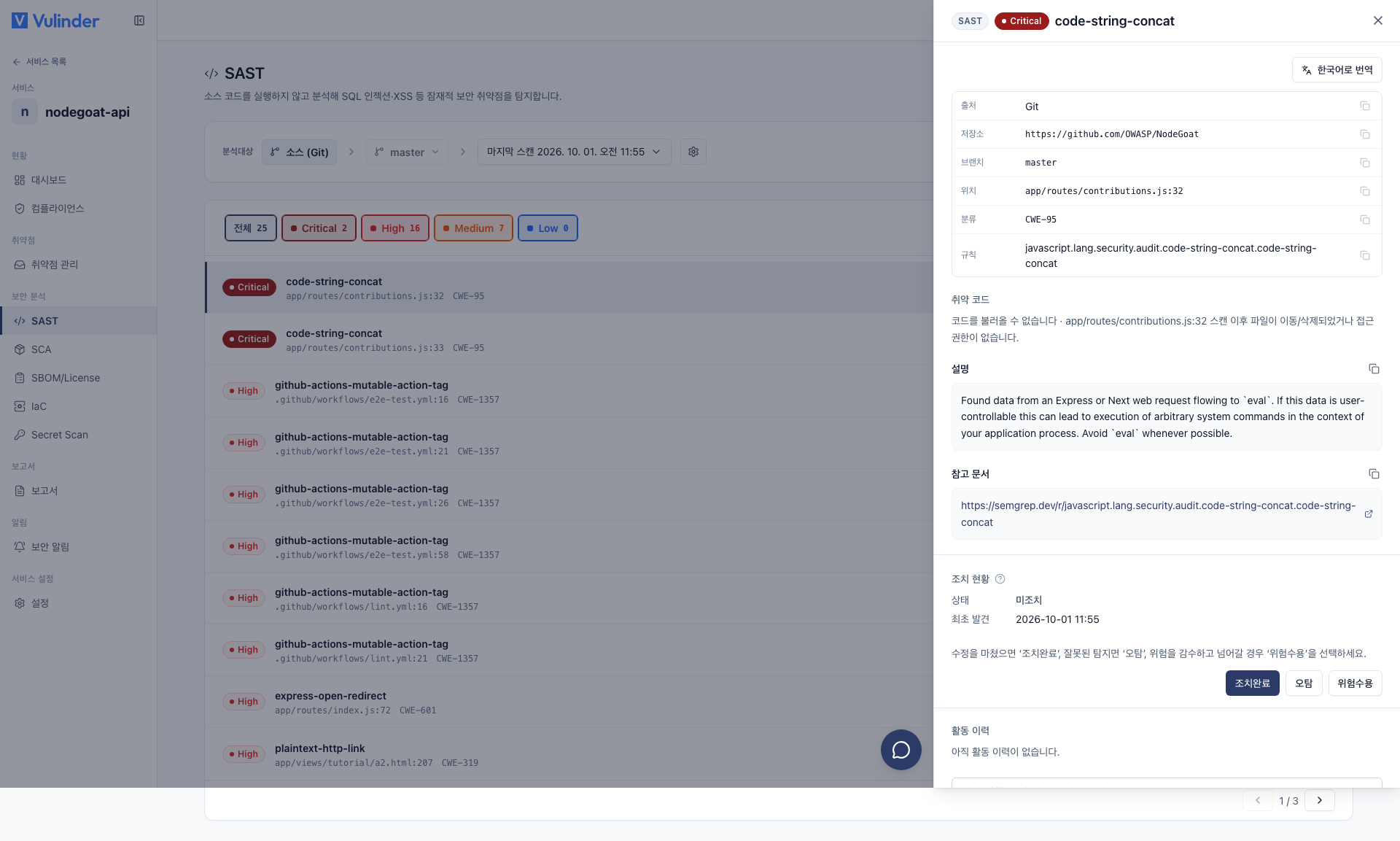
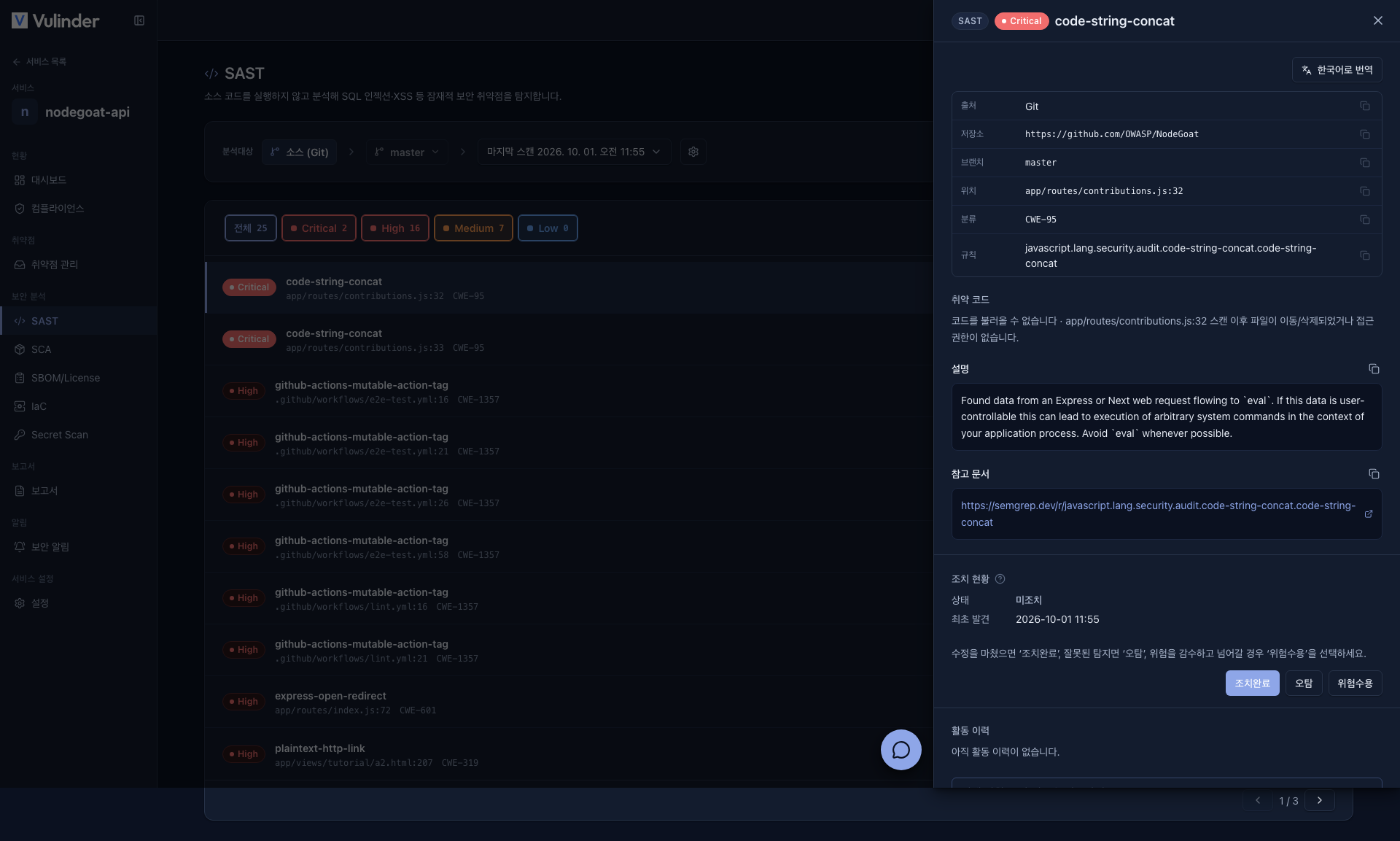
Each finding shows the location and the relevant snippet of the vulnerable code. Clicking an item opens a detail drawer where you can review the description, reference (CWE), and recommended actions.
Handling results
- If it is not a real risk, suppress it as a false positive. The same item at the same location will not appear from the next scan onward.
- If you decide not to act on it now, mark it as accepted risk.
- When fixed, close it as Resolved.
- For the detailed flow, see Vulnerability Management.
Related documents
- Vulnerability Management : Review findings and mark false positives / accepted risk
- Compliance : Mapping to OWASP / CWE standards
- Source Code overview : Turn on other analyses and CI integration