Image Hardening
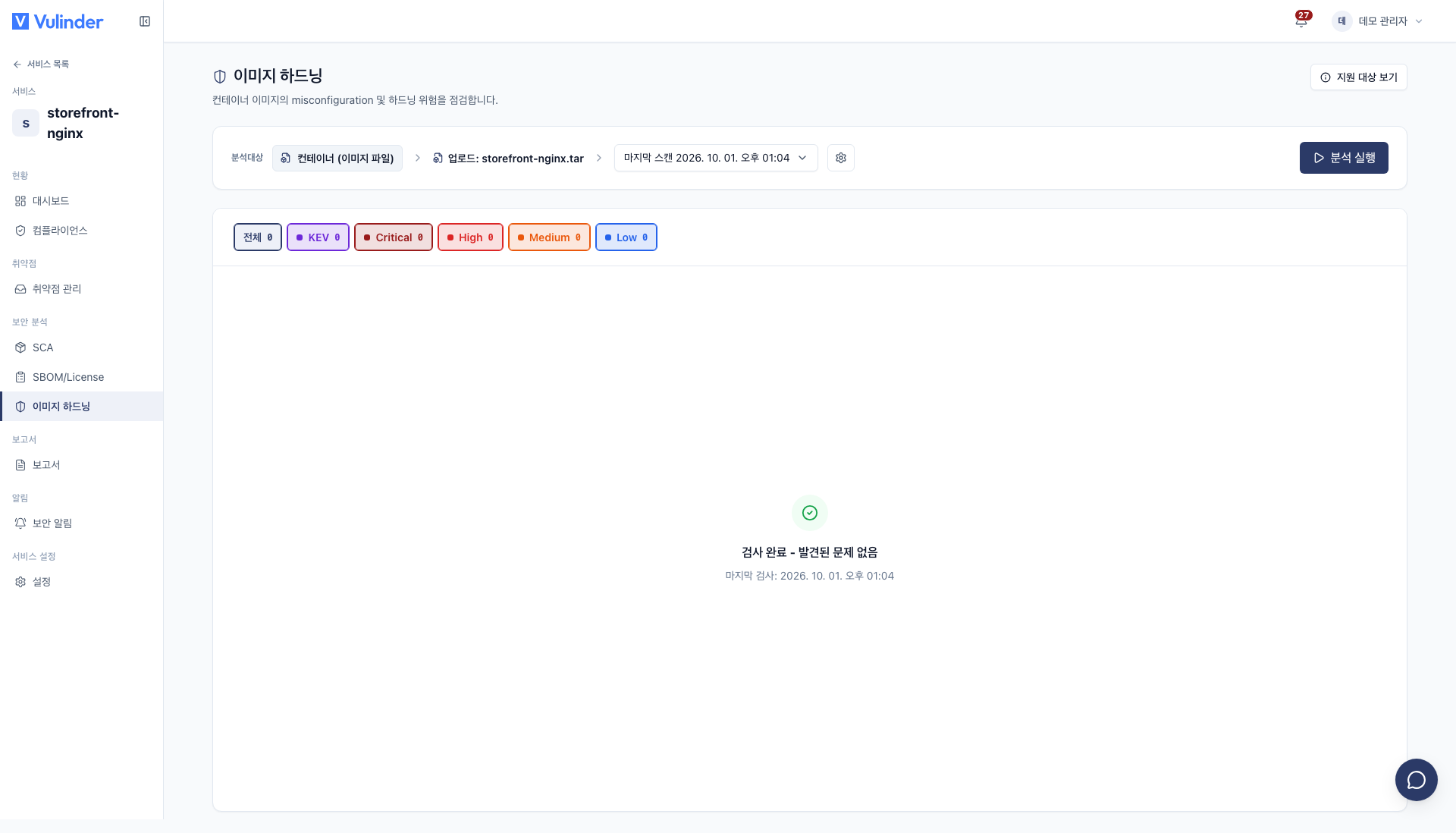
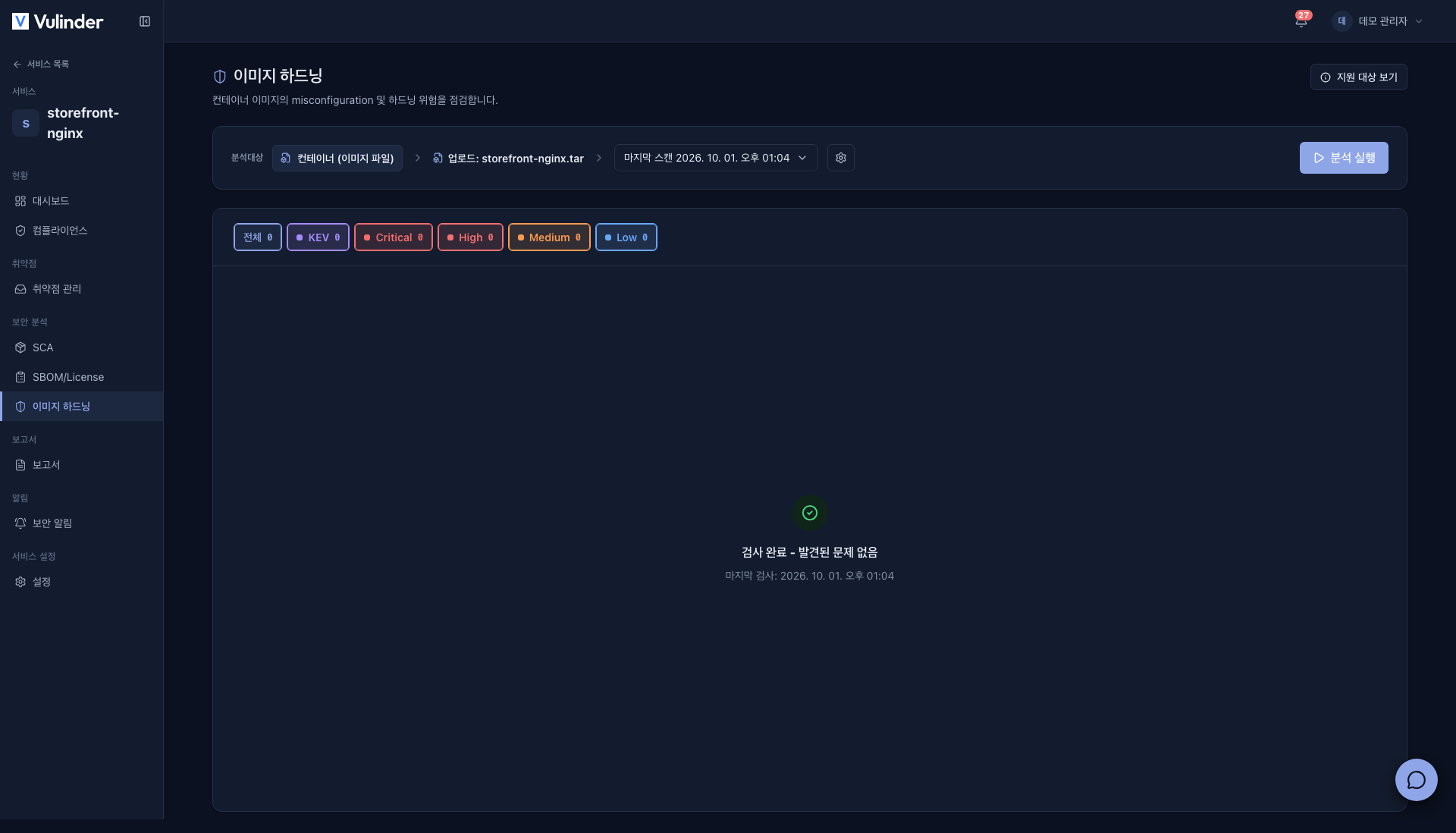
Image hardening is an analysis that checks whether the container image configuration (run-as user, exposed ports, healthcheck and so on) follows security best practices. Used by the Container image service.
In settings it is called Container Hardening; when it is on, an Image Hardening item appears under Security analysis in the service sidebar. Checks on the Dockerfile itself are done by IaC.
Even when the software inside the image has no vulnerabilities, the attack surface changes greatly depending on how the image is built and with what privileges it runs. It checks whether the container runs as non-root, whether secrets are embedded in the image, whether a healthcheck exists, and whether more privilege than necessary was granted, making the image safer.
- Analysis : Image hardening (configuration best-practice) violations
- What you need : A registered container image service
- Results : Hardening violation items
What it finds
Checks whether the image configuration follows best practices.
- Running as root : The container is configured to run as root.
- Image misconfiguration : The image configuration departs from best practices, such as a missing health check, sensitive path mounts, or unnecessary exposed ports.
- Embedded secrets : Secrets such as passwords, tokens, or keys are included in the image.
Handling results
- Found items are handled in Vulnerability management just like other analyses.
- Configurations that are intentional per organization policy are marked as accepted risk.
Related documents
- SBOM : Image component list and license risk
- Image SCA : Known CVEs in OS packages and app dependencies
- Vulnerability management : Review hardening violations, accept risk
- Container images : Registration and rescan methods